
The 12 Best Android Apps for Productivity in 2025: A Curated Guide

In a world demanding constant efficiency, your Android device is a powerful ally. But navigating the endless sea of apps to find the right tools can be overwhelming, often leading to a cluttered home screen rather than a streamlined workflow. This guide cuts through the noise, providing a curated roadmap to the best Android apps for productivity that genuinely make a difference. We're moving beyond simple lists to deliver a comprehensive resource designed to help you build a personalized productivity system.
This isn't just about downloading another app; it's about finding the right app for your specific needs. Whether you're a student juggling assignments, a professional managing complex projects, or simply someone looking to reclaim focus and organize your daily life, the tools you choose matter. We will explore everything from robust task managers and intuitive note-taking platforms to powerful automation tools and deep-focus applications.
Our goal is to help you transform your phone from a source of distraction into a true productivity powerhouse. Inside this guide, you will find:
- Categorized App Breakdowns: Organized sections for task management, note-taking, automation, time-tracking, and more.
- Practical Analysis: Honest reviews covering key features, ideal user scenarios, and potential limitations.
- Actionable Guidance: Quick setup tips and recommended app combinations to create powerful workflows.
Each entry includes direct links and screenshots to simplify your evaluation process. We've done the heavy lifting and research so you can confidently select the tools that will enhance your efficiency and bring order to your digital life. Let's dive in and find the perfect productivity suite for your Android device.
1. Google Play Store – Productivity category
Our journey to find the best Android apps for productivity begins at the source: the Google Play Store itself. While not an app in the traditional sense of this list, it's the essential gateway for discovering, vetting, and managing every tool we’ll cover. Its dedicated Productivity category is a curated, comprehensive library aggregating everything from sophisticated project managers to simple note-taking widgets. It serves as the primary and safest marketplace for any Android user looking to enhance their device's capabilities.
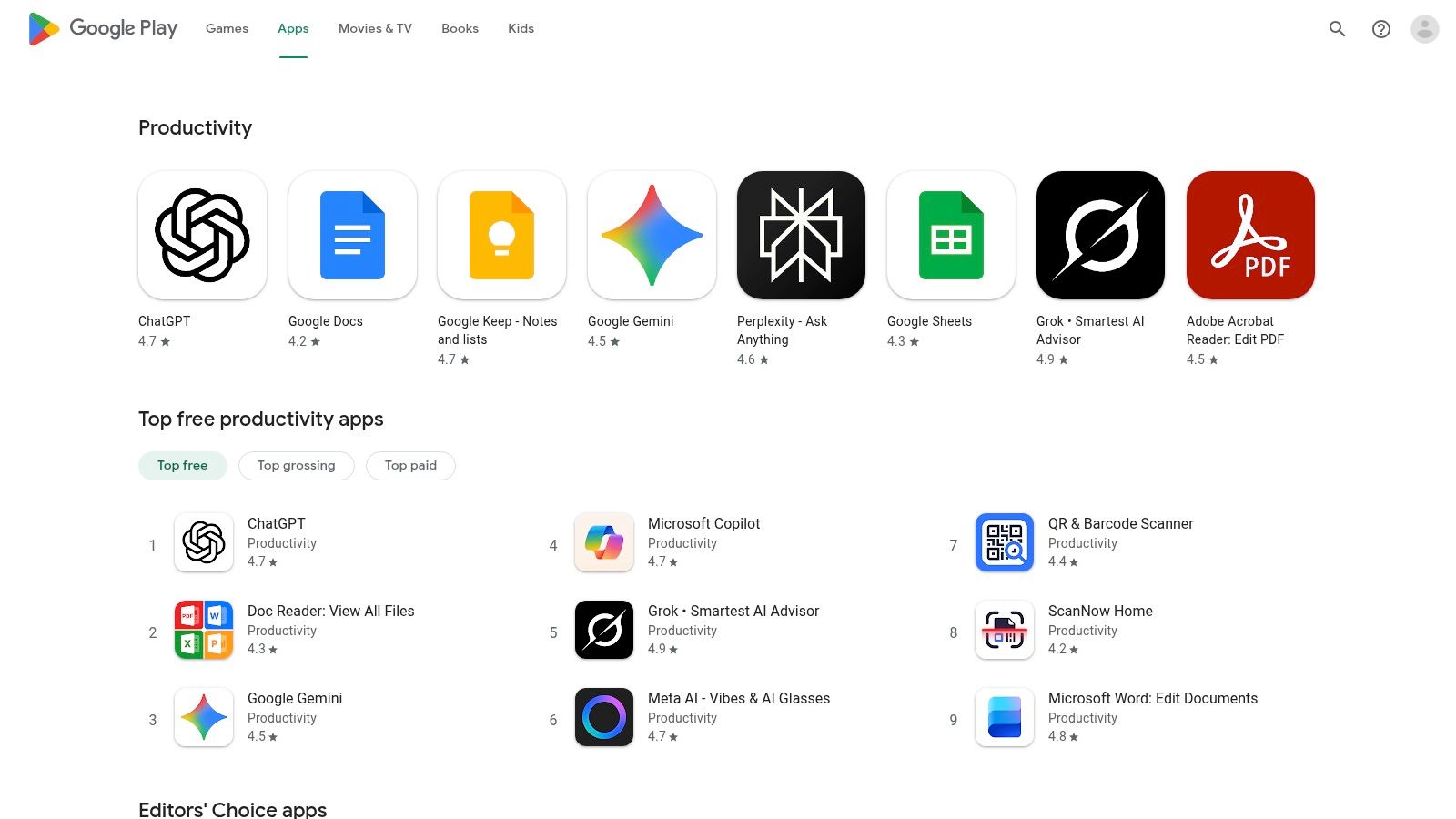
What makes the Play Store indispensable is its integrated ecosystem. It handles device compatibility checks, provides a secure payment gateway, and manages all app updates automatically. User reviews, editor spotlights, and download charts offer valuable social proof, helping you distinguish high-quality apps from the rest.
Key Strengths and Considerations
Pros:
- Vast Selection: The largest and most diverse collection of Android productivity apps available.
- Security: Google Play Protect scans apps for malware, making it the safest default installation source. Secure your account further by learning how to use two-factor authentication.
- Seamless Management: One-tap installs and automatic updates across all your logged-in Android devices.
Cons:
- Regional Restrictions: App availability can vary based on your location or device model.
- Discovery Challenges: The sheer volume of apps can sometimes make it difficult to find niche, high-quality tools without specific recommendations.
For effective browsing, use specific keywords like "Kanban" or "Pomodoro" instead of generic terms. Also, pay close attention to the "Last updated" date on an app's page to ensure it's actively maintained.
Visit the Google Play Store – Productivity category
2. Samsung Galaxy Store (US)
For users within the Samsung ecosystem, the Galaxy Store is a crucial secondary marketplace for finding some of the best Android apps for productivity. While it offers many of the same apps as the Google Play Store, its primary value lies in providing exclusive Samsung-developed tools and device-specific integrations. It’s the official hub for powerful utilities like Good Lock modules and advanced S Pen apps that deeply integrate with Samsung's One UI software.
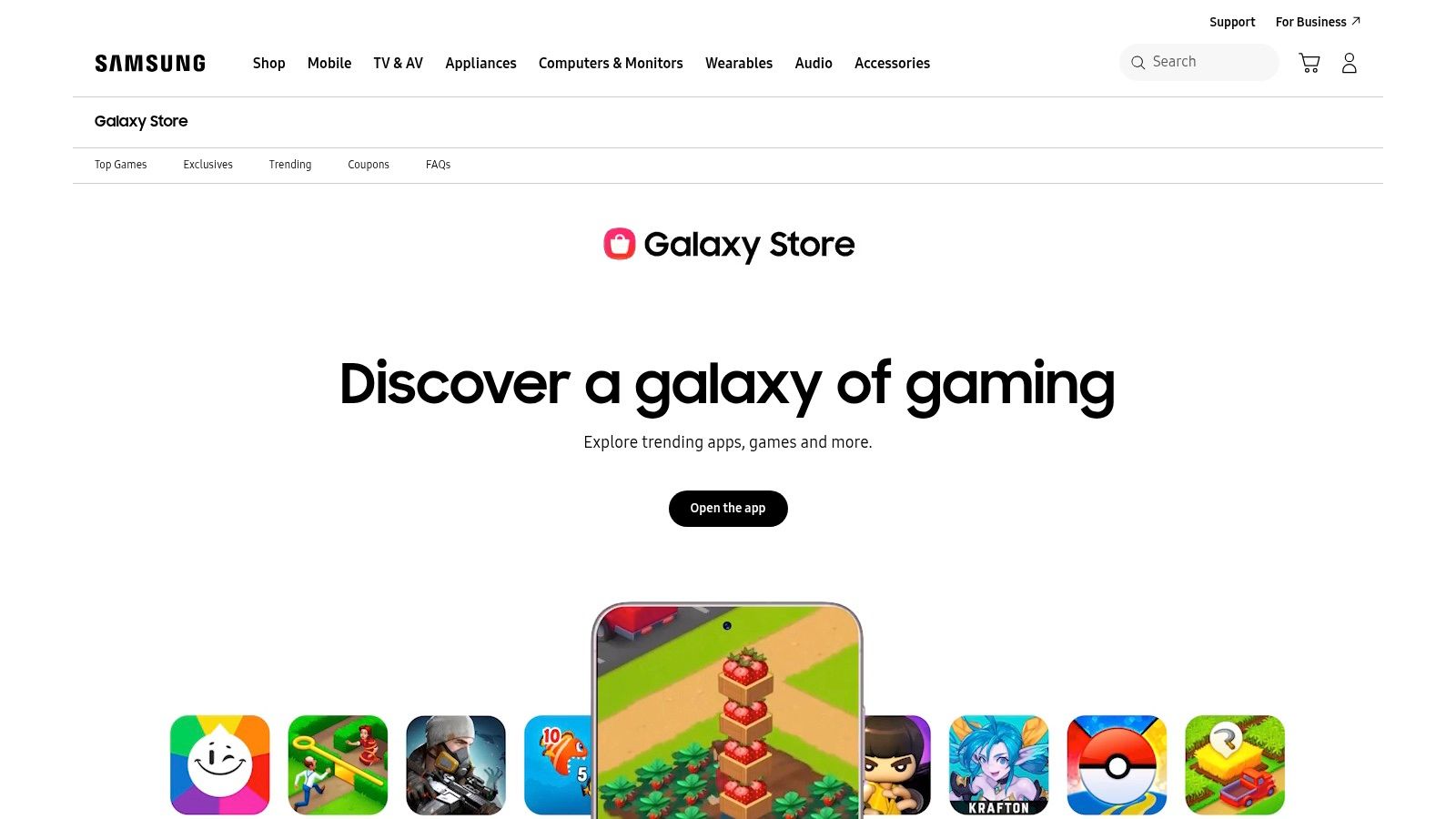
The Galaxy Store excels at offering curated content and promotions specifically for Galaxy device owners. It serves as the gateway to unlocking the full potential of hardware features like the S Pen or advanced multi-window capabilities, offering apps and add-ons designed to work seamlessly with them. This deep system-level integration provides a user experience that third-party apps from the Play Store often cannot replicate on Samsung devices.
Key Strengths and Considerations
Pros:
- Exclusive Content: The best source for Samsung-only productivity tools, Good Lock modules, and S Pen integrations.
- Seamless Integration: One-tap installs and deep integration with native Galaxy features like Samsung Notes and multi-window.
- Curated Promotions: Often features promotions, themes, and app deals exclusive to Samsung users.
Cons:
- Device Dependent: A Samsung account and device are generally required to install and use most of its exclusive apps.
- Smaller Library: The overall selection of apps is significantly smaller than the Google Play Store.
To make the most of the Galaxy Store, focus your search on Samsung-made apps like "Samsung Notes" or "Good Lock" to enhance your device's built-in functionality. Remember that some web listings will redirect to the pre-installed Galaxy Store app on your device for the actual download and installation.
Visit the Samsung Galaxy Store (US)
3. F‑Droid
For users who prioritize privacy and transparency, F‑Droid offers an alternative ecosystem for finding some of the best Android apps for productivity. It is a completely volunteer-managed, software repository of free and open-source software (FOSS) for Android. Unlike mainstream app stores, every application on F‑Droid is ad-free, devoid of tracking, and has its source code publicly available for scrutiny, ensuring you know exactly what a program is doing on your device.
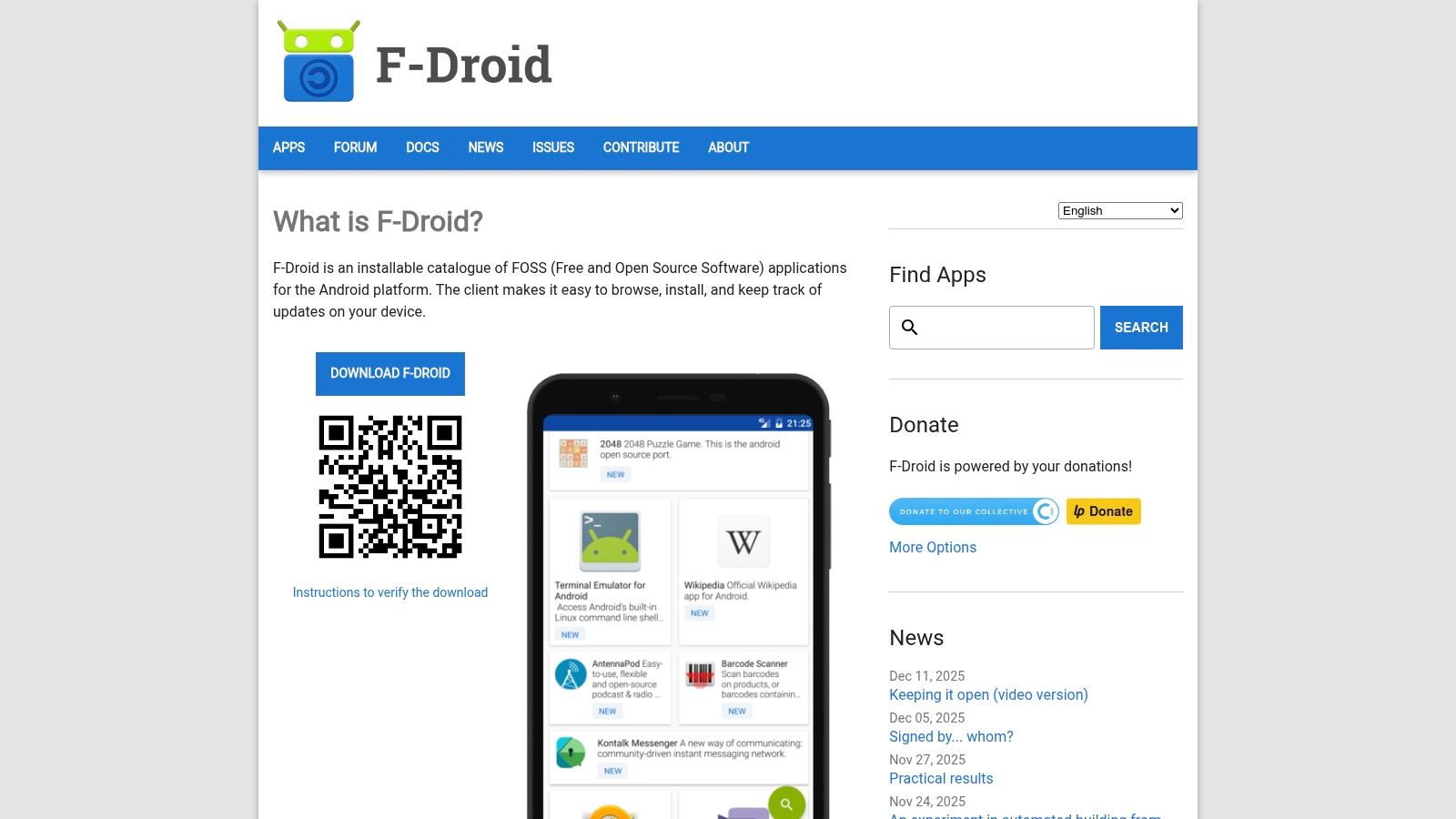
The platform operates through its own client app, which you must install (or "sideload") from the F‑Droid website. Once installed, it functions much like any other app store, allowing you to browse, install, and update apps. It’s an exceptional source for finding powerful, no-frills utilities like note-takers, task managers, and file synchronizers that respect your data and privacy above all else.
Key Strengths and Considerations
Pros:
- Privacy-First: Guarantees that all apps are free from user tracking and advertising.
- Completely Free & Open Source: Every app is free to use, and its source code is open for community review, enhancing security and transparency.
- Version Archive: Keeps older versions of apps, which is useful if an update introduces bugs or removes a feature you rely on.
Cons:
- Smaller Selection: The app catalog is significantly smaller than the Google Play Store, lacking many popular mainstream applications.
- Requires Sideloading: Initial setup requires changing security settings to allow installation from sources other than Google Play.
When using F‑Droid, be sure to add its official repositories in the client settings to get access to the widest selection of maintained software. It is a fantastic resource for building a truly secure and private productivity suite on your Android device.
4. APKMirror – Productivity category
For users who need access to specific versions of productivity apps or find a desired app unavailable in their region, APKMirror is an essential resource. Run by the trusted team behind Android Police, it's a reputable repository for downloading app installation files (APKs) directly. It stands out by verifying the cryptographic signatures of all uploads, ensuring they are authentic and unmodified from the original developer's release. This makes it a safe alternative for sideloading applications.
Unlike a traditional app store, APKMirror provides a detailed version history for each app. This is invaluable if a recent update to your favorite note-taking or calendar app introduces a bug or removes a feature you rely on. You can simply find and install a previous, stable version. It's a powerful tool for users who want granular control over their software.
Key Strengths and Considerations
Pros:
- Version Control: Roll back to older, more stable versions of an app if a new update causes issues.
- Accessibility: Access apps that are geo-restricted or not available for your specific device on the Play Store.
- Safety: Cryptographic signature verification ensures that the APKs are authentic and have not been tampered with.
Cons:
- Manual Updates: Apps installed from APKMirror will not update automatically through the Play Store; you must manually download and install new versions.
- Risk Management: Sideloading apps requires disabling some Android security settings, which should be done with caution. Always ensure you have a good backup of your device; you can explore how to backup phone data before proceeding.
For safe use, always match the app's architecture (like arm64-v8a) to your device's processor and only download files marked as safe and verified.
Visit APKMirror – Productivity category
5. Uptodown – Productivity apps
For those seeking an alternative to the official Play Store, Uptodown offers a robust, well-regarded marketplace for the best Android apps for productivity. It functions as an independent app store with its own Android client, providing direct APK downloads. Its dedicated Productivity category is extensive, featuring many of the same top-tier applications found on Google Play, often with the added benefit of accessing previous versions.
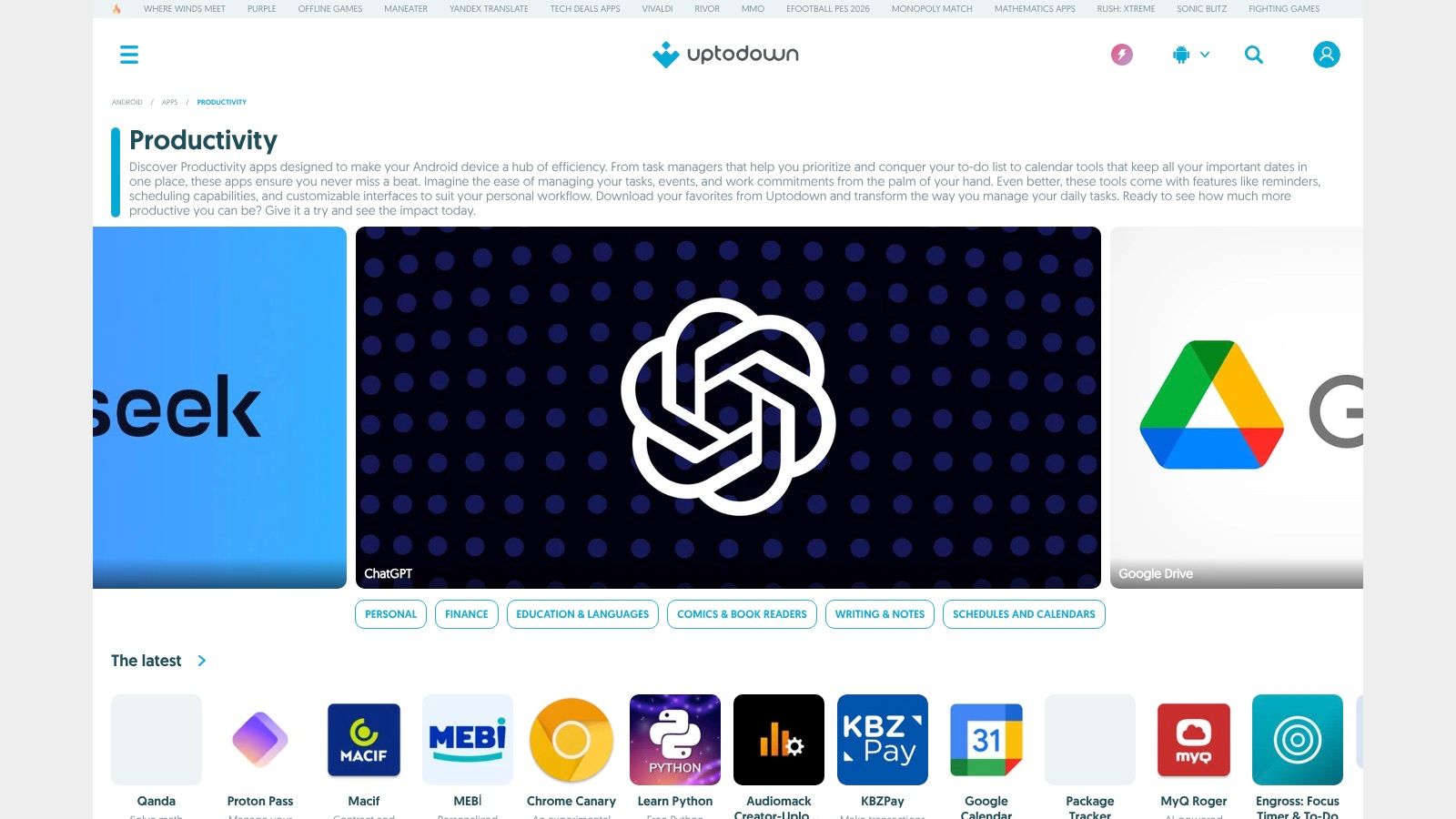
What sets Uptodown apart is its commitment to providing access and context. Each app page includes editorial reviews, screenshots, and technical details, alongside a complete, accessible version history. This is invaluable if a recent app update introduces a bug or removes a feature you relied on, as you can simply roll back to a previous, stable APK.
Key Strengths and Considerations
Pros:
- Version Control: The ability to download older APK versions of an app is a major advantage for troubleshooting or preference.
- No Regional Blocks: It offers greater accessibility for apps that might be geographically restricted on other platforms.
- Editorial Context: App listings are supplemented with helpful reviews and analysis from their team.
Cons:
- Sideloading Security: Installing APKs from outside the Play Store requires disabling certain Android security settings, which carries inherent risks.
- Verification Needed: Users must be careful to download apps from verified publishers to avoid unofficial or modified clones.
When using Uptodown, always double-check the developer name listed on the app page to ensure you are downloading the authentic software.
Visit Uptodown – Productivity apps
6. Android Authority – Best Android apps (productivity)
Beyond the storefront, expert editorial roundups are invaluable for navigating the crowded app landscape. Android Authority, a respected publication in the mobile tech space, provides frequently updated lists of the best Android apps for productivity. Their content goes beyond simple descriptions, offering hands-on reviews, direct comparisons between competing apps, and practical advice on which tool suits specific needs. It's a key resource for getting a curated, expert opinion before you commit to downloading and integrating a new app into your workflow.
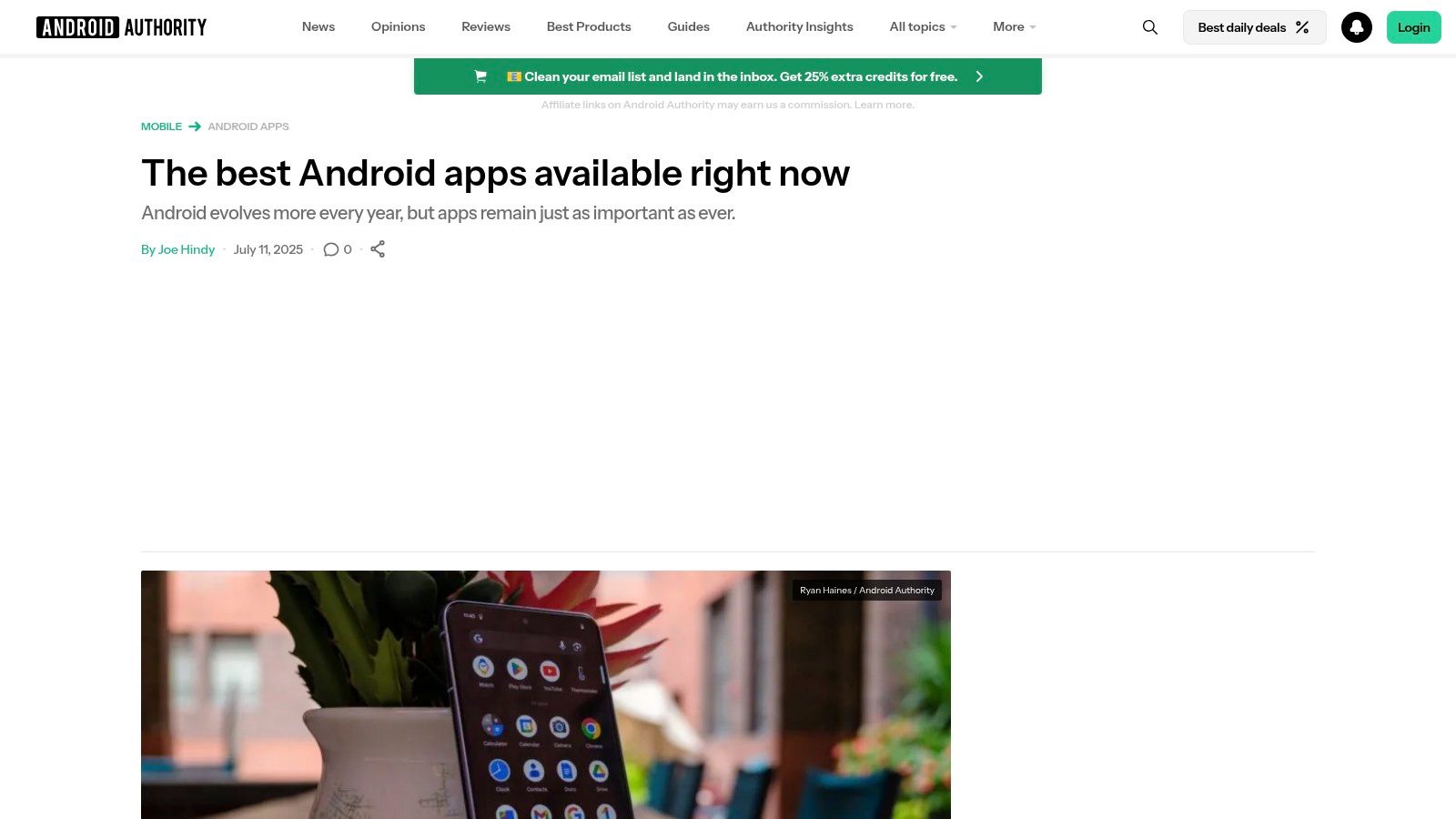
What makes Android Authority a standout is its focus on comparative analysis. Articles often pit popular tools like TickTick against Todoist, breaking down feature sets, pricing models, and user experience nuances. This helps you make a more informed decision tailored to your personal or professional requirements, saving you the time of testing multiple similar apps yourself. Their guides act as a knowledgeable filter, highlighting genuine utility over marketing hype.
Key Strengths and Considerations
Pros:
- Expert Curation: Recommendations are based on hands-on testing and in-depth reviews from knowledgeable editors.
- Helpful Comparisons: Direct app-versus-app explainers help users choose between popular, similar tools.
- Up-to-Date Information: Lists are regularly refreshed to reflect new app releases, updates, and pricing changes.
Cons:
- Editorial Opinion: The "best" app is subjective; their top pick may not perfectly align with every user's specific needs.
- Indirect Access: It's a source for recommendations; you still need to visit the Play Store or a developer's site for the actual download.
To get the most value, look for their categorized roundups, such as "best to-do list apps" or "best note-taking apps," to find focused and relevant suggestions.
Visit Android Authority – Best Android apps (productivity)
7. Android Police – Productivity app guides
Beyond individual app listings, curated guides from trusted sources are invaluable for finding the best Android apps for productivity. Android Police is a leading tech publication that excels at creating practical, in-depth articles that show you how to transform your phone into a powerful efficiency tool. Instead of just listing apps, their guides explain the "why" and "how," often weaving together multiple apps to create a cohesive workflow. They frequently cover niche categories like automation, focus timers, and document scanners.
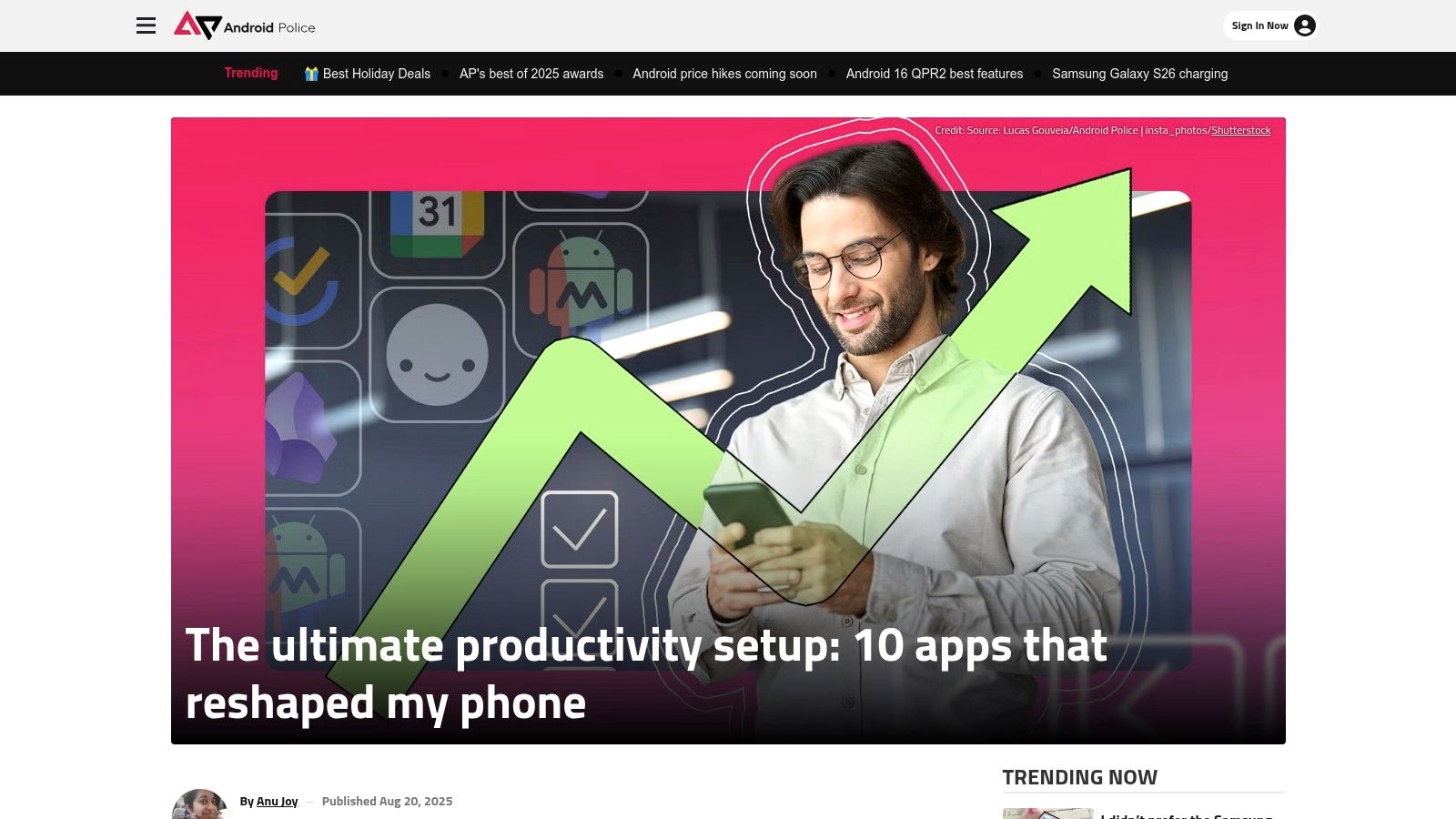
What sets Android Police apart is its focus on real-world use cases. Their articles provide setup tips, screenshots, and often suggest alternative apps, giving you a comprehensive understanding of your options. This approach is perfect for users who want to build an entire productivity "stack" rather than just download a single application. The content is free to access, serving as an expert-led discovery platform before you head to the Play Store.
Key Strengths and Considerations
Pros:
- Actionable Recommendations: Focuses on building effective workflows by combining different apps.
- Deep Coverage: Excellent guides on specific productivity niches like automation and scanning utilities.
- Expert Insight: Provides context, setup advice, and real-world testing that a simple app store listing lacks.
Cons:
- Editorial Content: Recommendations reflect staff opinions and may not cover every available app.
- Indirect Access: It's a resource for discovery; you still need to use the Play Store or another source for installation.
To get the most out of their content, search for articles that match your specific needs, such as "best Android automation apps" or "how to set up a digital filing system."
Visit Android Police – Productivity app guides
8. TechRadar – Best Android productivity categories
When the sheer volume of the Play Store feels overwhelming, turning to a trusted editorial source like TechRadar can provide much-needed clarity. TechRadar consistently publishes dedicated, up-to-date roundups, such as "best note-taking apps" and "best to-do list apps." These guides are invaluable for choosing the right tool by comparing feature sets, pricing, and specific use cases, making it a key resource for finding the best android apps for productivity. Instead of just listing options, their articles often assign clear "best for" labels, simplifying your decision-making process.
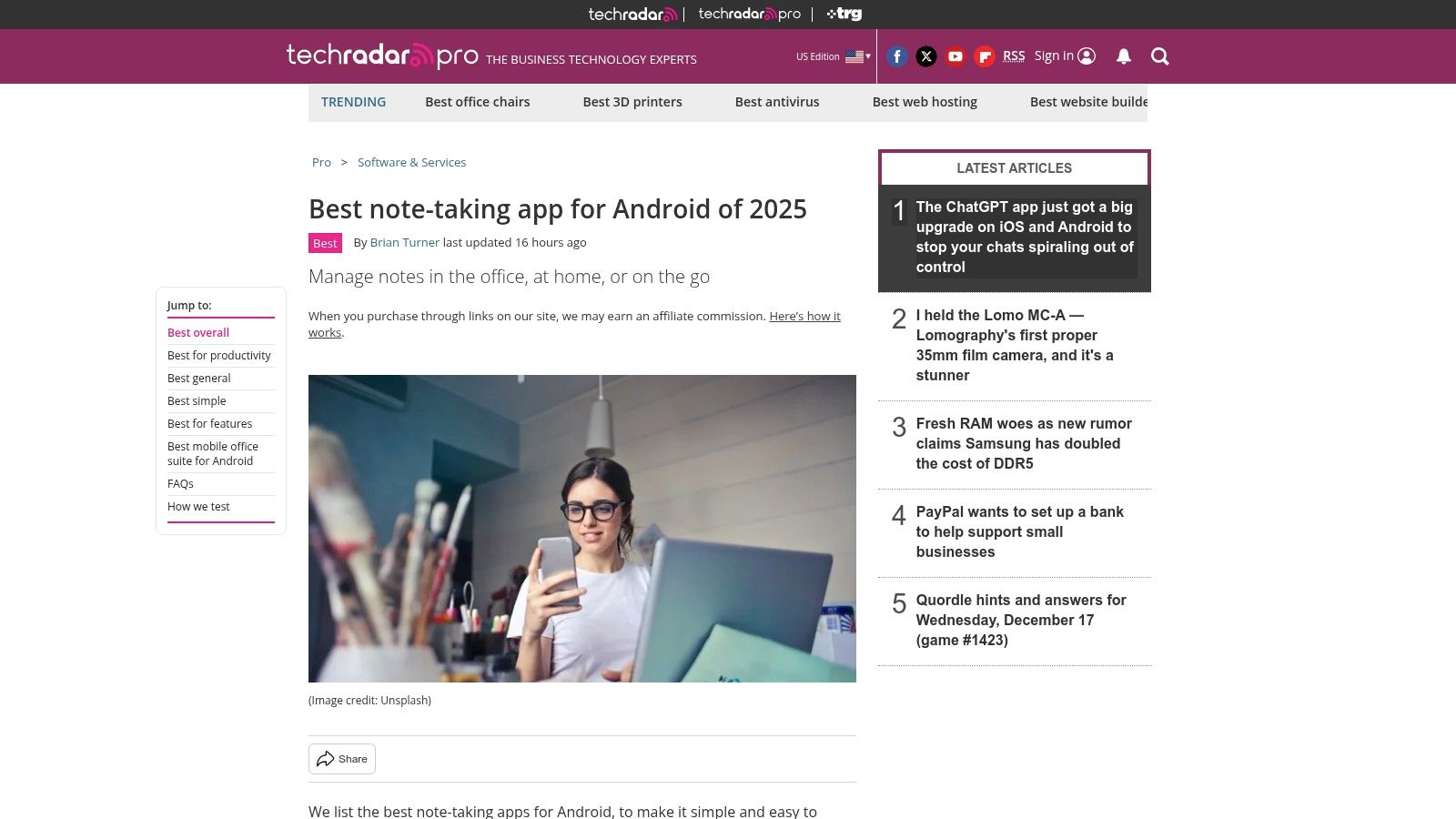
What makes TechRadar’s approach so effective is its focus on specific productivity categories. This allows you to dive deep into a particular need, like project management or focus timers, and see side-by-side comparisons of the leading contenders. The content clearly outlines pricing tiers, highlights key features, and provides direct links to the Play Store or official developer sites, streamlining the journey from discovery to installation.
Key Strengths and Considerations
Pros:
- Curated Comparisons: Easy to scan and compare top-tier options within a specific productivity category.
- Clear Recommendations: "Best for" labels help you quickly identify an app that fits your particular workflow or budget.
- Current Information: Articles are frequently updated to reflect the latest pricing, features, and app versions.
Cons:
- Editorial Selection: The choices reflect the article authors' criteria and may not include every possible app.
- Not a Store: It's a discovery resource; you still need to visit the Play Store or other sites for the actual installation.
For best results, use TechRadar's roundups as your initial shortlist, then cross-reference your top two or three choices by reading recent user reviews on the Play Store before committing.
Visit TechRadar – Best Android productivity categories
9. Product Hunt – Productivity topic
For those who want to find the next big thing before it goes mainstream, Product Hunt is the essential discovery platform. Its dedicated Productivity topic is a community-driven feed where makers launch their new tools, including some of the most innovative and best Android apps for productivity. It serves as a launchpad and discussion forum, offering a real-time glimpse into emerging trends and a direct line to the creators behind the apps.
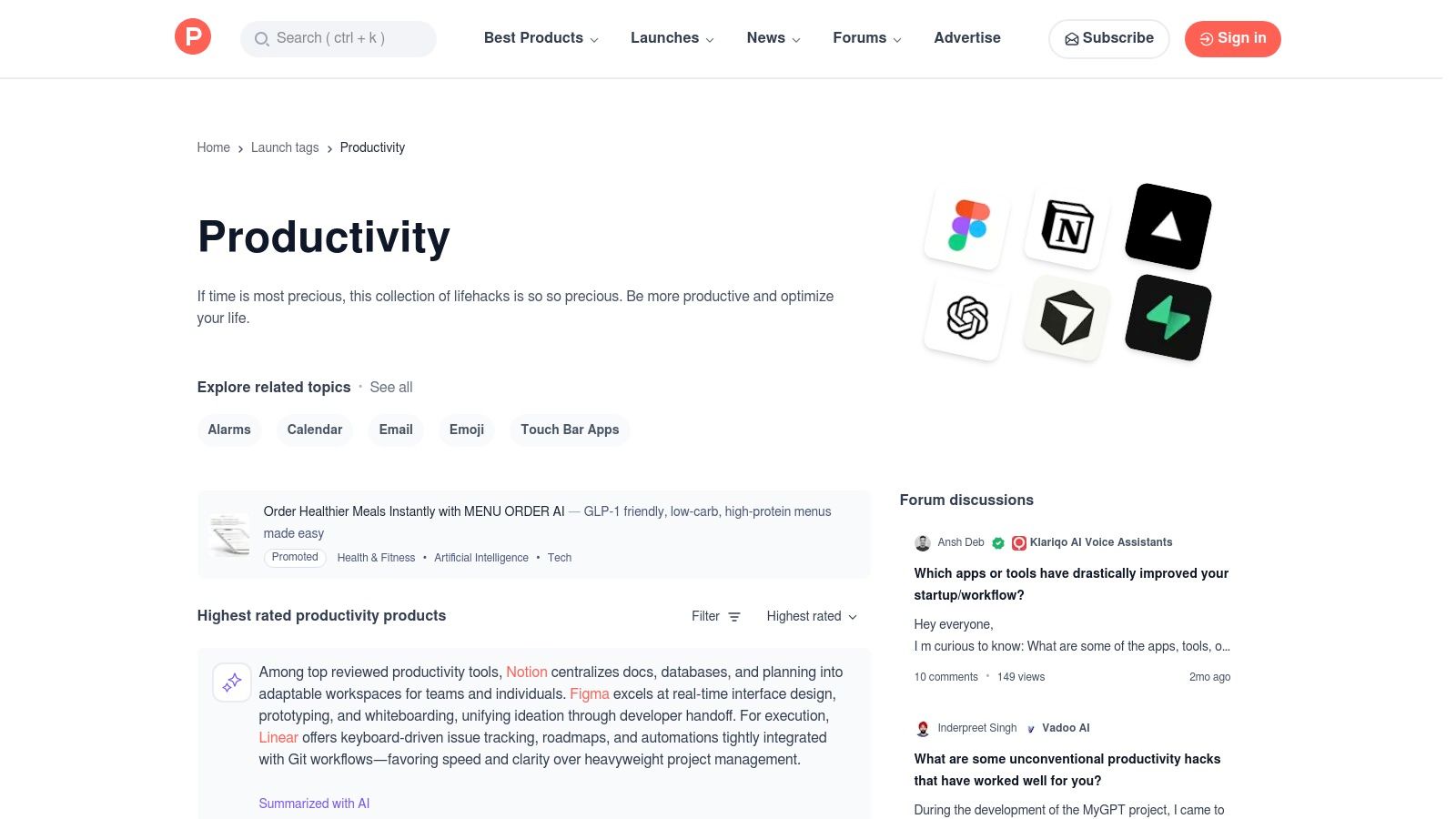
Unlike a traditional app store, Product Hunt thrives on community curation. Users upvote, comment on, and discuss new products, providing invaluable, unfiltered feedback. This dynamic environment is perfect for discovering indie apps and niche tools that might not have the marketing budget to stand out on the Play Store but offer unique solutions to productivity challenges.
Key Strengths and Considerations
Pros:
- Discover Cutting-Edge Tools: An excellent source for finding brand-new or indie productivity apps as soon as they launch.
- Community Context: User comments and direct engagement with the makers provide deep insights that a simple app listing cannot.
- Curated Collections: Users create and share lists of their favorite tools, making it easier to find apps for specific needs.
Cons:
- Not Android-Specific: The platform features products for all operating systems, so you must verify Android availability for each tool.
- Variable Quality: As a launchpad, not every featured product is polished, fully-featured, or guaranteed to be high-quality.
For the best experience, filter the productivity feed by "Mobile" or look for the Android icon on a product’s page. Reading the comment section is crucial, as it often contains real-world feedback on an app's stability and feature set.
Visit Product Hunt – Productivity topic
10. Microsoft 365 (Copilot/Office) – Mobile apps hub
For users deeply integrated into the Microsoft ecosystem, the Microsoft 365 mobile hub is the definitive platform for accessing its suite of productivity tools on Android. This centralized app acts as a command center, providing seamless access to Word, Excel, PowerPoint, and OneNote, along with powerful file management through OneDrive. It effectively unifies the core Office experience, making it one of the best Android apps for productivity in a professional or academic setting.
What sets this hub apart is its integration of Microsoft Copilot, an AI assistant that enhances document creation, data analysis, and communication. The platform clearly outlines the capabilities available for free versus those requiring a Microsoft 365 subscription, allowing users to make informed decisions. It serves as the official source for downloading the individual mobile apps or accessing web versions if a device is unsupported.
Key Strengths and Considerations
Pros:
- Reliable, Enterprise-Grade Tools: Offers the industry-standard Office suite with powerful, reliable cross-device synchronization.
- Centralized Access: The main Microsoft 365 app provides a unified interface for files, recent documents, and quick actions across all services.
- Integrated AI: Direct access to Microsoft Copilot features enhances productivity within the workflow. For more on this, explore the best AI tools for productivity.
Cons:
- Subscription Required for Full Features: Advanced editing, collaboration, and AI features are locked behind a Microsoft 365 subscription.
- Potential Organizational Limits: Corporate or educational policies may restrict access to certain AI and Copilot functionalities.
To maximize its utility, sign in with your Microsoft account to sync recent files and settings across your desktop and mobile devices instantly.
Visit the Microsoft 365 (Copilot/Office) – Mobile apps hub
11. Google Workspace – Mobile-friendly productivity
For teams and individuals invested in Google's ecosystem, the official Google Workspace mobile resource is a crucial starting point. This isn't an app itself, but a comprehensive guide detailing how to maximize the entire suite of Workspace tools (Docs, Sheets, Gmail, Drive, Meet) on your Android device. It's the authoritative source for planning an all-Google productivity stack, offering mobile-specific guidance that ensures you get the most out of these powerful apps on the go.
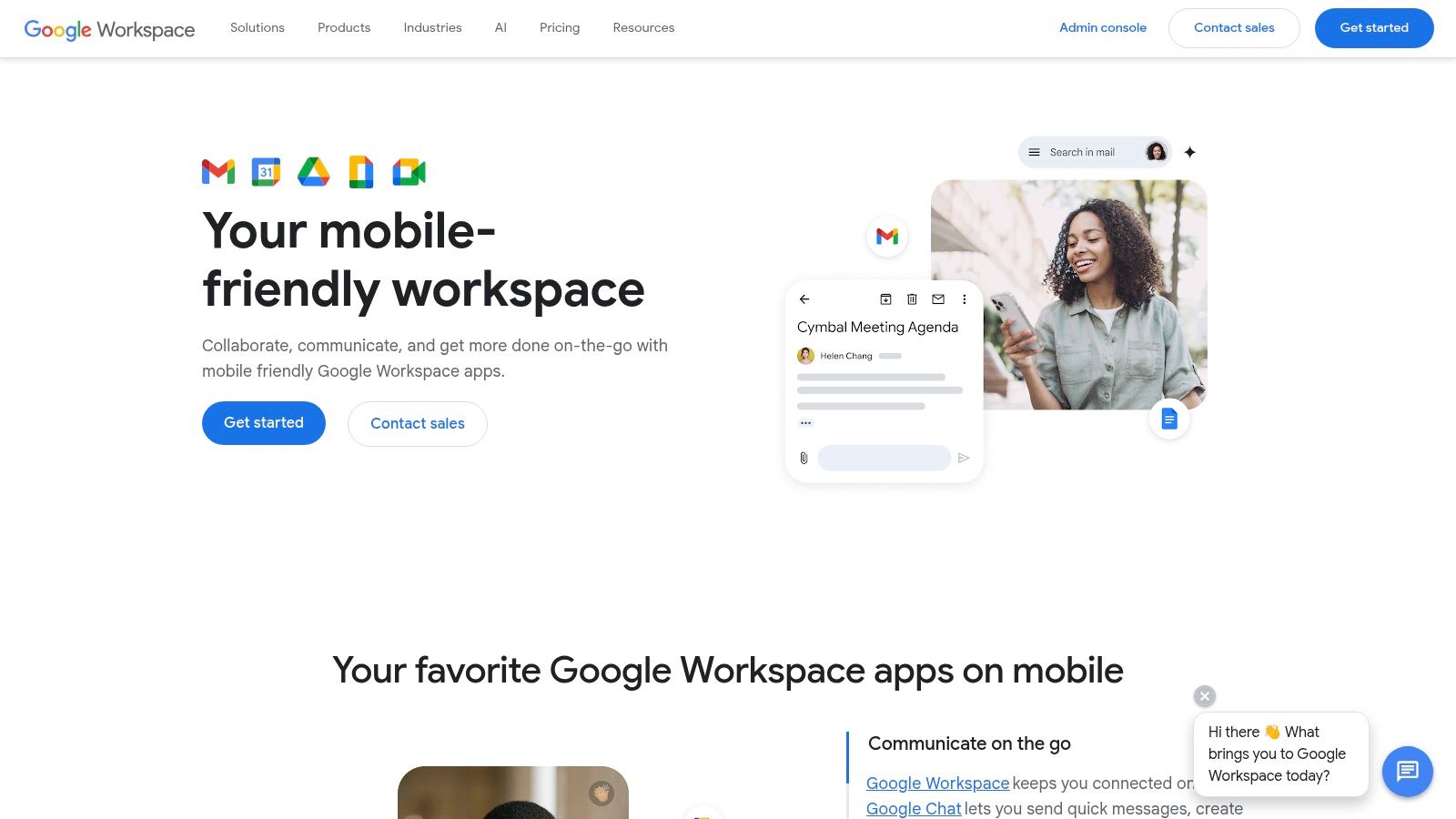
The platform provides practical instructions for everything from offline file access and real-time collaboration on mobile to admin-level IT management for teams. It helps users understand the full capabilities and limitations of using Workspace on Android, making it one of the best resources for creating a seamless workflow between your desktop and mobile device.
Key Strengths and Considerations
Pros:
- Authoritative Guidance: Official setup and help content directly from Google for its ecosystem on Android.
- Team-Focused: Extremely helpful for organizations standardizing on Android devices and the Workspace platform.
- Clear Capabilities: Explains what's possible with mobile apps, including offline support and collaboration features.
Cons:
- Documentation Only: This is a resource website, not an app store, so it focuses solely on the Google ecosystem.
- Subscription-Based: Full Workspace functionality for teams is tied to a subscription-based pricing model.
To make the most of this resource, focus on the mobile-specific collaboration tips. This knowledge is especially useful when transitioning from desktop to mobile work, such as learning how to organize your work email efficiently with Gmail on Android.
Visit Google Workspace – Mobile-friendly productivity
12. Evernote – Official install guide
Evernote has long been a powerhouse in the digital note-taking space, functioning as a "second brain" for capturing everything from meeting notes to web clippings. This official guide provides the essential starting point for integrating this robust platform into your Android workflow. It offers clear, step-by-step instructions for installing the app, ensuring new users can get up and running smoothly and sync their notes across all their devices from the very beginning.
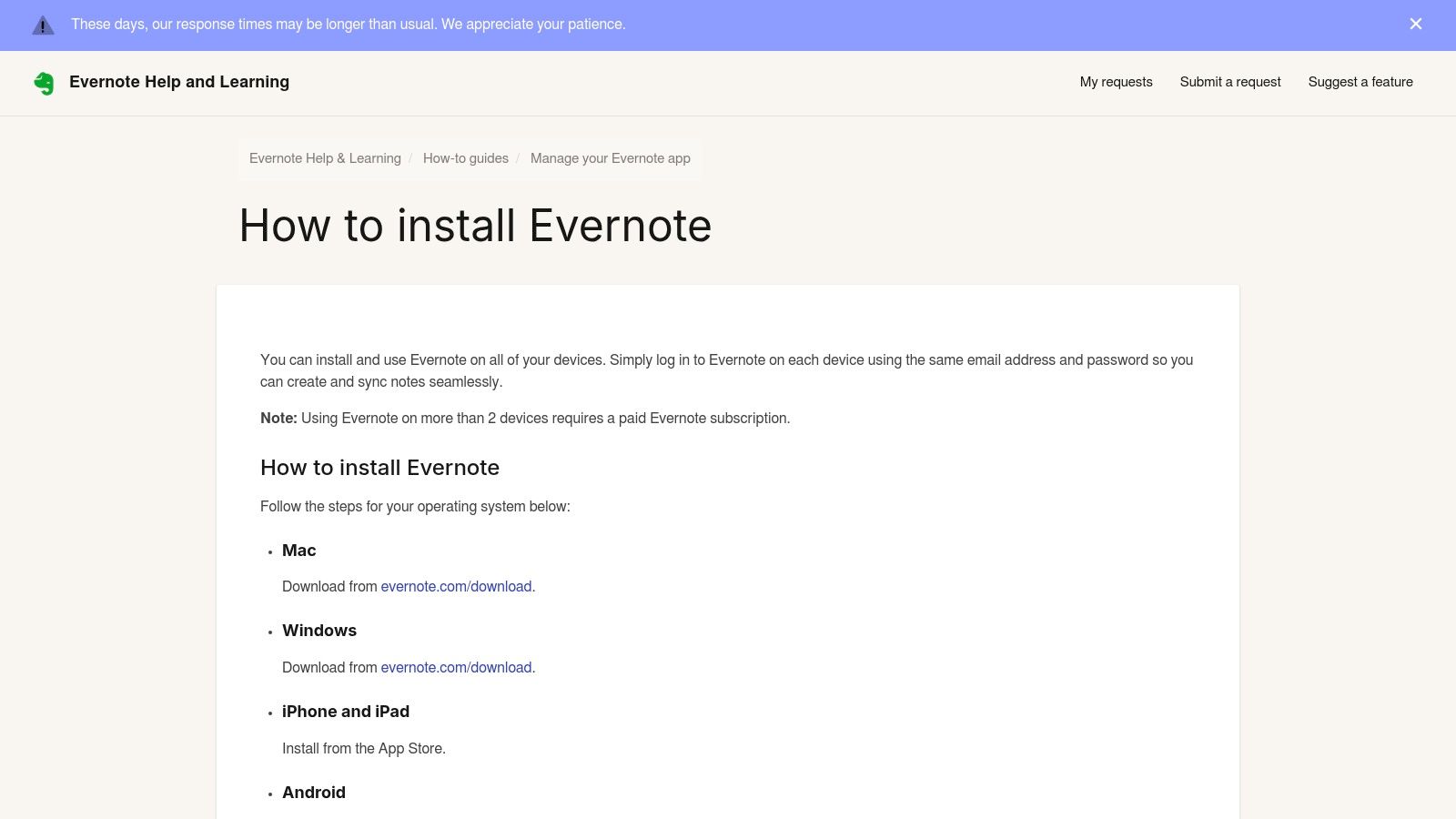
The guide's value lies in its official, streamlined approach to onboarding, removing any guesswork from the setup process. It details how to install via the Google Play Store and provides crucial information on cross-device synchronization and account limitations. This resource is perfect for anyone committed to the Evernote ecosystem, one of the best android apps for productivity, as it sets a solid foundation for organizing information effectively.
Key Strengths and Considerations
Pros:
- Easy Onboarding: Provides clear, official guidance for installing and setting up Evernote on Android.
- Cross-Device Focus: Explains how to sync notes, which is vital for a comprehensive productivity system.
- Rich Feature Set: The app itself offers powerful search, document scanning, and rich text formatting.
Cons:
- Device Limits: The free plan restricts syncing to just two devices, pushing users toward a paid subscription for full access.
- Advanced Features are Premium: Key functionalities like offline notebooks and custom templates are locked behind paid tiers.
For users new to this kind of tool, it's helpful to understand the principles behind digital organization; you can discover how to use cloud storage to maximize its potential.
Visit the Evernote – Official install guide
12 Android Productivity Resources Comparison
| Source | Core features | UX & trust | Value / Price | 👥 Target audience | ✨ / 🏆 Unique selling point |
|---|---|---|---|---|---|
| Google Play Store – Productivity category | Official marketplace; installs & updates; category charts | ★★★★☆; largest catalog, official security | 💰 Free to browse; app pricing varies (free/freemium/paid) | Android general users | ✨ Biggest selection; one‑tap updates; editor charts 🏆 |
| Samsung Galaxy Store (US) | Samsung‑specific apps; S Pen & One UI integration; curated picks | ★★★☆☆; curated for Galaxy devices | 💰 Free + exclusives; varies by app | 👥 Samsung Galaxy owners | ✨ Device‑exclusive tools; deep One UI integration 🏆 |
| F‑Droid | Open‑source repo; reproducible builds; no trackers | ★★★★☆; privacy‑first, transparent permissions | 💰 Fully free & open‑source | 👥 Privacy‑minded users & developers | ✨ No ads/trackers; reproducible builds & rollbacks |
| APKMirror – Productivity category | APK repo; signature checks; version history | ★★★★☆; reputable verification & provenance | 💰 Free downloads; manual installs & updates | 👥 Power users & sideloaders | ✨ Safe rollbacks to prior builds; wide availability |
| Uptodown – Productivity apps | Alternative marketplace; direct APK delivery; editor pages | ★★★☆☆; big catalog, verify publishers | 💰 Free downloads; sideloading required | 👥 Users needing older versions or regional mirrors | ✨ Regional mirrors + editorial context |
| Android Authority – Best Android apps (productivity) | Hands‑on reviews; editor picks; Play links | ★★★★☆; trusted editorial guidance | 💰 Free articles; links to store pricing | 👥 Readers seeking curated recommendations | 🏆 Practical comparisons & "best for" picks ✨ |
| Android Police – Productivity app guides | Guides, setup tips, workflows; screenshots | ★★★★☆; in‑depth, actionable coverage | 💰 Free editorial guidance | 👥 Users building productivity workflows | ✨ Actionable workflows & automation tips 🏆 |
| TechRadar – Best Android productivity categories | Side‑by‑side comparisons; pricing callouts | ★★★★☆; clear "best for" labels | 💰 Free roundups; calls out free vs premium | 👥 Buyers comparing features & price | ✨ Easy-to-scan recommendations by use‑case |
| Product Hunt – Productivity topic | Launches & community feed; comments & collections | ★★★☆☆; variable signal, great for discovery | 💰 Free to browse; indie & early tools | 👥 Early adopters & indie app seekers | ✨ Community feedback & maker updates |
| Microsoft 365 (Copilot/Office) – Mobile apps hub | Central mobile hub; Copilot AI; Office suite links | ★★★★☆; enterprise‑grade reliability | 💰 Freemium; subscription for full features | 👥 Teams & enterprise users | 🏆 Integrated Office + Copilot; cross‑device sync ✨ |
| Google Workspace – Mobile‑friendly productivity | Mobile guidance; offline & collaboration tips; admin info | ★★★★☆; authoritative Google documentation | 💰 Free consumer use; subscription for Workspace teams | 👥 Teams standardizing on Google apps | ✨ Best mobile‑first guidance for Google ecosystem |
| Evernote – Official install guide | Install & setup steps; sync & troubleshooting | ★★★★☆; long‑standing note app | 💰 Freemium; advanced features require subscription | 👥 Note‑taking users & new onboarders | ✨ Official onboarding & cross‑device tips |
Your Next Step Toward a More Productive Day
We have journeyed through an extensive landscape of resources, from official app storefronts like the Google Play Store and F-Droid to expert curation hubs like Android Authority and Product Hunt. The goal was never to simply overwhelm you with options. Instead, this guide was designed to equip you with a map and a compass, empowering you to navigate the vast ecosystem and find the best Android apps for productivity that truly align with your personal and professional life.
The core takeaway is this: there is no single "perfect" productivity app. The ideal solution is a personalized system, a digital toolkit you assemble yourself. It’s about creating a workflow where your chosen apps communicate seamlessly, reducing friction and freeing up your mental energy for more important tasks. Your perfect setup might combine a powerful task manager from the Google Play Store with an open-source note-taking app from F-Droid, all integrated with your existing Google Workspace or Microsoft 365 accounts.
How to Build Your Personalized Productivity Stack
Finding the right combination starts with self-assessment. Before you download a dozen new applications, take a moment to reflect on your biggest challenges. Don't just look for an app; look for a solution to a specific problem.
- Identify Your Primary Pain Point: Are you struggling with managing complex projects with multiple deadlines, or is your main issue capturing fleeting ideas before they disappear? The former might lead you to a robust project management tool, while the latter points toward a quick-capture note app.
- Start Small and Iterate: Resist the urge to overhaul your entire system at once. Choose one or two resources from our list that seem most promising for your immediate need. Spend a week genuinely using the recommended apps. See how they fit into your daily routine.
- Prioritize Integration: The most powerful productivity systems are those where the tools work together. As you experiment, consider how a new app connects with your existing ones. Can your task manager pull items from your email? Does your note-taking app sync with your cloud storage? These connections are what transform a collection of apps into a cohesive workflow.
- Evaluate Beyond Features: A long feature list doesn't always translate to better productivity. Consider the user experience, the developer's commitment to privacy, and the pricing model. An app with fewer features but a more intuitive design might save you more time in the long run than a complex, bloated alternative.
Putting It All Together: A Final Thought
Building an effective digital workflow on your Android device is a dynamic process, not a one-time setup. Your needs will evolve, and new, innovative apps will continue to emerge. The key is to remain curious and be willing to experiment. Use the curated lists from TechRadar and Android Police to stay updated on new contenders, and check communities like Product Hunt to see what tools are generating real excitement.
Ultimately, the purpose of leveraging the best Android apps for productivity is not to become a master of software, but to become a master of your own time and attention. These tools are merely means to an end. The true goal is to spend less time managing your digital life and more time living it, achieving your goals, and focusing on the work that truly matters. We hope this comprehensive resource guide has given you the confidence and the starting points to build a more streamlined, organized, and productive day.
For more deep dives into the technology that shapes our daily lives, from app reviews to gadget guides, follow Simply Tech Today. We specialize in breaking down complex topics into clear, actionable advice to help you make smarter tech decisions. Discover your next favorite tool at Simply Tech Today.
Member discussion