
Finding the Best Cheap Laptops A Buyer's Guide
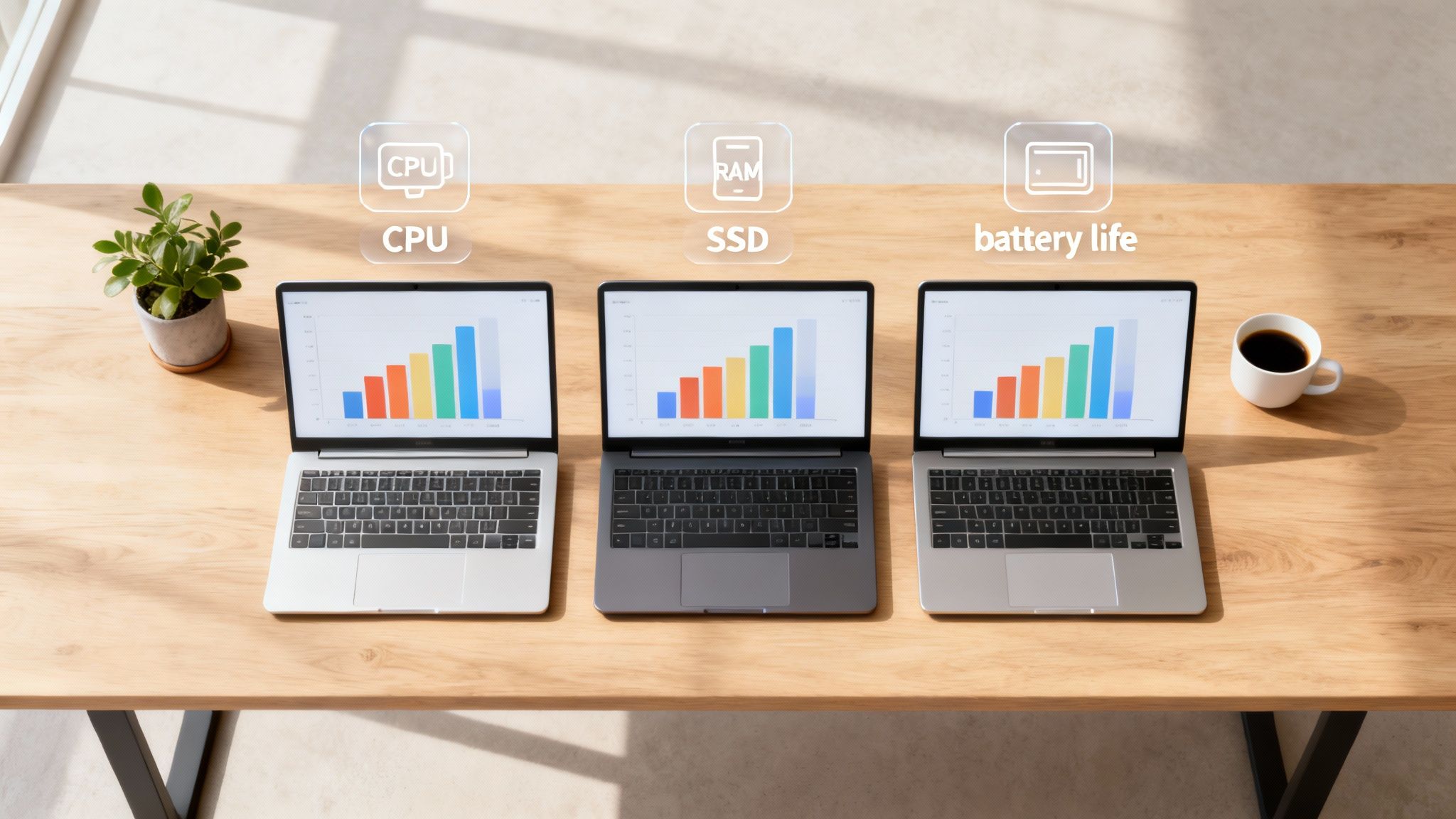
Hunting for a great, cheap laptop isn't about finding the absolute lowest price—it's about making smart compromises that fit your actual needs. The best deals often come from trusted brands like Acer, ASUS, and Lenovo, who consistently deliver solid machines under $700. These laptops are perfect for students, families, and remote workers who need reliable performance without breaking the bank.
A truly good budget laptop nails the essentials: a responsive processor, enough RAM to keep things smooth, and storage that's fast, not just big.
Defining Value in Budget Laptops
The word "cheap" can make you think of poor quality or a frustratingly slow experience. But in the laptop world, a better term is "value-focused." Manufacturers making the best budget machines are masters of strategic trade-offs. They'll opt for a plastic chassis over aluminum or a standard display instead of a premium high-refresh-rate panel.
These decisions allow them to pack more powerful core components into a machine that still hits an affordable price point. You aren't buying a lesser product; you're buying a specialized tool built for specific, everyday tasks. Knowing this helps you find a laptop that feels capable, not compromised.
Understanding Price Tiers
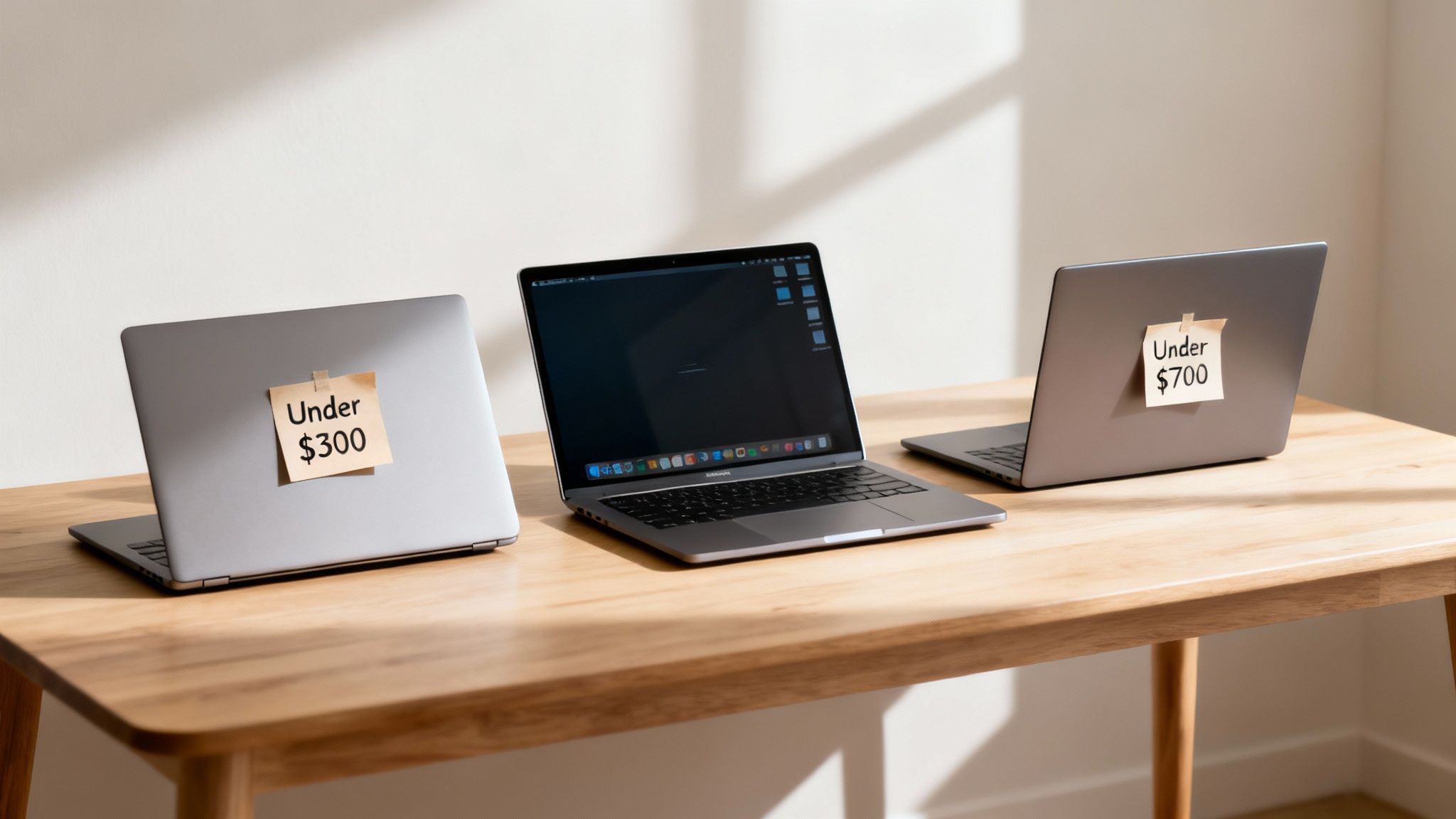
The budget laptop market isn't a monolith. It’s broken down into distinct price tiers, and each comes with its own set of performance expectations and ideal uses. Figuring out where you fit in is the first step to avoiding overspending or, worse, winding up with a laptop that can't keep up.
- Sub-$300 Laptops: This is the ultra-budget zone, dominated by Chromebooks and the most basic Windows machines. They're built for light tasks like checking email, browsing the web, and writing documents.
- $300-$500 Laptops: For most people, this is the sweet spot. Laptops in this range typically come with an Intel Core i3 or AMD Ryzen 3 processor, 8GB of RAM, and a snappy solid-state drive (SSD). They're fantastic for students and general home use where multitasking is a daily reality.
- $500-$700 Laptops: Step up to this tier and you'll find more capable processors like the Intel Core i5, bigger SSDs, and noticeably better build quality. These machines can handle more demanding applications, light photo editing, and heavy multitasking, making them a great choice for remote workers or power users on a budget.
Key Brands in the Budget Space
When it comes to affordable laptops, brands like Acer and ASUS have really staked their claim. According to market data, Acer holds a respectable 5.9% share of the US laptop market, shipping 1.07 million units, while ASUS isn't far behind at 2.9%. These numbers show just how many people rely on these brands for their daily computing needs. You can explore more about laptop market share on Fortunly.
The secret to a good budget laptop isn't finding a machine that does everything perfectly. It's about finding one that does everything you need it to do exceptionally well for the price you paid.
To give you a clearer picture of what to expect from your money, it's helpful to see how these tiers stack up side-by-side. The table below breaks down the typical specs and real-world trade-offs you'll encounter.
Budget Laptop Price Tiers and Expected Performance
| Price Tier | Typical Specs | Best For | Common Trade-Offs |
|---|---|---|---|
| Under $300 | Intel Celeron, 4GB RAM, eMMC Storage | Basic web browsing, email, streaming | Slow performance, limited storage, lower-res screen |
| $300 - $500 | Intel Core i3/Ryzen 3, 8GB RAM, 256GB SSD | Students, families, everyday productivity | Plastic build, average battery life, basic display |
| $500 - $700 | Intel Core i5/Ryzen 5, 8GB+ RAM, 512GB SSD | Remote workers, moderate multitasking | Can lack premium features like backlit keyboards |
This breakdown should help you pinpoint the right balance of price and performance, ensuring you get a machine that truly works for you without unnecessary extras.
Prioritizing Specs That Actually Matter
When you're hunting for a great cheap laptop, the spec sheet can feel like an alphabet soup of acronyms and numbers. It's easy to get lost. But here's the secret: getting real value comes down to knowing which handful of components actually impact your daily experience.
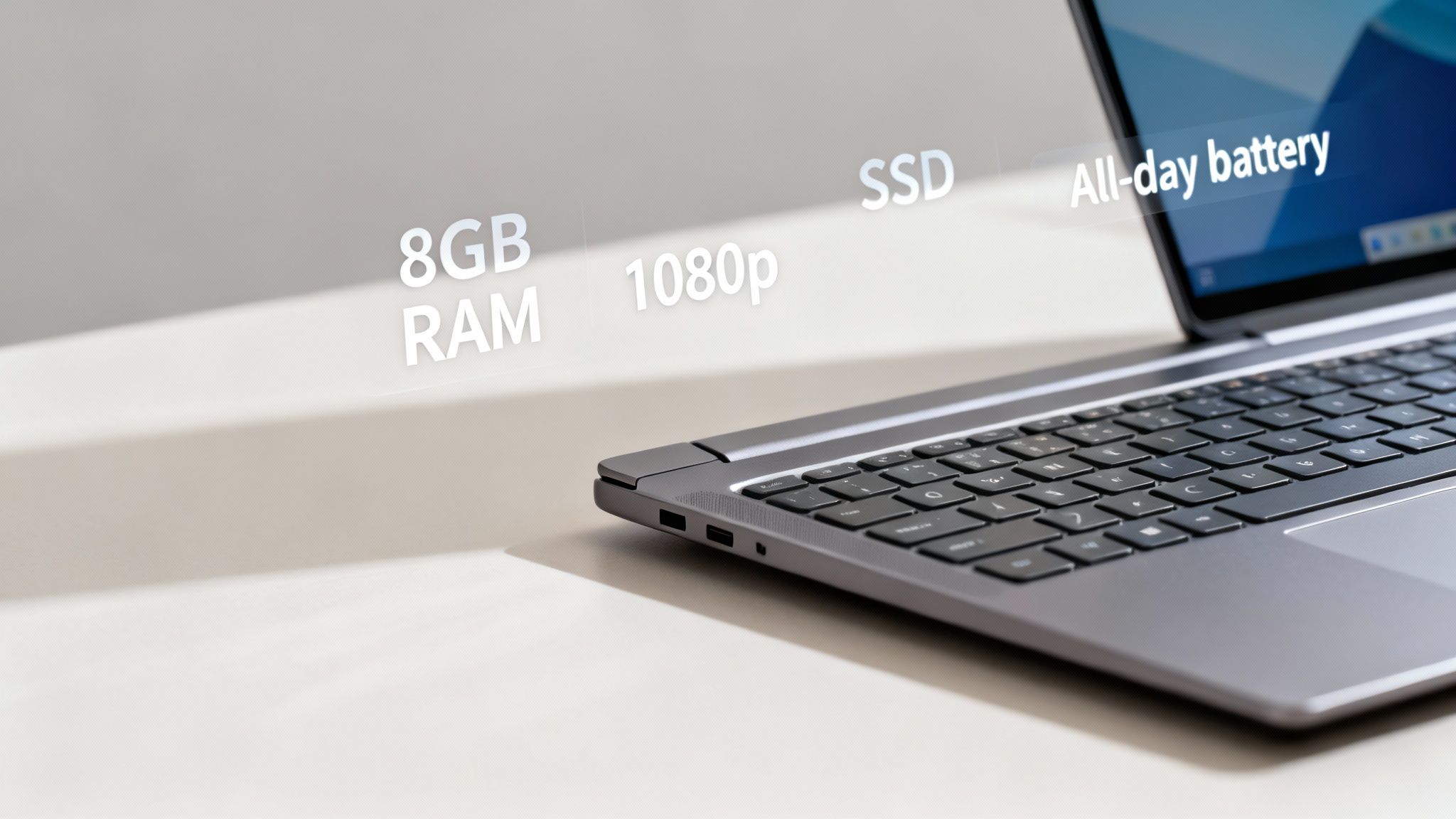
Not all specs are created equal. If you focus your budget on the right ones, you can find a machine under $500 that feels surprisingly quick and capable. Think of it like building a team—you need your star players in the right positions. For any budget laptop, those stars are the processor, RAM, and storage. Get this trio right, and you're already 90% of the way to a good purchase.
The Non-Negotiable Trio: CPU, RAM, and Storage
Your laptop’s Central Processing Unit (CPU) is its brain. The good news is that for everyday stuff like browsing, streaming, and office work, you don't need a powerhouse. You just need something modern and efficient.
- Intel Core i3: This is a workhorse. It delivers a consistently smooth experience for general productivity and multitasking.
- AMD Ryzen 3: Often comes with surprisingly good integrated graphics, making it a great pick if you do a little light photo editing or casual gaming.
Sure, a Core i5 or Ryzen 5 is a nice bonus if you can find one in your price range, but a recent-generation Core i3 or Ryzen 3 is more than enough for most people. If you're not sure how to identify the chip, our guide on how to check your CPU can help you out.
Next up is RAM, or Random Access Memory. This is your laptop's short-term memory, juggling all your open apps and browser tabs. Years ago, 4GB of RAM was acceptable on a budget. Those days are over.
Modern web browsers and apps are hungry for memory. The single biggest mistake I see people make is buying a new Windows laptop with less than 8GB of RAM. It leads to a sluggish, frustrating experience right out of the box.
With 8GB of RAM, you can keep a dozen tabs open, stream music, and work on a document all at once without your system grinding to a halt. Consider it the absolute minimum for a smooth workflow today.
Finally, we get to storage. This is where you’ll find the biggest performance difference between a cheap laptop that feels cheap and one that feels fast. Your choice is between an old-school Hard Disk Drive (HDD) and a modern Solid State Drive (SSD). An SSD is non-negotiable.
An SSD stores data on flash memory chips, giving you near-instant access. An HDD uses a slow, spinning platter. A laptop with an SSD boots in seconds, opens apps in a snap, and just feels responsive. Honestly, having an SSD is more important for perceived speed than having a slightly better CPU.
Beyond the Core: Display and Battery Life
Once you've nailed down a solid CPU, RAM, and SSD combo, the next things to look at are the display and battery. These are what determine whether the laptop is actually pleasant to use for hours on end.
A fuzzy, low-resolution screen is a recipe for eye strain. You want to aim for a Full HD (1920x1080) resolution, often just called 1080p. This resolution keeps text sharp and images clear, which makes a huge difference whether you're staring at spreadsheets or kicking back with a movie.
Battery life is just as critical, especially if you’re a student or anyone who works on the go. Look for laptops that claim 8 hours or more of battery life. Keep in mind that real-world use will almost always be a bit less, but that number gives you a solid baseline for a machine that can get you through a workday or a day of classes. Always check a few reviews to see how the battery really performs.
Comparing the Top Budget Laptop Brands
When you're hunting for a great cheap laptop, you're not just picking specs—you're often choosing a brand's philosophy. Each manufacturer has its own idea of what a budget laptop should be, and figuring out which one aligns with your needs is the key to finding a machine you'll actually enjoy using.
It helps to know who the big players are. Lenovo and HP are the heavyweights in the affordable laptop space, and you’ll see their names everywhere for good reason. In 2024, the top six manufacturers shipped over 63.2% of all laptops, with Lenovo being the go-to for 29% of buyers under 30 and HP for 17.6%. These brands have a massive influence on the $176.5 billion laptop market, largely by perfecting the art of the sub-$400 workhorse. You can dig into more of these numbers over on Market.us.
Lenovo: The Practical Powerhouse
Lenovo has earned its reputation for a reason: they build solid, reliable machines. Their IdeaPad series is a perfect example—these laptops are workhorses known for their fantastic keyboards and sturdy, no-frills designs. They're a favorite for students and professionals who just need something that works, day in and day out.
You won't typically find flashy designs here. Instead, Lenovo focuses on a balanced set of specs that deliver a smooth, consistent experience. If a comfortable typing experience and a durable build are at the top of your list, Lenovo is probably where you should start your search.
Lenovo’s real strength is consistency. You might not get an experimental design, but you're almost guaranteed to get a solid, functional laptop with a keyboard that’s a joy to type on for hours.
HP: The Multimedia Specialist
HP tends to build laptops for home and student life, where work and entertainment go hand-in-hand. Even their lower-end Pavilion models often come with brighter, more colorful screens and surprisingly good speakers, sometimes tuned by partners like Bang & Olufsen.
This makes an HP laptop a fantastic choice if you plan on streaming a lot of Netflix, listening to music, or doing some casual photo editing. They also tend to have a bit more aesthetic flair, with sleeker lines and modern finishes. The trade-off? The build might feel a little less rugged than a comparable Lenovo, but for anyone who values a great screen and sound, it's a smart compromise.
Acer: The Value Champion
If you want the most processing power for your dollar, look no further than Acer. The brand has perfected the art of stuffing its Aspire laptops with better CPUs or more RAM than you'd expect at a given price point. This makes them a magnet for budget-savvy shoppers who prioritize performance over everything else.
To hit those low prices, compromises are usually made in the chassis—think basic plastic shells and average-quality screens on the cheapest models. But if your main goal is raw speed for multitasking or even some light creative tasks, Acer consistently delivers the best bang for your buck. For gamers on a tight budget, some models come with integrated graphics that can punch above their weight. If you want to know more, our guide on how to choose a graphics card is a great resource.
ASUS: The Innovative Contender
ASUS has a knack for trickling down premium features to its more affordable VivoBook line. It’s not unusual to find an ASUS budget laptop with a unique design, a high-quality trackpad, or even an OLED screen—something that’s almost unheard of in this price bracket.
This approach makes ASUS a great fit for anyone who appreciates thoughtful design and wants a machine that stands out from the sea of black and silver laptops. While their entry-level models make the same sacrifices as everyone else, ASUS is the brand to watch if you want a cheap laptop that doesn't always look or feel cheap.
Matching a Laptop to Your Real-World Needs
The best budget laptop isn't just the one with the flashiest specs—it's the one that actually fits how you live and work. A machine that’s perfect for a student zipping between classes might be a source of constant frustration for a remote worker glued to video calls all day. The real trick is to match a laptop's strengths to your daily routine.
Thinking this way helps you avoid two common traps: overspending on power you’ll never use or, even worse, ending up with a laptop that can’t handle a critical task you’ll need down the road. By figuring out your main purpose first, you can zero in on the features that truly matter.
For the Student Juggling Classes and Campus Life
For students, it’s all about portability and battery life. You need something light enough to toss in a backpack without a second thought and with enough juice to get you through a full day of lectures and a study session at the library.
Keep an eye out for laptops weighing under 3.5 pounds and those that advertise at least 8-10 hours of battery. In terms of power, an Intel Core i3 or AMD Ryzen 3 processor with 8GB of RAM is the sweet spot. That’s more than enough muscle to handle a dozen research tabs, write an essay in Google Docs, and stream some music all at once. A 256GB SSD will give you plenty of room for your files and ensure it boots up fast when you’re rushing to class.
For the Remote Worker Building a Home Office
If you’re working from home, your laptop is your entire office. Reliability and connectivity are everything. Your priority should be on components that ensure a comfortable experience over long hours and rock-solid performance for multitasking.
A slightly larger 15.6-inch screen with a crisp 1080p resolution can be a real game-changer, giving you more space to work with and reducing eye strain. Stepping up to an Intel Core i5 or AMD Ryzen 5 processor will make a noticeable difference when you're running demanding web apps or hopping between video meetings. And don't treat a good webcam and a comfortable keyboard as afterthoughts—they're essential tools for looking professional and staying productive.
For remote work, don't underestimate the importance of ports. Having multiple USB-A and USB-C ports, along with an HDMI output for an external monitor, can turn a simple laptop into a versatile workstation without needing a clumsy adapter for everything.
For the Casual Home User Focused on Entertainment
If your laptop is mostly for kicking back on the couch—browsing the web, managing emails, and streaming Netflix—your priorities shift again. Here, you can focus on things that make watching and listening better, rather than raw processing power. A bright, vibrant display is your number one feature.
An Intel Core i3 or even a newer Intel Pentium chip is perfectly fine for these tasks. You should still stick with 8GB of RAM and an SSD, though, as that’s what keeps the system feeling quick and responsive over the years. Look for brands like HP, which often pack surprisingly good speakers or brighter screens into their budget models, making movie night that much better.
This simple flowchart can help you visualize which path makes the most sense for your day-to-day life.
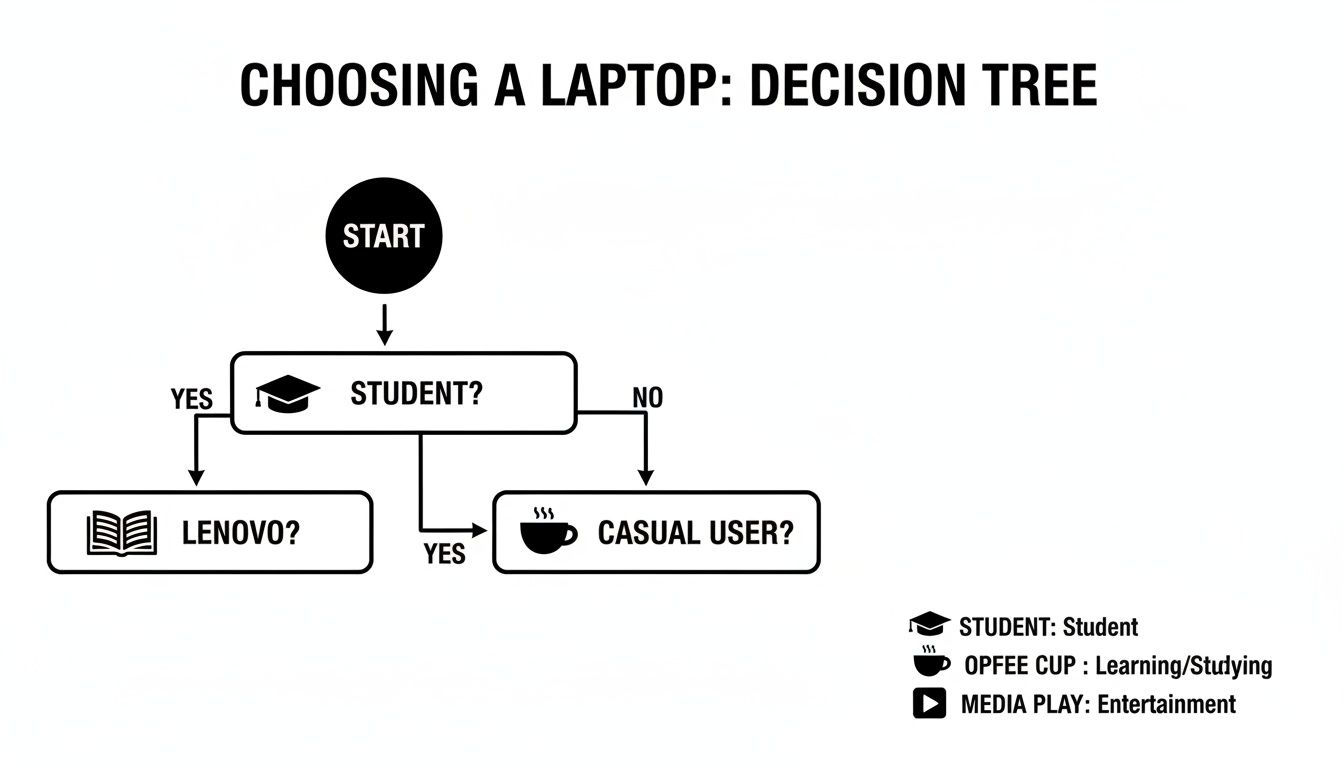
As you can see, the chart points you toward brands often associated with specific strengths, like Lenovo's reputation for practical student machines or HP's solid media features for home use.
To make comparing these profiles even easier, here’s a quick breakdown of the ideal specs for each user. If you want to go even deeper into the nuts and bolts of it all, our full guide on how to choose the right laptop has more detailed advice.
Recommended Laptop Specs by User Profile
| User Profile | Ideal Processor | Recommended RAM | Storage Type/Size | Key Feature |
|---|---|---|---|---|
| Student | Intel Core i3 / AMD Ryzen 3 | 8GB | 256GB SSD | Portability & Long Battery |
| Remote Worker | Intel Core i5 / AMD Ryzen 5 | 8GB - 16GB | 512GB SSD | Quality Webcam & Keyboard |
| Casual User | Intel Core i3 / Pentium | 8GB | 256GB SSD | Bright 1080p Display |
By lining up these recommendations with your own needs, you'll be in a great position to find a budget-friendly laptop that feels like it was built just for you.
How to Find a Genuinely Good Laptop Deal
Getting a great price on a laptop isn't just about finding the biggest discount sticker. The real value comes from a bit of smart timing and knowing where to look beyond the latest brand-new models. If you know the tricks of the trade, you can stretch your budget way further and snag a machine that punches well above its weight class.
Often, the best budget laptops aren't fresh off the factory line. This is where you'll find fantastic deals on refurbished and open-box units, which can save you a ton of money with very little risk—if you shop smart.
Consider Refurbished and Open-Box Models
A refurbished laptop is a pre-owned machine that's been returned, inspected, fixed up, and certified to work perfectly. An open-box model is usually just a customer return that's practically new but can't be sold as "new" anymore. Both are goldmines for value.
- Manufacturer Refurbished: This is your best bet. When you buy directly from brands like Dell, HP, or Apple, you're getting a laptop restored with genuine parts. They often even include a one-year warranty, just like a new one.
- Retailer Refurbished: Reputable stores like Best Buy (look for Geek Squad Certified) and Amazon (their Renewed Program) are also great sources. Just make sure to double-check the warranty and return policy, as they can differ.
The single most important thing to check when buying refurbished is the warranty. A good seller will always stand by their work with at least a 90-day warranty and a clear return window. That’s your safety net.
You can easily save 20-40%—sometimes more. The trade-off? You're typically buying a slightly older model. But here's the secret: a high-end laptop from last year will almost always run circles around a brand-new, entry-level machine at the same price.
Time Your Purchase Strategically
Laptop prices aren't set in stone; they swing up and down all year. If you can time your purchase to line up with the big sales events, you can score some massive savings.
There are two major windows for the best laptop deals:
- Back-to-School Season (July-September): Retailers get super competitive trying to attract student buyers. This means deep discounts and great bundle deals, especially on budget-friendly laptops.
- Black Friday and Cyber Monday (November): This is the main event. You’ll see the absolute lowest prices of the year on just about everything, including many of the best budget laptops out there.
Outside of these, keep an eye out for three-day weekend sales around holidays like Presidents' Day or Memorial Day. They often have some surprisingly good tech deals.
Look for Hidden Value Adds
Sometimes the best deal isn't the rock-bottom price, but what you get for your money. Keep an eye out for small features that add a ton of long-term value without costing much more upfront.
A backlit keyboard, for instance, is one of those little things that makes a world of difference when you're typing in a dimly lit room. Another huge win is user-upgradeable RAM or storage. A laptop with an easy-to-access RAM slot means you can double your memory down the road for cheap, instead of having to buy a whole new computer. And if a machine has limited storage but checks every other box, it might still be a great buy if you're comfortable with external drives or cloud services. You can learn more about that in our guide on how to use cloud storage.
The budget laptop market is always shifting. Market watchers on sites like TechRadar note that rising memory costs could push prices up, even as the global market is forecasted to shrink by 5.4%. Since notebooks make up 79% of computer shipments, manufacturers might have to adjust their strategies. This makes it even more crucial for you to know how to spot a genuinely good deal when you see one.
Common Questions About Buying a Cheap Laptop
Diving into the world of budget laptops can definitely bring up a lot of questions. With so many different models and specs to weigh, it's easy to get stuck. This last section is all about tackling the most common questions we hear, giving you the straight answers you need to feel confident in your choice.
Are Laptops Under $500 Actually Good?
Absolutely—as long as it's for the right person and the right tasks. A laptop in the sub-$500 range delivers incredible value by trimming the fat and focusing on what you actually need for daily use. These machines are more than capable of handling the basics that most of us do every day, like juggling a dozen browser tabs, streaming Netflix in HD, and getting work done in Microsoft Word or Google Docs.
At this price point, you can realistically find a solid modern processor, like an Intel Core i3 or an AMD Ryzen 3. But the real game-changer is that 8GB of RAM and a zippy 256GB Solid State Drive (SSD) have become the standard. That specific combo is the secret sauce for a smooth, responsive experience that makes the laptop feel fast and reliable for years.
Of course, you have to keep expectations in check. These aren't built for demanding professional video editing or running the latest blockbuster games on high settings. But for students, families, remote workers, or just general home use, they are a smart, budget-friendly investment that nails all the essentials without making you overpay for horsepower you'll never use.
Should I Get a Chromebook or a Windows Laptop?
This is probably the biggest fork in the road for budget laptop buyers, and the answer really just boils down to the software you use. There’s no single "best" choice here, only the right choice for you.
Chromebooks are a fantastic fit if you spend most of your time online. If your entire workflow is based in a web browser—using tools like Google Workspace, online banking, and social media—a Chromebook is an excellent, streamlined option. They're known for being simple, secure, and often have better battery life than Windows machines at the same price. If you want a no-fuss machine for online life, it’s tough to beat a Chromebook. You can also explore our guide for tips on how to extend laptop battery life, which is a plus for any device.
On the other hand, a Windows laptop is the more flexible and powerful choice if you rely on specific desktop software. If you need to install programs that don't run in a browser—like the full Microsoft Office suite, Adobe Creative Cloud apps, or specialized software for school or work—then Windows is your only real path forward.
It all comes down to this: Make a list of the apps you absolutely can't live without. If any of them require a traditional software installation, you need a Windows laptop. If everything on your list is accessible through a web browser, a Chromebook is a great way to save some cash and simplify your setup.
What Is the Biggest Mistake to Avoid?
The single most common—and painful—mistake people make is cutting the wrong corners just to save a few bucks. Specifically, you should avoid any new laptop that has less than 8GB of RAM or uses an old-fashioned spinning hard drive (HDD) instead of a Solid State Drive (SSD).
It's tempting to grab a laptop with a slightly lower price or a brand you recognize, but if that machine only has 4GB of RAM, you will feel the pain immediately. Modern web browsers and operating systems are memory hogs, and not having enough RAM will make even simple multitasking feel agonizingly slow. Every new browser tab you open or app you switch to will cause the machine to stutter and lag.
Likewise, an HDD is the biggest performance bottleneck in any modern computer. It relies on a slow, mechanical spinning disk to find your data, which means long boot times and painfully slow app launches. An SSD, however, uses flash memory to access data almost instantly. This one component does more to make a laptop feel fast than anything else. Insisting on 8GB of RAM and an SSD is the best way to ensure your new budget laptop is a pleasure to use for years to come.
At Simply Tech Today, we believe that understanding technology empowers you to make better choices. We hope this guide has given you the confidence to find the best cheap laptop for your needs. Explore our site for more straightforward tech advice and guides.

Member discussion