
Edge Computing Benefits a Simple Guide for 2026

Your smart speaker pauses for a beat before answering. The video doorbell lags just long enough to make you miss the package handoff. A checkout terminal at a small shop freezes right when the Wi-Fi gets flaky. Those little delays feel minor until they're the thing between a smooth moment and a frustrating one, and that's exactly where edge computing benefits start to matter.
The basic idea is simple. Instead of sending every request to a faraway cloud server, some of the thinking happens closer to the device itself, like a mini-brain sitting near the action. That shift is showing up everywhere, not just in lab demos. IDC projected worldwide spending on edge computing would reach $232 billion in 2024, a 15% increase from 2023, and Statista projected global revenue would reach $350 billion by 2027 (CNBC coverage of those projections). If you've ever wondered why this topic keeps popping up alongside 5G and connected devices, the short answer is that the infrastructure is moving right beside them, and 5G technology basics help explain why that matters.
Why Your Tech Is Getting Faster and Smarter
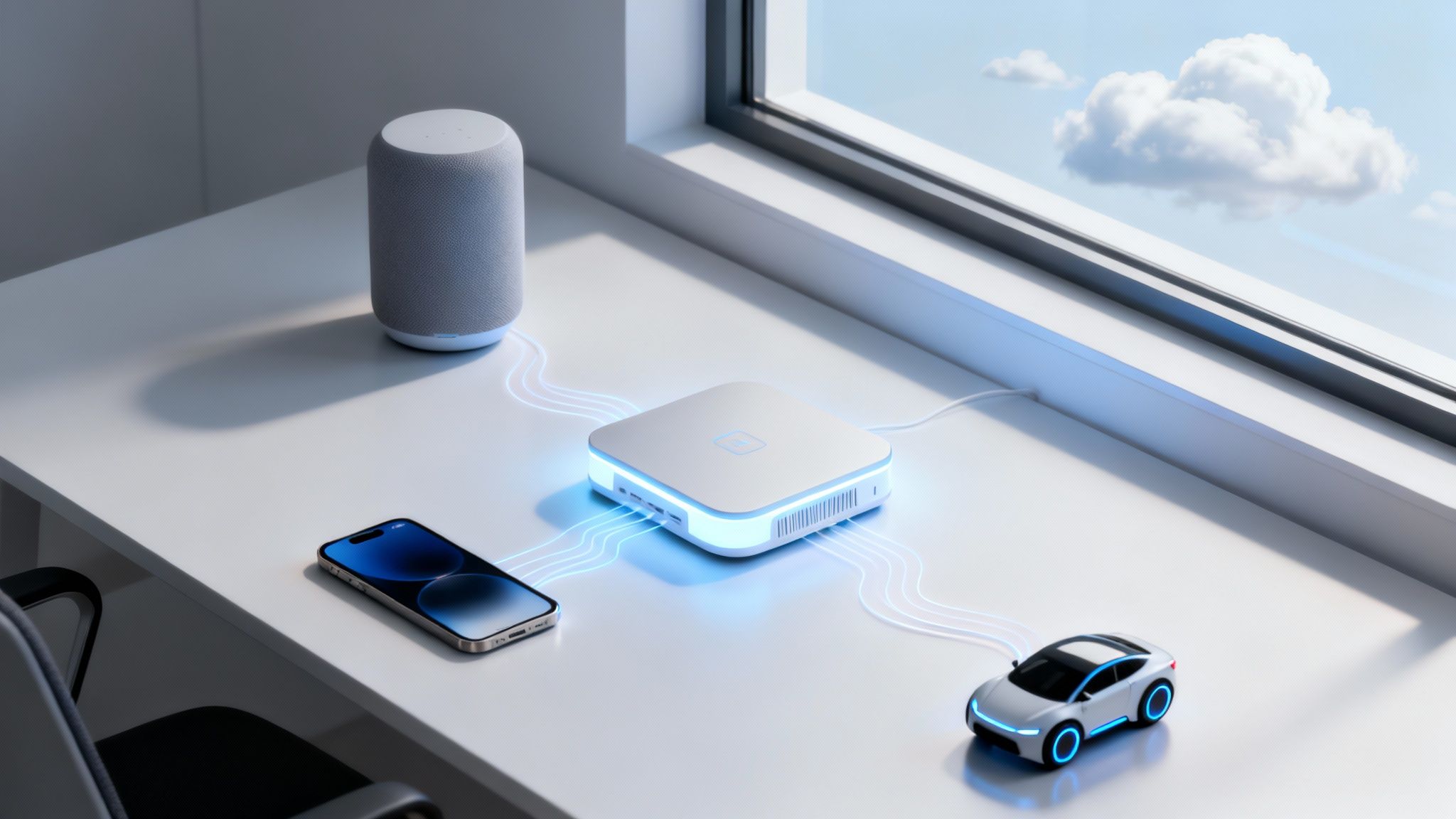
The first place many people notice edge computing is at home. A smart speaker that listens locally feels snappier than one that has to send every command across the internet and wait for a reply. The same goes for a security camera that spots motion and reacts before the clip has even finished uploading. When the delay is gone, the device feels less like a gadget and more like an appliance that simply works.
That speed isn't magic, it's geography. Traditional cloud processing sends data out to a remote data center and back again, which adds time and creates lag that users can feel. Edge computing moves part of the computation nearer to the device, so the response can happen in the same place where the data was created. Intel's old cloud-vs-edge framing is useful here, but the simplest way to think about it is local reaction versus remote reaction, and how cloud storage works helps make that split easier to picture.
Why the market keeps leaning in
This isn't a niche experiment anymore. The commercial push is strong because businesses want faster responses, less network strain, and better reliability for connected systems. That's why edge has moved from a specialized architecture into mainstream planning for manufacturing, healthcare, retail, and transportation.
Practical rule: if a device's value depends on reacting quickly, moving the decision closer to the device is usually the first place to look.
For readers who are also evaluating AI tools on-device, the same logic shows up in privacy-first setups like local AI models for Mac. You don't need to be running a factory to care about this. Even a home router, a doorbell, or a point-of-sale tablet benefits when it doesn't have to wait on a distant server for every small decision.
Edge vs Cloud Computing Explained Simply
Think of the cloud as a huge central library for an entire country. It's powerful, full of resources, and great when you need deep storage or heavy analysis. The downside is travel time. If every question has to be answered by a librarian far away, you wait longer for each reply.
Edge computing is more like a neighborhood branch library with the most-used books on hand. It doesn't replace the big library, it handles the things people need right now. That's the key difference. The cloud still makes sense for long-term storage, large training jobs, and broad coordination, while edge handles the fast, local work that can't afford a trip across the network.

A local decision, then a cloud decision
A smart device can use edge processing to decide something immediately, then send only the useful summary to the cloud. That keeps the cloud from getting flooded with raw data it doesn't need in the moment. It also makes the local device feel more responsive, which is why so many products now describe themselves as “AI-powered” even when the critical factor is where the work happens.
The same split is easy to see in storage systems. A cloud service can hold everything and coordinate across users, but the edge can filter, sort, and act before the data ever leaves the room. That's a clean division of labor, not a rivalry.
A good edge setup doesn't try to move everything locally. It keeps the urgent work local and leaves the rest to the cloud.
For a deeper look at how device-side intelligence is changing products, machine learning for beginners is a useful companion read. The big mental model to keep is simple. Cloud is the central brain, edge is the fast reflex.
The Core Benefits of Edge Computing
The clearest edge computing benefits come down to three things, speed, efficiency, and reliability. Those sound like marketing words until you connect them to real tasks, like a camera spotting motion, a sensor triggering an alert, or a register staying alive during a network hiccup. The value shows up the moment a device has to make a choice without waiting.
Speed that changes what counts as real time
Edge computing's biggest headline benefit is latency. One industry summary says it can reduce data latency by up to 90% compared with cloud processing, and another notes that edge systems can push latency from roughly 500 to 1000 milliseconds down to under 10 milliseconds for some applications (industry statistic summary). That gap matters because sub-10-millisecond response times are often the line between a system that feels real-time and one that feels sticky. In practical terms, that's why edge fits autonomous vehicles, smart-city traffic systems, health monitoring, and industrial automation, where immediate decisions really are the job.
Efficiency that cuts wasted traffic
Edge also reduces how much data has to travel back to a central data center. Cisco explains that filtering, aggregating, or analyzing data locally cuts the volume of traffic sent upstream, which lowers bandwidth consumption and eases dependence on constant high-bandwidth connectivity (Cisco's edge computing overview). That matters in places with crowded networks, but it also matters in plain business terms. Less unnecessary traffic means less congestion, less storage pressure, and fewer resources wasted on data nobody needed to move in the first place.
Reliability when the internet gets messy
The third benefit is the one people forget until something breaks. Edge systems can keep working when the connection to the cloud is weak or gone, because the local device already has enough intelligence to keep going. Advantech describes edge computing as a way to reduce end-to-end latency by processing data close to where it's generated, which is exactly why time-sensitive workloads such as IoT control, autonomous systems, and real-time analytics get so much value from it (Advantech on edge computing).
For teams chasing sluggish responses, how to reduce latency is a helpful adjacent topic, but the bigger lesson is this. Edge isn't only about being faster, it's about being fast in the place where speed is essential.
Real-World Edge Computing Examples You Use Daily
A lot of people first meet edge computing without realizing it. They just notice that a device feels smarter than the old version. Your phone processes photos faster when part of the analysis happens on-device. A smart home hub can answer a command without routing every syllable through a cloud server first. A video doorbell can detect a person, filter out background noise, and decide whether to send a clip upward.
The same pattern shows up in workplaces, especially small ones that can't afford downtime. A retail point-of-sale system can keep taking payments during an internet outage because the important logic stays local. A small factory can use sensors to trigger immediate safety alerts before an issue turns into a shutdown. These are not futuristic use cases, they're just good design for places where delays are expensive.

Consumer devices that feel more helpful
Your phone is probably the easiest example. When it recognizes a face, cleans up a photo, or predicts the next word on a keyboard, some of that work can happen locally instead of waiting for a round trip to a data center. That makes the interaction feel immediate. A smart speaker does something similar when it handles simple commands near the device itself.
A smart camera is another good example because it has to be selective. It doesn't need to upload every frame just to know that a person walked past the porch. It can decide locally whether the motion is worth reacting to, which saves bandwidth and helps the response happen sooner.
Small business tools that depend on continuity
Retail and light industrial setups benefit for a different reason, they need resilience. A store can't tell customers to come back later because the connection dropped. A shop floor can't wait for the internet to decide whether a warning matters. That's where local compute becomes practical, not glamorous.
The IoT connection is central here, and Internet of Things basics help explain why so many sensors and devices need nearby intelligence. In every one of these cases, the “edge” is less about fancy hardware and more about keeping the right brain cells close to the action.
If a device needs to act before a human can even notice the delay, it belongs close to the source of the data.
The Hidden Trade-Offs Privacy and Cost
Edge gets marketed like a clean win, but the situation is more complex. Local processing can cut latency and reduce how much data leaves a device, yet it does not automatically lower costs or improve privacy across the board. Once data lives on more devices, someone still has to handle encryption, patching, and access control across that distributed setup.
That privacy detail is easy to miss. Red Hat points out that spreading data across more devices can make encryption and patching harder, which creates new governance risks even while it reduces exposure to the wider internet (Red Hat on edge benefits and use cases). Local processing can still help with data sovereignty and limit how much sensitive information leaves a site, but the result depends on the workload, retention rules, and how much data still needs to sync back for analytics or model training. If you want a clearer picture of how encryption fits into that picture, this guide to end-to-end encryption helps explain why protecting data at rest and in transit matters so much.
Why the cost story gets slippery
The savings pitch usually starts with lower bandwidth and less cloud traffic. That part can be real, but it is only one slice of the bill. Hidden costs can include device management, distributed security, hardware refresh cycles, and onsite maintenance across many locations.
CloudPanel's edge computing overview makes that trade-off clearer, especially now that edge adoption is already widespread, with 94% of enterprise respondents reportedly using edge in some form (CloudPanel on edge costs and use cases). A system that looks cheap on paper can become expensive once every small device needs updates, monitoring, and physical support.
That is why the question is not “Is edge cheaper?” It is “Cheaper for what, and after which expenses?” A dozen small devices may still cost less than a large cloud bill in one case, and turn into a maintenance burden in another.
A better privacy and cost checklist
Before treating edge as the answer, ask a few plain questions.
- Does the data need to stay local? If yes, edge may help with exposure and residency concerns.
- Will someone maintain the devices? If not, the operational burden can grow quickly.
- Is the workload time-sensitive? If the app does not care about milliseconds, edge may be unnecessary.
- Can the site survive a network outage? If yes, edge is often a strong fit.
- Are you prepared for fleet security? More devices usually mean more patching, more monitoring, and more places for problems to hide.
Edge can improve privacy posture and control costs, but only when the operating model is built for distributed systems from the start. Otherwise, the savings can disappear into complexity, and the most practical answer is usually a mix of local processing, cloud storage, and careful policy choices.
When Does Edge Computing Really Matter for You
The simplest way to judge edge computing is to ask whether the device needs to react before the cloud can reasonably answer. If the response has to happen in milliseconds, edge is worth serious attention. If the internet connection is unreliable, edge can keep the system useful. If the data is sensitive and you'd rather not send every raw detail to a remote server, local processing may help.
It also helps to be honest about what you're building. A smart home gadget, a retail register, and a factory sensor all want different things. Some jobs need instant feedback, some need offline resilience, and some just need cheap, centralized storage. Edge is a great partner for the first two and often overkill for the last one.
A useful rule of thumb is this. Use edge when speed, local control, or disconnected operation is the point. Keep the cloud in the loop when you need long-term storage, heavy analytics, or simple centralized management. The best systems usually blend both.
If you're trying to figure out whether edge fits your home setup, your small business, or a larger rollout, keep your questions grounded in the actual workload, not the hype. Then compare the operational burden with the benefit. That's where the answer lives.
If you want more clear, practical tech explainers like this one, visit Simply Tech Today for straightforward guides that turn new ideas into useful everyday knowledge.
Member discussion