
The 12 Best Options for Top Free Video Editing Software in 2025

Creating professional-looking videos no longer requires a significant financial investment. Whether you're a budding content creator, a small business owner crafting marketing materials, or simply editing family videos, the ecosystem of free video editing software is more robust and accessible than ever. Powerful tools, once the exclusive domain of professional studios, are now available without cost, offering features that can rival their premium counterparts. The challenge isn't a lack of options, but rather navigating the vast selection to find the perfect fit for your specific needs and skill level.
This comprehensive guide is designed to solve that problem. We've meticulously evaluated and compiled a list of the top free video editing software to help you make an informed decision. Forget spending hours downloading and testing applications that don't meet your requirements. Here, you'll find a detailed breakdown of each tool, from industry-grade platforms like DaVinci Resolve to user-friendly mobile editors like CapCut.
For every software on our list, we provide a clear analysis covering:
- An overview of its core functionality and intended user.
- A breakdown of key features and system requirements.
- Honest pros and cons based on real-world usage.
- Crucial limitations, such as watermarks or export restrictions.
- Direct links to download the software and get started immediately.
Our goal is to equip you with the practical information needed to choose the right editor confidently. We'll help you find the best free tool to bring your creative vision to life, regardless of your budget or technical expertise.
1. Blackmagic Design — DaVinci Resolve
DaVinci Resolve is not just a video editor; it's a complete post-production powerhouse used by Hollywood professionals. As one of the top free video editing software options available, it uniquely combines editing, color correction, visual effects (Fusion), and audio post-production (Fairlight) into a single application. This integrated workflow eliminates the need to switch between different programs, streamlining the creative process from start to finish.
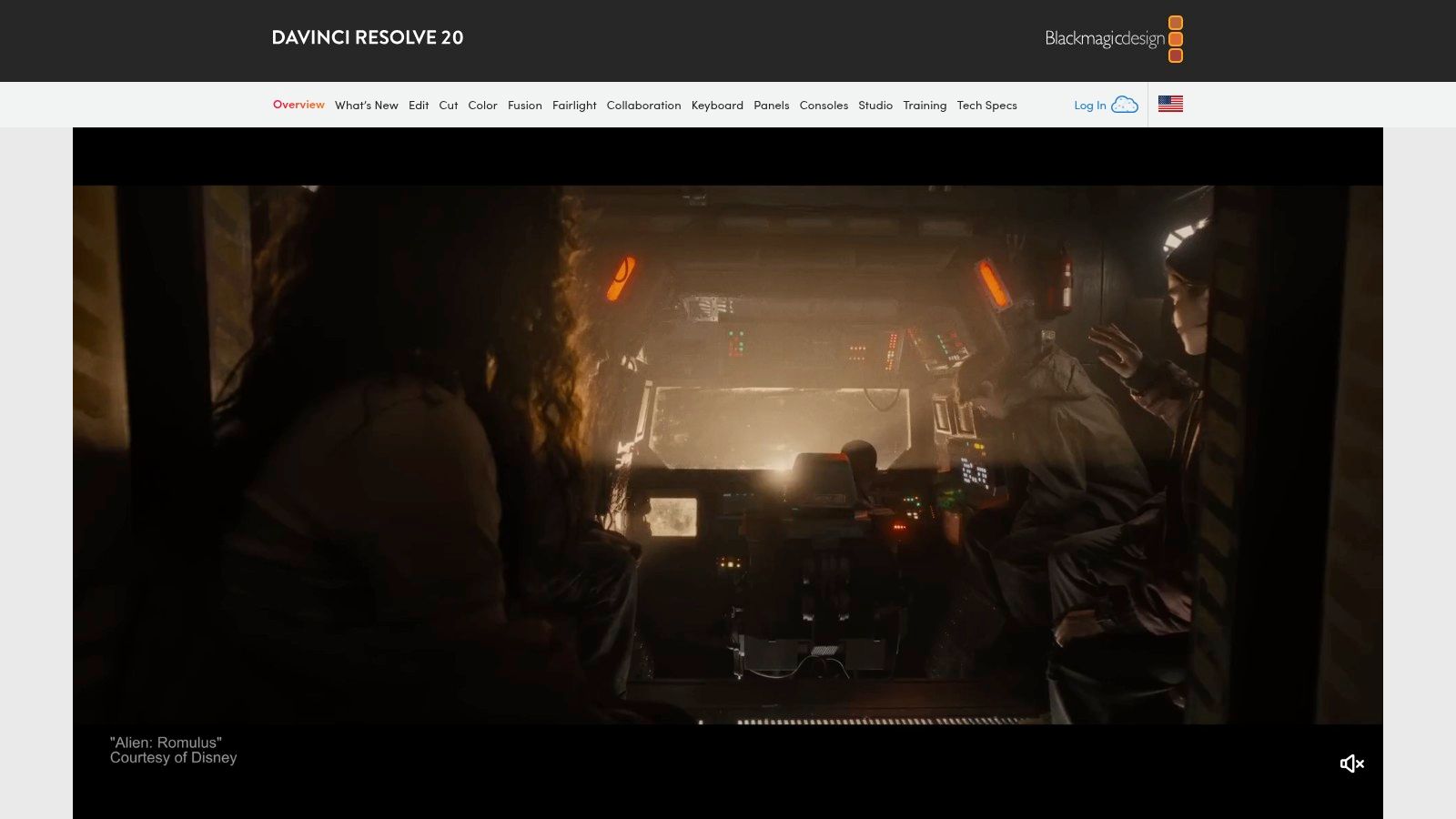
The free version is remarkably powerful, offering unlimited resolution exports up to 60fps without any watermarks, a significant advantage over many competitors. It provides two distinct editing interfaces: the "Cut" page for rapid, timeline-based editing and the traditional "Edit" page for more complex projects.
Key Details & Use Cases
- Best For: Aspiring professionals, indie filmmakers, and advanced users seeking industry-standard tools without a subscription.
- Platform: Windows, macOS, Linux.
- Limitations: The free version lacks some advanced features like certain AI tools, noise reduction, and stereoscopic 3D tools found in the paid Studio version.
- Hardware Needs: Due to its professional nature, Resolve performs best on systems with a powerful dedicated GPU. To ensure your hardware is up to the task, review this guide on how to choose the right laptop for demanding creative work.
Pros:
- Completely free with no watermarks or export limits
- Industry-leading color grading tools
- All-in-one suite for editing, VFX, and audio
Cons:
- Requires powerful computer hardware
- Steep learning curve for absolute beginners
Website: https://www.blackmagicdesign.com/products/davinciresolve/
2. Shotcut
Shotcut is a powerful, open-source video editor that stands out for its extensive format support and cross-platform availability. As a top free video editing software choice, it offers native timeline editing, which means you can drop nearly any video file directly onto your timeline without a lengthy import or conversion process. This flexibility, combined with its support for resolutions up to 8K, makes it a surprisingly capable tool for a wide range of projects.
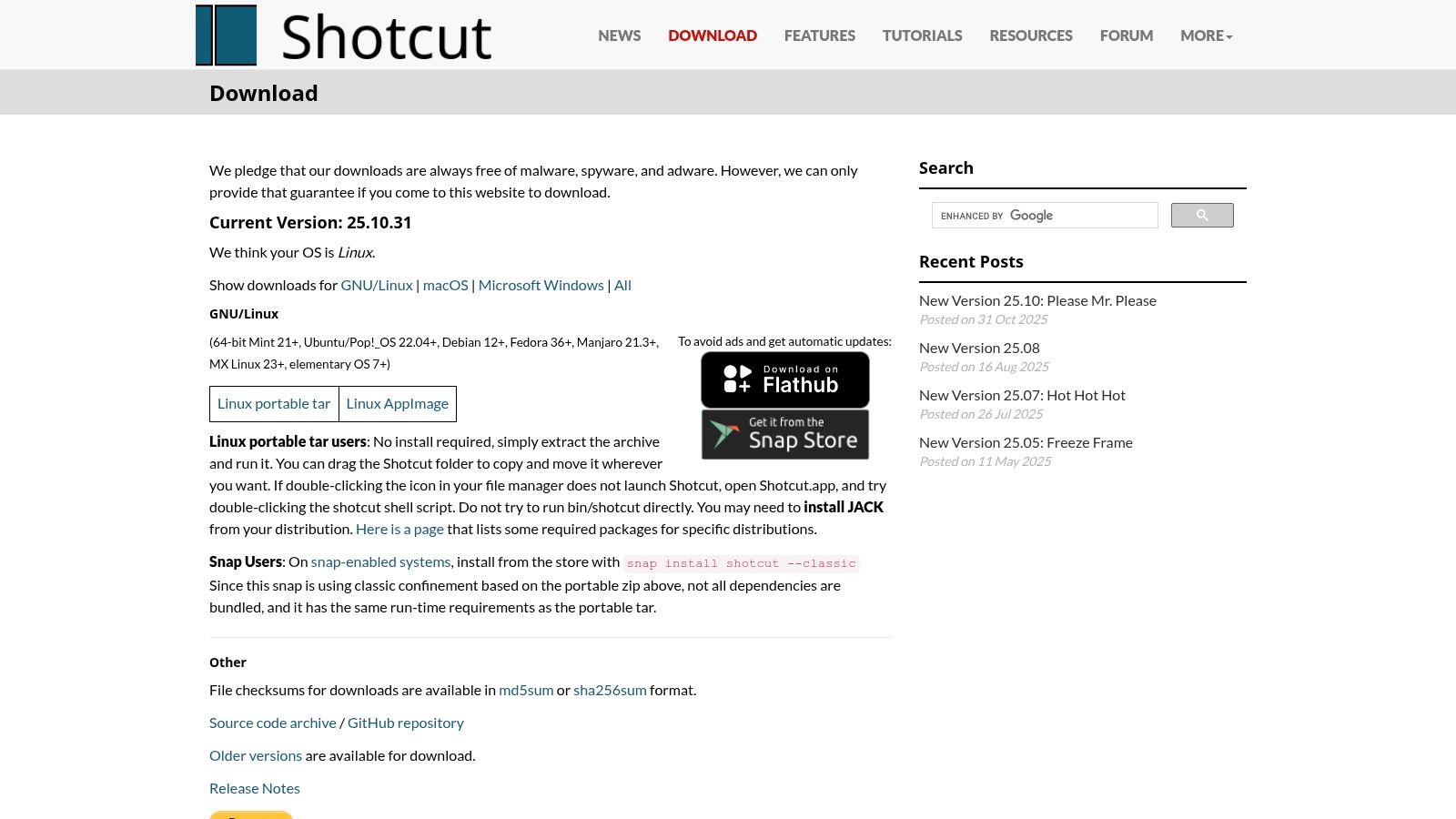
The interface is customizable, allowing users to dock and undock panels to create a workspace that suits their workflow. While it may not have the polished feel of commercial software, its active development community ensures it receives frequent updates with new features and fixes. Its direct download and portable app options make it easy to get started without a complex installation.
Key Details & Use Cases
- Best For: Beginners to intermediate users who need a reliable, no-cost editor that handles a wide variety of video formats.
- Platform: Windows, macOS, Linux.
- Limitations: The user interface can feel less intuitive and more utilitarian compared to other editors, which might be a hurdle for absolute beginners.
- Hardware Needs: Shotcut is relatively lightweight but still benefits from a decent system. To get the best performance, it's wise to learn how to speed up computer performance through system optimization.
Pros:
- Completely free and open-source with no watermarks
- Excellent codec and format support, including 8K
- Cross-platform with portable versions available
Cons:
- User interface can feel dated or spartan to some
- Fewer advanced creative effects than professional suites
Website: https://shotcut.org/download/
3. Kdenlive
Kdenlive (KDE Non‑Linear Video Editor) is a powerful, open-source video editor that brings a professional-grade feature set to the free software landscape. It stands out as one of the top free video editing software choices for users who want advanced capabilities like multi-track editing, a configurable interface, and extensive format support without a price tag. The project benefits from active community development, resulting in frequent updates that add modern features.
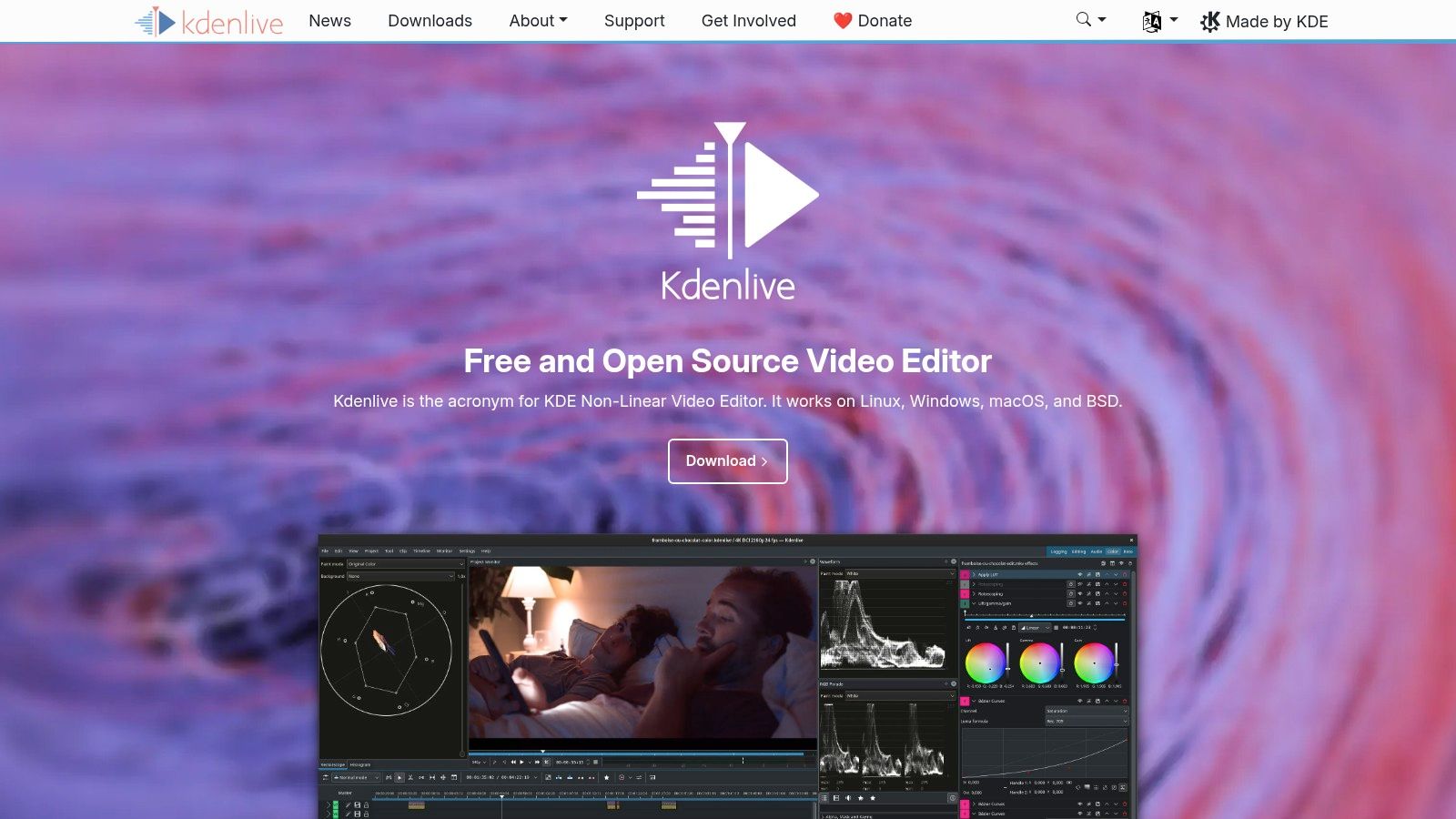
It offers sophisticated tools often found in paid applications, such as proxy editing for smooth performance with high-resolution files, motion tracking, and detailed audio/video scopes. This makes it a highly versatile tool capable of handling everything from simple vlogs to more complex, layered video projects. Kdenlive's open-source nature means it is transparent, community-driven, and completely free of watermarks or feature restrictions.
Key Details & Use Cases
- Best For: Intermediate to advanced users on any desktop platform, especially those who appreciate the flexibility of open-source software.
- Platform: Windows, macOS, Linux.
- Limitations: The user interface can feel less polished than commercial alternatives, and Windows users may occasionally encounter minor installation quirks.
- Hardware Needs: Performs well on moderate hardware but benefits from a decent CPU and RAM for complex timelines. As it's a popular choice for Linux, users on that platform can find related guidance on how to recover files on a Linux system if they run into any issues.
Pros:
- Completely free and open-source with no watermarks
- Advanced features like proxy editing and motion tracking
- Strong cross-platform support including Linux
Cons:
- Interface may be less intuitive for absolute beginners
- Performance can require some configuration on certain systems
Website: https://kdenlive.org/
4. Lightworks
Lightworks has a long legacy in the film industry, having been used on major motion pictures for decades. It brings this professional-grade editing environment to a wider audience, positioning itself as another top free video editing software choice for those serious about learning the craft. The interface is built around a classic, non-linear editing (NLE) workflow, emphasizing efficiency and precision control over your media.
Its free version is designed as a powerful learning tool, giving users access to the core professional toolset, including a flexible timeline, real-time effects, and advanced trimming tools. Features like background rendering and exporting allow you to continue working without interruption. While the free plan has a significant export limitation, it's an excellent way to master a professional workflow without any initial investment.
Key Details & Use Cases
- Best For: Students and aspiring editors who want to learn a professional-style NLE interface without the cost.
- Platform: Windows, macOS, Linux.
- Limitations: The free version is strictly limited to a maximum export resolution of 720p. Access to 4K exports, advanced project sharing, and a wider range of effects requires a subscription to the Create or Pro tiers.
- Unique Feature: The Universal Timeline allows for mixed frame rates and formats to be used seamlessly without transcoding, speeding up the initial setup process.
Pros:
- Stable, professional editing workflow
- Excellent cross-platform availability
- Generous free plan for learning core editing skills
Cons:
- Free version is capped at 720p HD export
- Advanced features are locked behind a paid subscription
Website: https://lwks.com/
5. OpenShot
OpenShot is a powerful yet surprisingly easy-to-use video editor, making it an excellent choice for beginners looking for a capable and completely free tool. As a cross-platform, open-source application, it provides a stable and accessible entry point into non-linear editing without overwhelming users. Its strength lies in its balance of a simple, drag-and-drop interface with more advanced features like unlimited tracks and keyframe animation.
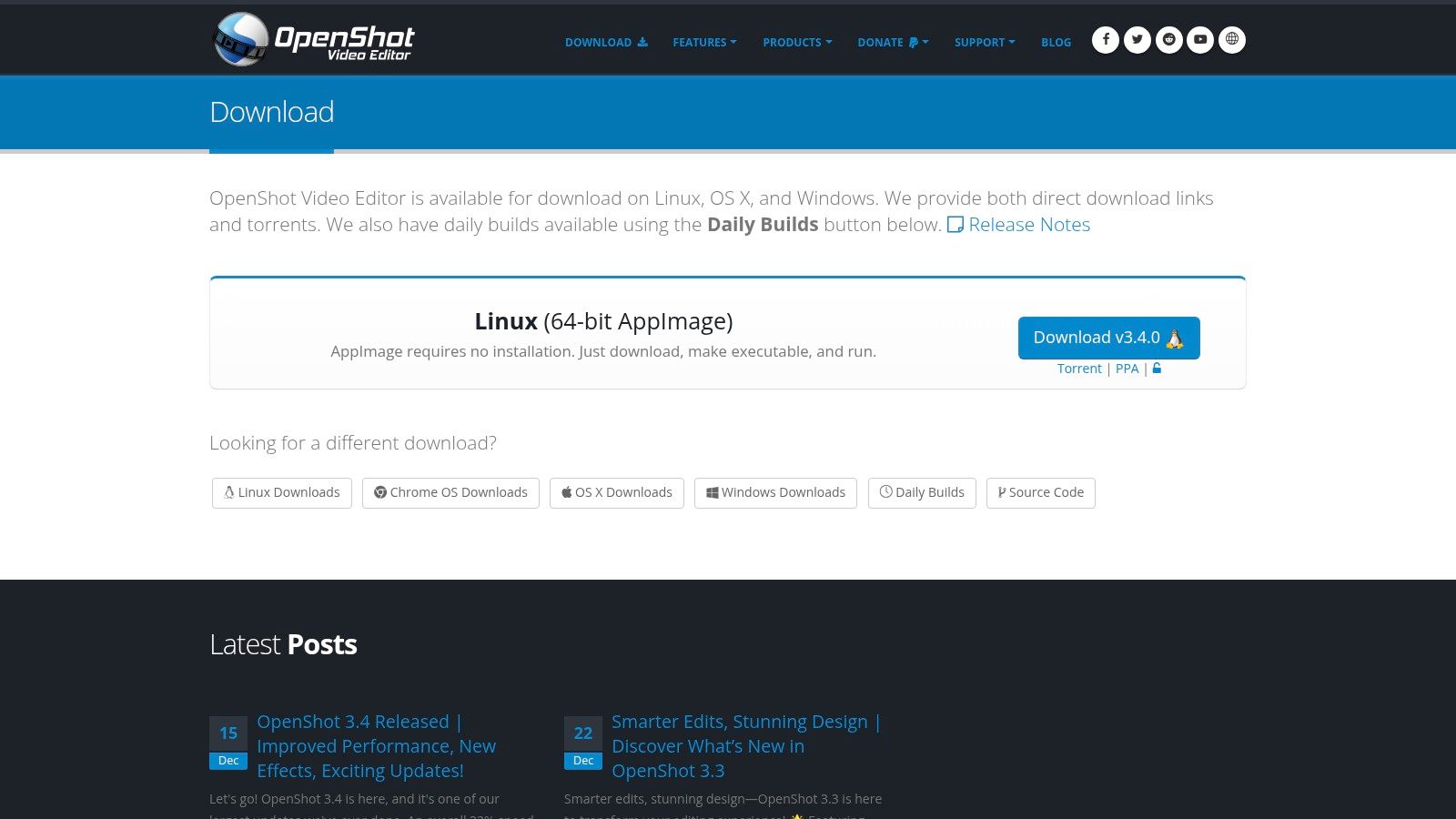
The software leverages the powerful FFmpeg library, granting it compatibility with a vast range of video, audio, and image formats. This flexibility ensures you can import media from almost any source without conversion hassles. The project receives frequent updates and performance improvements from its active community, keeping it a relevant option among the top free video editing software available today.
Key Details & Use Cases
- Best For: Beginners, students, and hobbyists who need a straightforward editor for basic projects like YouTube videos, presentations, or home movies.
- Platform: Windows, macOS, Linux.
- Limitations: While powerful, it may lack the advanced color grading, audio mixing, and high-end effects found in professional-grade NLEs. The interface, though simple, can occasionally feel less polished than commercial alternatives.
- Hardware Needs: Runs well on most modern computers with modest hardware, though a decent CPU and RAM are recommended for smoother performance. For managing project files across devices, it's useful to understand how to use cloud storage effectively.
Pros:
- Completely free and open-source with no watermarks
- Simple, intuitive user interface ideal for new editors
- Cross-platform support for major operating systems
Cons:
- Can sometimes experience stability issues or sluggishness with complex projects
- Lacks the depth and advanced toolsets of professional software
Website: https://www.openshot.org/download/
6. VSDC Free Video Editor
VSDC Free Video Editor is a surprisingly feature-rich, non-linear editing (NLE) suite designed exclusively for Windows users. It stands out in the crowded market of top free video editing software by offering a robust toolset without imposing a watermark on exported projects. The software supports a vast array of video, audio, and image formats, ensuring you can work with nearly any media file you have without needing prior conversion.
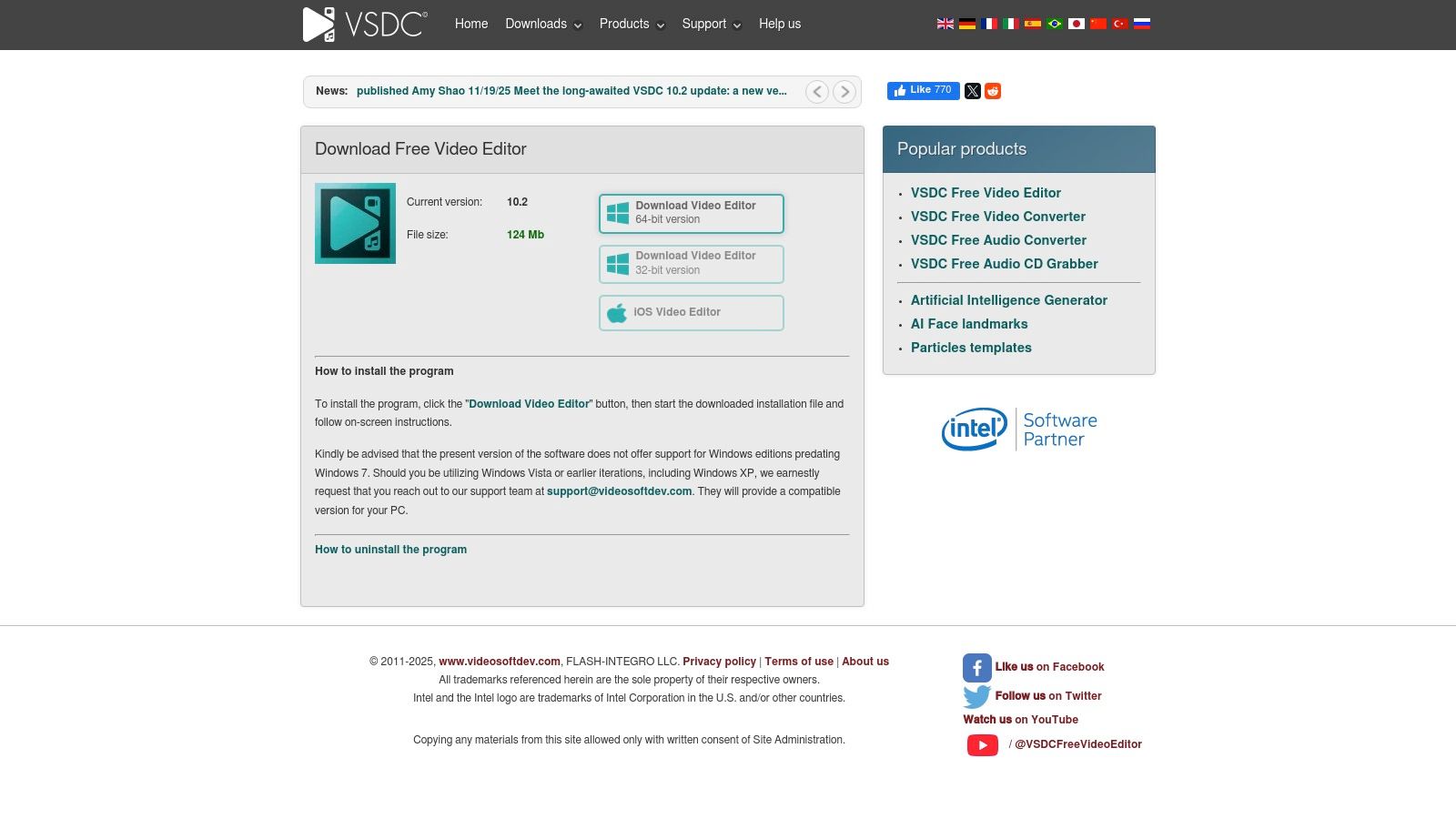
Its interface is less conventional than a standard timeline editor, using an object-based system where videos and effects are treated as objects on a scene. While this may take some getting used to, it allows for precise placement and complex compositions. The free version includes advanced features like chroma key (green screen), video stabilization, and a built-in screen capture tool, making it a versatile choice for various projects.
Key Details & Use Cases
- Best For: Windows users looking for a lightweight yet powerful editor for presentations, YouTube videos, and projects requiring effects like picture-in-picture or color correction.
- Platform: Windows only.
- Limitations: The free version lacks hardware acceleration, which can result in slower previewing and export times on complex projects. Advanced features like motion tracking and audio waveform editing are reserved for the affordable Pro version.
- Hardware Needs: VSDC is remarkably lightweight and can run on older or less powerful PCs, making it an accessible option for those without high-end hardware.
Pros:
- Completely free with no watermarks
- Includes advanced features like chroma key and stabilization
- Low system requirements for older computers
Cons:
- Exclusively available on Windows
- The unique interface has a learning curve
Website: https://www.videosoftdev.com/free-video-editor/download
7. CapCut
CapCut has rapidly become the go-to editor for social media creators, offering a consumer-focused experience that prioritizes speed and simplicity. It stands out as one of the top free video editing software choices for its powerful, template-driven workflows and impressive AI features. Whether on desktop, web, or mobile, CapCut makes it easy to produce engaging content with auto-captions, text-to-speech, and trendy effects.
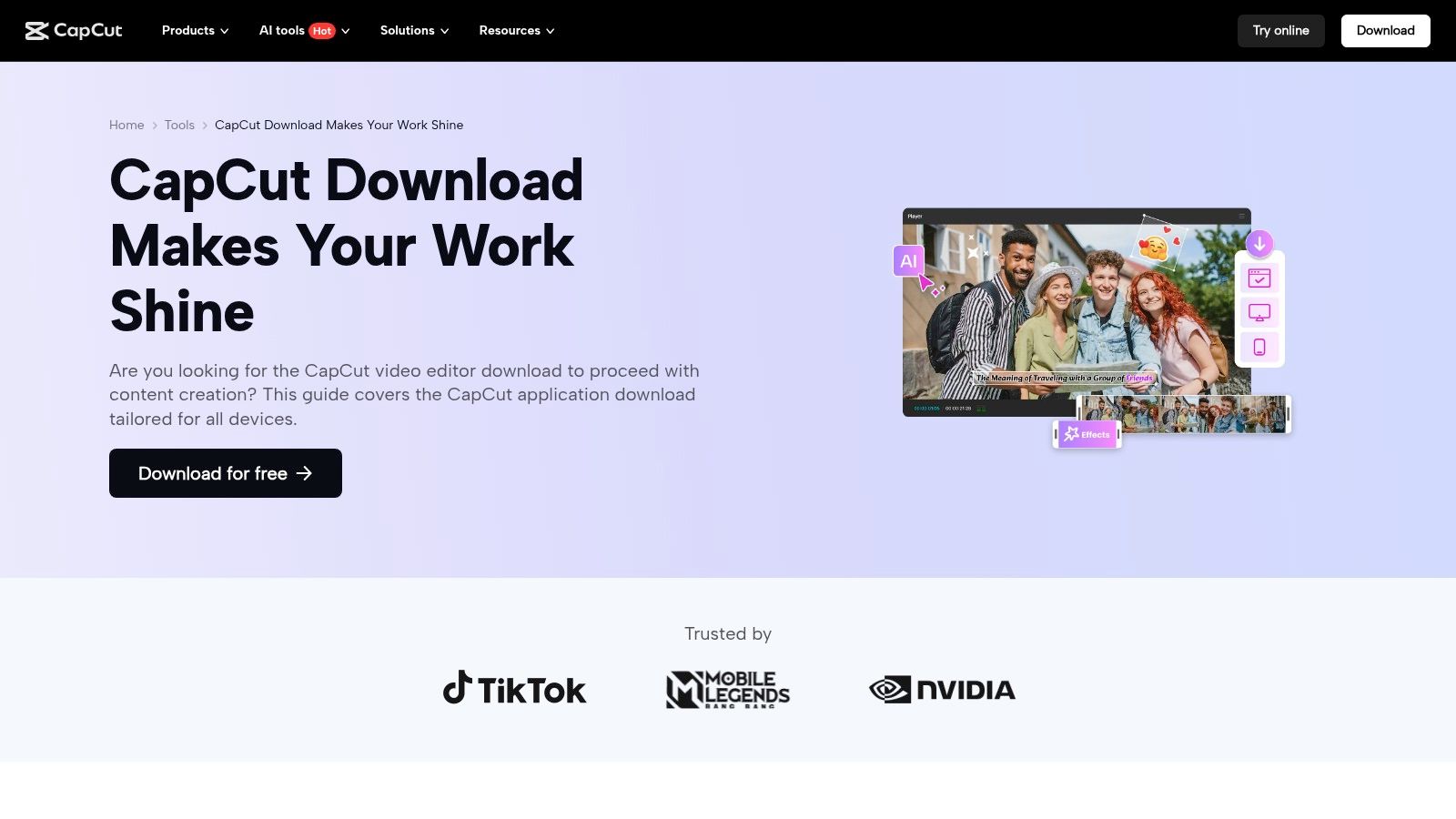
The platform is designed for a fast-paced, social-first environment, allowing users to quickly assemble clips, add music, and apply filters with minimal effort. The free version generously offers exports up to 1080p without a watermark, which is more than sufficient for platforms like TikTok, Instagram Reels, and YouTube Shorts. Its AI tools are particularly useful for creating accessible content with automatic subtitles, a process that can be time-consuming in other editors. For more information, check out this guide on how to use AI tools effectively in your creative projects.
Key Details & Use Cases
- Best For: Social media content creators, beginners, and anyone needing to produce short-form videos quickly.
- Platform: Windows, macOS, Web, iOS, Android.
- Limitations: The free plan is limited to 1080p exports; 4K resolution and premium assets require a Pro subscription. Regional availability and terms have been subject to change.
- Hardware Needs: Runs well on most modern computers and mobile devices without requiring a high-end dedicated GPU.
Pros:
- Extremely low learning curve with a simple, intuitive interface
- Excellent selection of templates, effects, and AI features
- Cross-platform availability for seamless editing on any device
Cons:
- Pro features and data terms should be reviewed carefully per region
- Not designed for complex, long-form professional projects
Website: https://www.capcut.com/tools/video-editor-download
8. Apple iMovie
For users within the Apple ecosystem, iMovie is the quintessential starting point for video editing. Bundled for free with every iPhone, iPad, and Mac, it provides a surprisingly capable set of tools wrapped in an exceptionally user-friendly interface. It stands out as one of the top free video editing software options for its seamless integration with other Apple services, such as the Photos library, allowing you to easily pull in your captured moments and start creating.
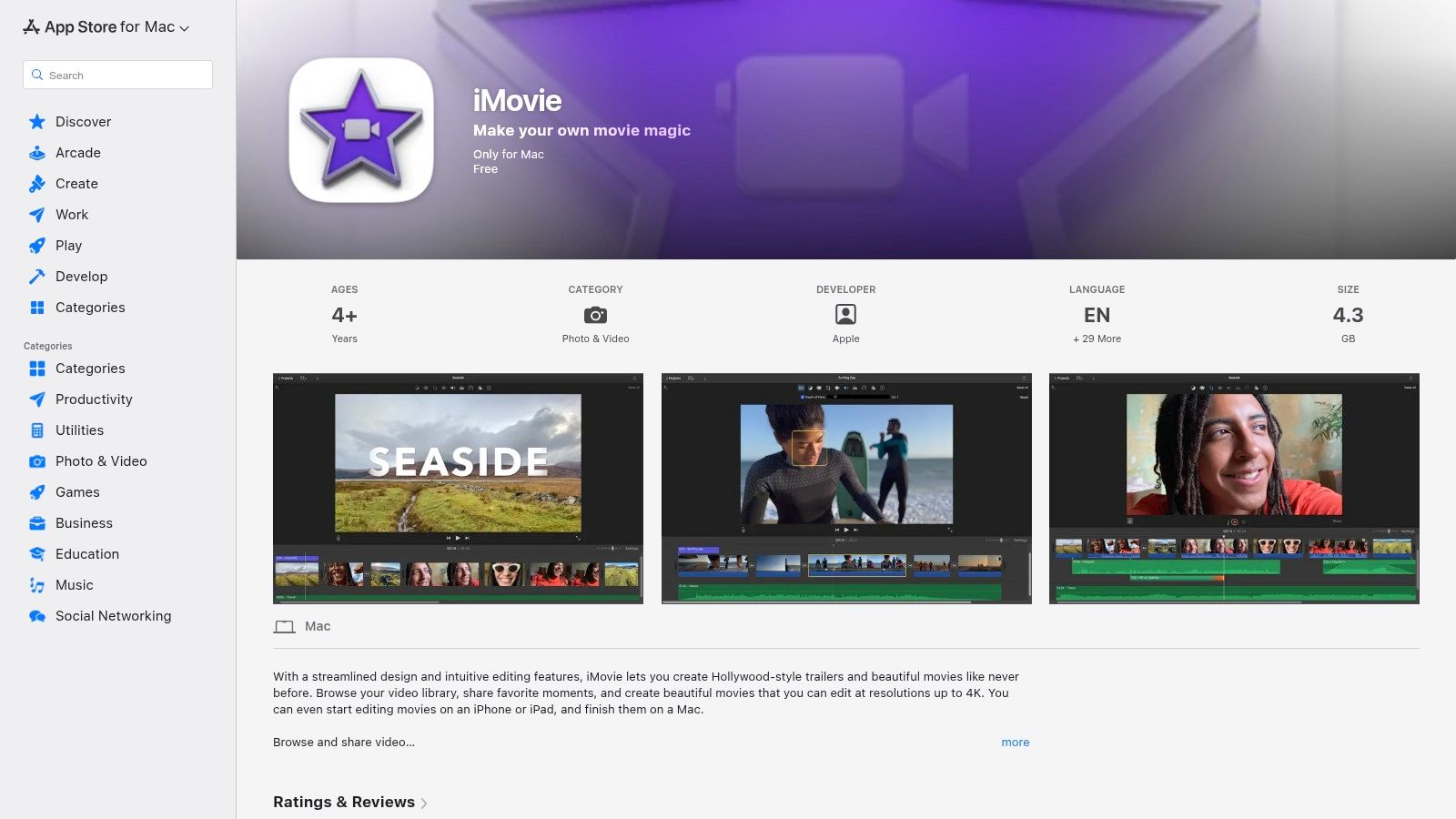
iMovie is designed for speed and simplicity, offering features like "Magic Movie" and "Storyboards" on mobile to automate or guide the creation process for beginners. Despite its ease of use, it supports 4K exports, basic green-screen effects, and picture-in-picture, making it powerful enough for family videos, school projects, and polished social media content. For those who eventually need more power, projects can be handed off directly to Apple's professional software, Final Cut Pro.
Key Details & Use Cases
- Best For: Apple users, beginners, and anyone needing to create quick, polished videos for personal use or social media.
- Platform: macOS, iOS, iPadOS.
- Limitations: The feature set is intentionally basic and lacks the advanced manual controls, multi-cam editing, and extensive effects found in professional NLEs.
- Hardware Needs: Runs efficiently on most modern Apple hardware, from iPhones to MacBooks, without requiring a high-end dedicated GPU.
Pros:
- Completely free and pre-installed on Apple devices
- Extremely easy to learn with an intuitive interface
- Seamless integration with the Apple ecosystem (Photos, iCloud)
Cons:
- Only available on Apple platforms
- Users with advanced needs may quickly outgrow its feature set
Website: https://apps.apple.com/us/app/imovie/id408981434
9. Microsoft Clipchamp
Microsoft Clipchamp offers a modern, browser-based approach to video editing, making it an incredibly accessible option for users who need a quick and capable tool without any software installation. As a strong contender for top free video editing software, its primary strength lies in its convenience and user-friendly timeline interface, which runs directly in Chrome or Edge. It's designed for creating clean, professional-looking videos with minimal fuss.
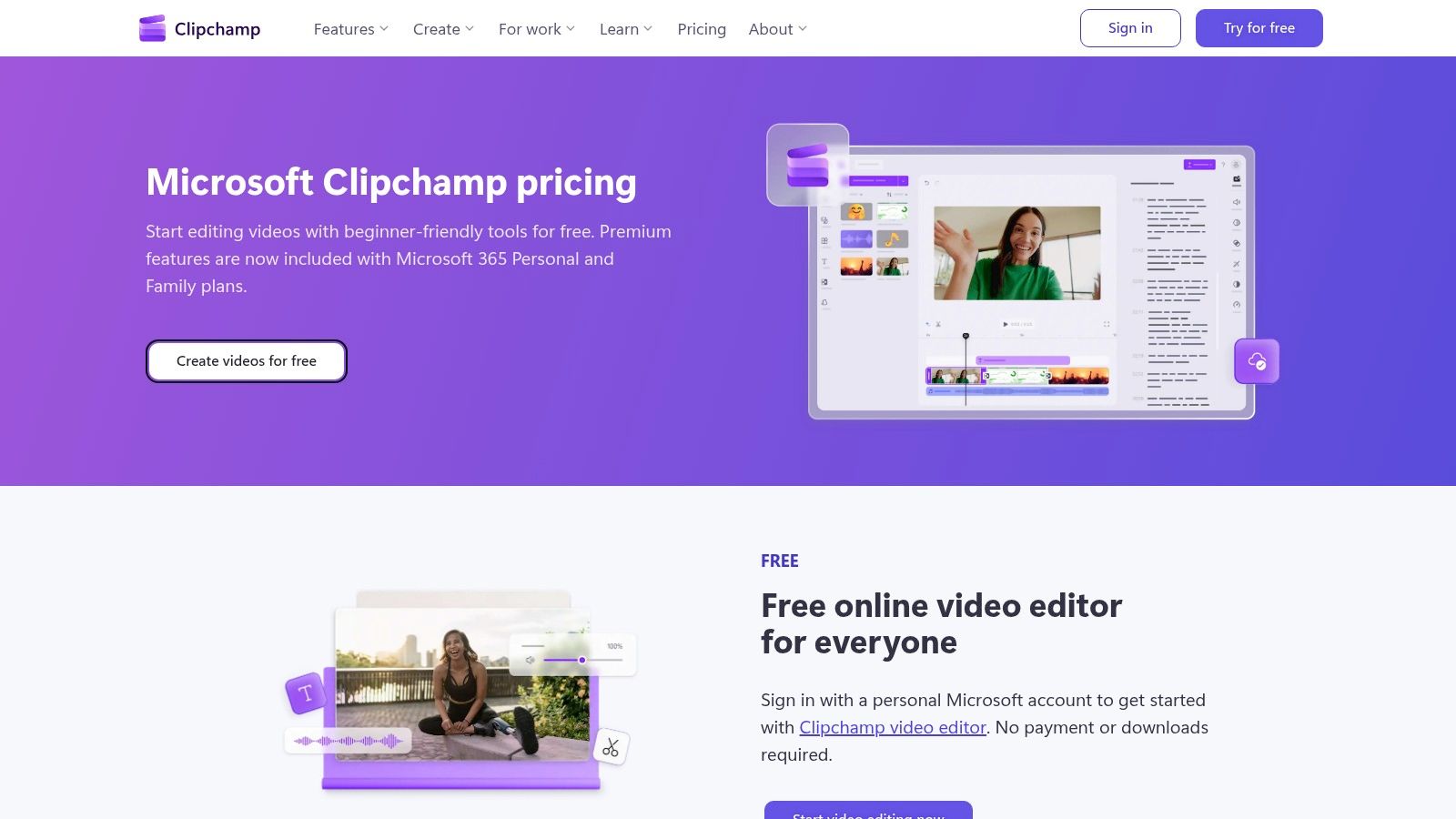
The free plan is surprisingly generous, providing watermark-free exports in up to 1080p HD resolution. It also includes access to a basic library of free stock media and templates, along with impressive AI features like auto-subtitles and text-to-speech voiceovers. This makes it a fantastic starting point for social media content, simple marketing videos, and personal projects.
Key Details & Use Cases
- Best For: Beginners, social media creators, and users needing a fast, no-install editor for quick projects.
- Platform: Web browser (Chrome, Edge), with a Windows desktop app available.
- Limitations: The free version has limitations on stock assets and advanced features like the brand kit, which are reserved for the premium tier (included with Microsoft 365 or as a separate subscription).
- Hardware Needs: Being browser-based, it works on most modern computers with a stable internet connection, without requiring a high-end GPU.
Pros:
- No installation required; fully functional in a web browser
- Generous free plan with 1080p exports and no watermarks
- Intuitive interface perfect for beginners and quick edits
Cons:
- Advanced features and premium stock assets are behind a paywall
- Requires a constant internet connection for use
Website: https://clipchamp.com/en/pricing/
10. Blender — Video Sequence Editor (VSE)
Primarily known as an open-source 3D creation suite, Blender includes a surprisingly capable, built-in non-linear editor called the Video Sequence Editor (VSE). While not its main function, the VSE provides a robust set of tools for video editing, making it a unique option among the top free video editing software. Its real power lies in its seamless integration with the rest of Blender's powerful 3D and visual effects pipeline.

This integration means you can cut a scene, jump over to the VFX workspace to add a 3D model or complex composite, and then return to the VSE timeline without ever leaving the application. The editor itself supports up to 32 strips for video, audio, images, and effects, offering fundamental tools like speed control, transitions, keyframe animation, and audio mixing, all without watermarks or export limitations.
Key Details & Use Cases
- Best For: 3D artists, VFX students, and technical editors who want to combine live-action footage with computer-generated elements in a single environment.
- Platform: Windows, macOS, Linux.
- Limitations: The user interface and workflow are unconventional compared to traditional video editors, which can create a steep learning curve. It also lacks the social media templates and user-friendly effects found in more consumer-focused editors.
- Hardware Needs: While basic editing is not too demanding, working with 3D elements and complex VFX will require a system with a strong CPU and dedicated GPU.
Pros:
- Completely free and open-source with no limitations
- Fully integrated with a world-class 3D and VFX toolset
- Cross-platform availability on all major operating systems
Cons:
- Unconventional UI can be confusing for beginners
- Fewer turnkey effects and social media features
Website: https://www.blender.org/features/video-editing/
11. LosslessCut
LosslessCut is not a traditional video editor, but rather a specialized, lightning-fast utility for lossless trimming and merging of video and audio files. Its core function is to cut footage without any re-encoding, which means zero quality loss and incredibly quick operations. This makes it an invaluable tool for pre-editing, allowing you to quickly discard unwanted sections from raw footage, like the start and end of drone clips or long camera takes, before importing them into a full non-linear editor (NLE).
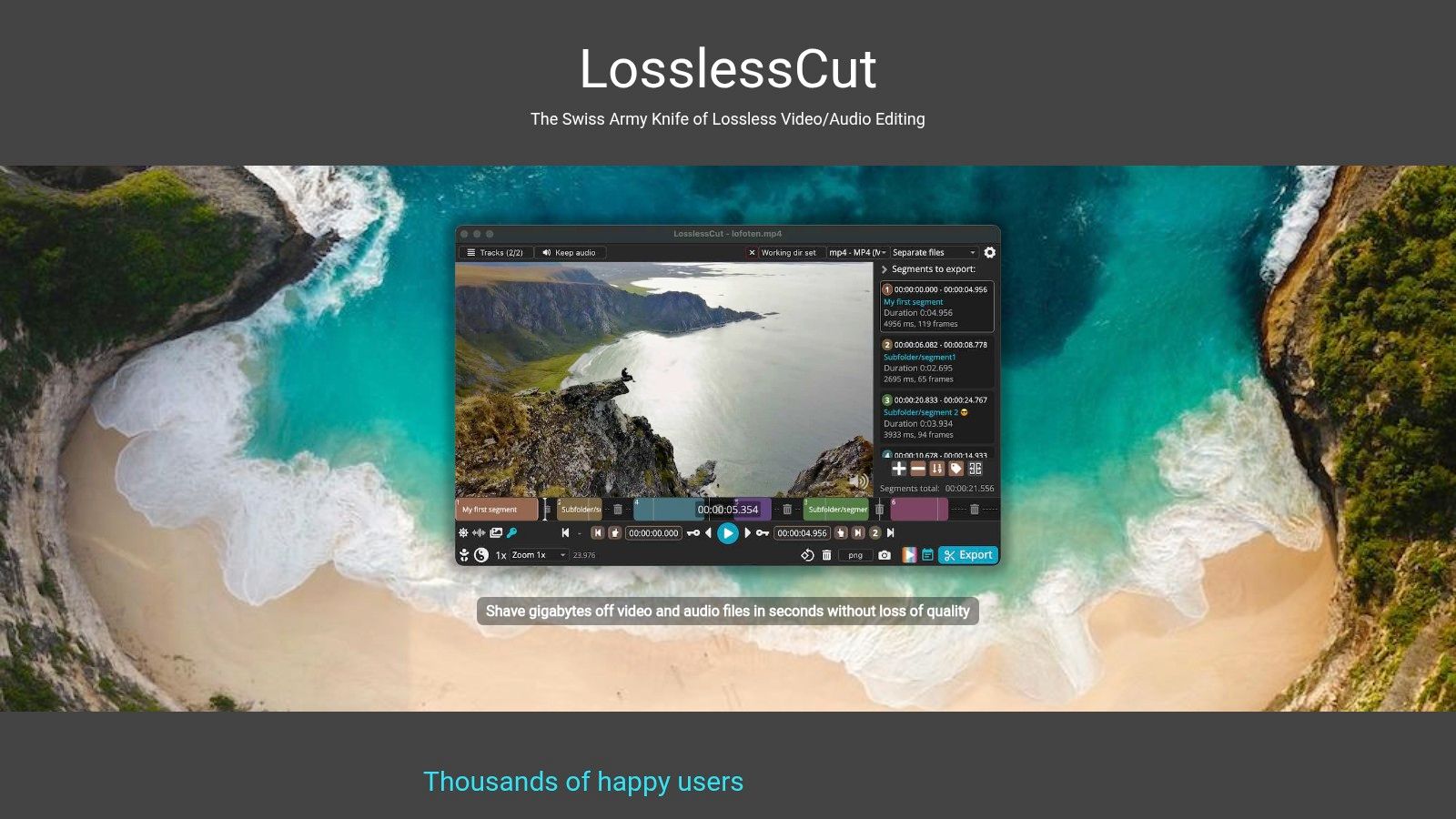
As one of the most efficient tools in its niche, it’s a perfect companion to more complex top free video editing software. Instead of bogging down your main editor with hours of footage, you can use LosslessCut to prepare your clips in a fraction of the time. The interface is simple and built for one purpose: to get you in and out as fast as possible.
Key Details & Use Cases
- Best For: All levels of video creators who need to quickly trim large files without losing quality, especially for drone footage or long recordings.
- Platform: Windows, macOS, Linux.
- Limitations: It is not a full NLE; it lacks features like effects, color grading, or a multi-track timeline. Cuts are not always frame-accurate as they snap to the nearest keyframe.
- Hardware Needs: Very lightweight and runs well on almost any modern computer, as it doesn't perform resource-intensive encoding.
Pros:
- Blazing-fast cuts with no quality degradation
- Free, open-source, and cross-platform
- Simple, intuitive interface focused on speed
Cons:
- Not a full-featured video editor
- Cuts are based on keyframes, not individual frames
Website: https://mifi.no/losslesscut/
12. TechRadar — Best free video editing software (article)
While not a downloadable tool, TechRadar's editorial roundup is an invaluable resource for navigating the crowded market of video editing software. This regularly updated article provides a comprehensive overview and ranking of the leading free options, acting as a meta-guide to help you make an informed decision before committing to a download. The team at TechRadar conducts independent testing, offering practical insights and direct comparisons that you won't find on a developer's marketing page.
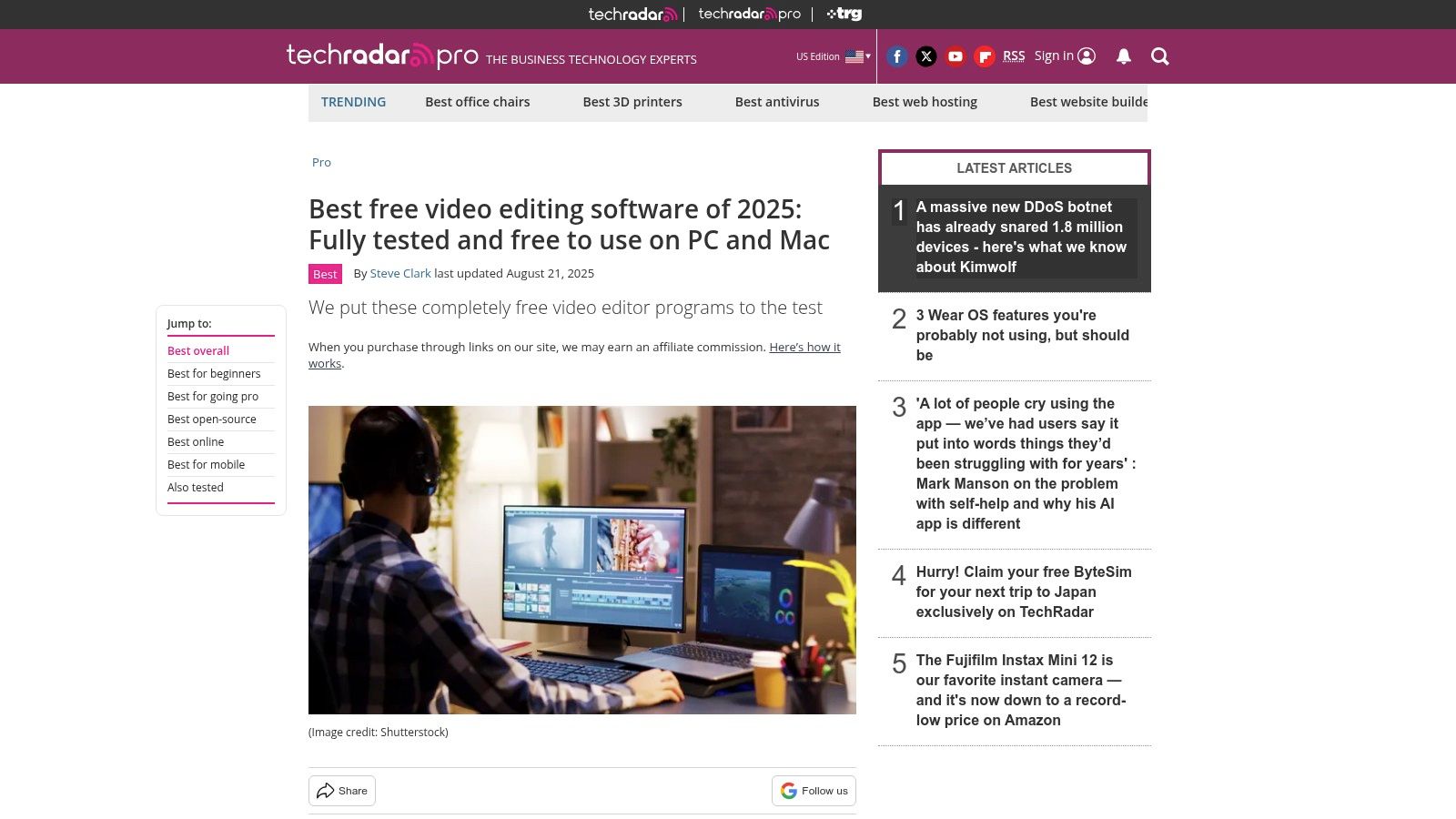
This resource stands out by contextualizing each piece of software. It offers clear, jargon-free summaries of who each tool is for, from beginners needing a simple interface to advanced users seeking professional-grade features. By reading their analysis, you can save significant time you might otherwise spend installing and uninstalling multiple programs to find the right fit. It’s an essential first stop in your search for the top free video editing software.
Key Details & Use Cases
- Best For: Users who want to compare the top free video editors with independent analysis before choosing which one to download.
- Platform: Web-based article, accessible on any device with a browser.
- Limitations: As a third-party resource, features and rankings can become outdated if software developers release major updates.
- Practical Tip: Use this guide as a starting point. Identify your top two or three candidates from their list, then visit the official software websites to confirm the latest features and system requirements before installing.
Pros:
- Provides independent testing and unbiased editorial context
- Excellent for vetting and comparing multiple options quickly
- Includes a helpful buyer’s guide section for context
Cons:
- It is an informational overview, not a direct download source
- Information may occasionally lag behind the latest software updates
Website: https://www.techradar.com/best/free-video-editing-software
Top 12 Free Video Editors — Feature Comparison
| Editor | Core features | UX / Quality ★ | Price / Value 💰 | Target audience 👥 | Unique selling points ✨🏆 |
|---|---|---|---|---|---|
| Blackmagic Design — DaVinci Resolve | Edit • Color • Fusion VFX • Fairlight audio • Collaboration | Professional, industry‑grade; steep learning curve ★★★★ | Free powerful tier; Studio one‑time upgrade 💰 | Pro editors, colorists, studios 👥 | Unified pro toolset; industry color grading ✨🏆 |
| Shotcut | Native timeline • Wide codec support (up to 8K) • Portable builds | Functional, spartan UI; frequent updates ★★★ | Free & open‑source 💰 | Cross‑platform hobbyists & tinkerers 👥 | No‑import editing; portable/AppImage builds ✨ |
| Kdenlive | Nested sequences • Proxy editing • Motion tracking • Multiple packages | Pro‑leaning, active community docs ★★★★ | Free & open‑source 💰 | Advanced hobbyists & Linux/BSD users 👥 | Robust pro features + various distro packages ✨ |
| Lightworks | Universal timeline • Background render • Social presets | Stable pro workflow; learning curve ★★★★ | Free (720p exports); Create/Pro paid tiers 💰 | Aspiring pros & film students 👥 | Longstanding pro NLE; tiered export options ✨ |
| OpenShot | Unlimited tracks • Keyframe animation • FFmpeg support | Simple, beginner‑friendly UX ★★★ | Free & open‑source 💰 | Beginners and quick editors 👥 | Easy UI with unlimited tracks ✨ |
| VSDC Free Video Editor | Chroma key • Stabilization • Screen capture • FFmpeg | Lightweight, Windows‑focused; actively updated ★★★ | Free no‑watermark; Pro adds HW accel & tools 💰 | Windows users on a budget 👥 | No watermark free tier; screen capture tools ✨ |
| CapCut | Templates • AI subtitles/voiceover • Social workflows • Multi‑platform | Fast, template‑first UX for short form ★★★★ | Free capable; Pro adds 4K & premium assets 💰 | Social creators & mobile editors 👥 | Strong templates + AI social tools ✨🏆 |
| Apple iMovie | Storyboards/Magic Movie • 4K • Green screen • Final Cut hand‑off | Intuitive, well integrated in Apple ecosystem ★★★★ | Free on Apple devices 💰 | Casual Apple users & quick editors 👥 | Apple integration & easy Final Cut hand‑off ✨ |
| Microsoft Clipchamp | Browser timeline • AI tools • Stock assets • 1080p free export | Zero‑install, approachable for marketers ★★★★ | Free 1080p; Premium or MS365 bundles 💰 | Social/marketing teams & MS users 👥 | Browser‑based editing + MS365 integration ✨ |
| Blender — Video Sequence Editor (VSE) | Timeline • Compositing • Audio mixing • 3D/VFX integration | Powerful but nontraditional NLE workflow ★★★ | Free & open‑source 💰 | VFX artists and 3D creators 👥 | Integrated 3D/VFX pipeline ✨🏆 |
| LosslessCut | Lossless trimming • Remuxing • Stream extraction • CSV/EDL support | Ultra‑fast, focused tool; not full NLE ★★★★ | Free OSS (app‑store builds optional) 💰 | Camera/drone operators & quick trims 👥 | Blazing fast lossless cuts; no re‑encode ✨ |
| TechRadar — Best free video editing software (article) | Ranked recommendations • Testing notes • Buyer’s guide | Independent editorial overview; comparative ★★★★ | Free article; no downloads 💰 | Readers choosing the right tool 👥 | Comparative testing + clear buying guidance ✨🏆 |
Making the Final Cut: Choosing Your Go-To Editor
Navigating the landscape of top free video editing software can feel overwhelming, but as we've explored, the sheer variety means there’s a perfect tool for every type of creator. The key takeaway is that you no longer need an expensive subscription to produce high-quality, professional-looking video content. The power to create is more accessible than ever, whether you're a budding filmmaker, a social media influencer, or simply someone looking to compile family vacation videos.
The most critical first step is to honestly assess your own needs and skill level. Don't be swayed by the program with the most features if those features are irrelevant to your project. The "best" software is the one that empowers you to bring your vision to life with the least amount of friction.
A Quick Recap: Matching the Tool to the Task
Let's distill our findings into a simple decision-making framework. This helps you move from analysis to action.
- For the Aspiring Professional: If you're serious about learning the craft of filmmaking and demand Hollywood-level tools for color grading and audio post-production, DaVinci Resolve is your undisputed champion. The learning curve is steep, but the payoff is an industry-standard skill set.
- For the All-Around Hobbyist: If you need a robust, reliable editor that balances powerful features with a more approachable interface, Shotcut and Kdenlive are your go-to options. They offer a fantastic middle ground, handling everything from YouTube tutorials to short films without demanding high-end hardware.
- For the Social Media Maven: When speed and trendiness are paramount, CapCut reigns supreme. Its template-driven workflow, auto-captioning, and mobile-first design make it the most efficient tool for creating engaging content for TikTok, Instagram Reels, and YouTube Shorts.
- For the Absolute Beginner: If you're just starting and want a clean, simple, and frustration-free experience, Apple iMovie and OpenShot are excellent entry points. They provide the essential tools to learn the fundamentals of editing without overwhelming you with complex controls. For Windows users, Microsoft Clipchamp offers similar simplicity with the added benefit of cloud integration.
Beyond the Timeline: Practical Implementation Factors
Choosing your software is only half the battle. To truly succeed, consider these practical factors as you begin your editing journey:
- System Resources: Be realistic about your computer's capabilities. A powerful program like DaVinci Resolve will struggle on an older laptop, leading to frustration. If your hardware is limited, a lightweight option like OpenShot or VSDC is a much smarter choice.
- Your Time Investment: How much time are you willing to dedicate to learning? A complex tool like Blender's VSE or Lightworks requires significant commitment. In contrast, you can master the basics of iMovie or CapCut in a single afternoon.
- The Workflow Ecosystem: Great editing is rarely done in a single program. Consider how a tool fits into a larger workflow. You might use LosslessCut for its lightning-fast, quality-preserving ability to trim raw footage before importing it into a more comprehensive editor like Kdenlive for the final assembly. This hybrid approach can save immense amounts of time and processing power.
Ultimately, the journey to finding the right free video editor is one of experimentation. The most important step you can take is to download one or two that seem like a good fit and start a small project. There is no substitute for hands-on experience. Don't be afraid to try multiple options from our list until one just clicks. The right tool will feel less like a barrier and more like a natural extension of your creativity, empowering you to tell your stories visually, without ever spending a dime.
For more deep dives into the best software, practical tech guides, and clear-eyed reviews, stay connected with Simply Tech Today. We cut through the noise to bring you the essential information you need to make smart technology choices. Visit us at Simply Tech Today to level up your tech game.
Member discussion