
What Does VPN Stand For and How Does It Actually Work
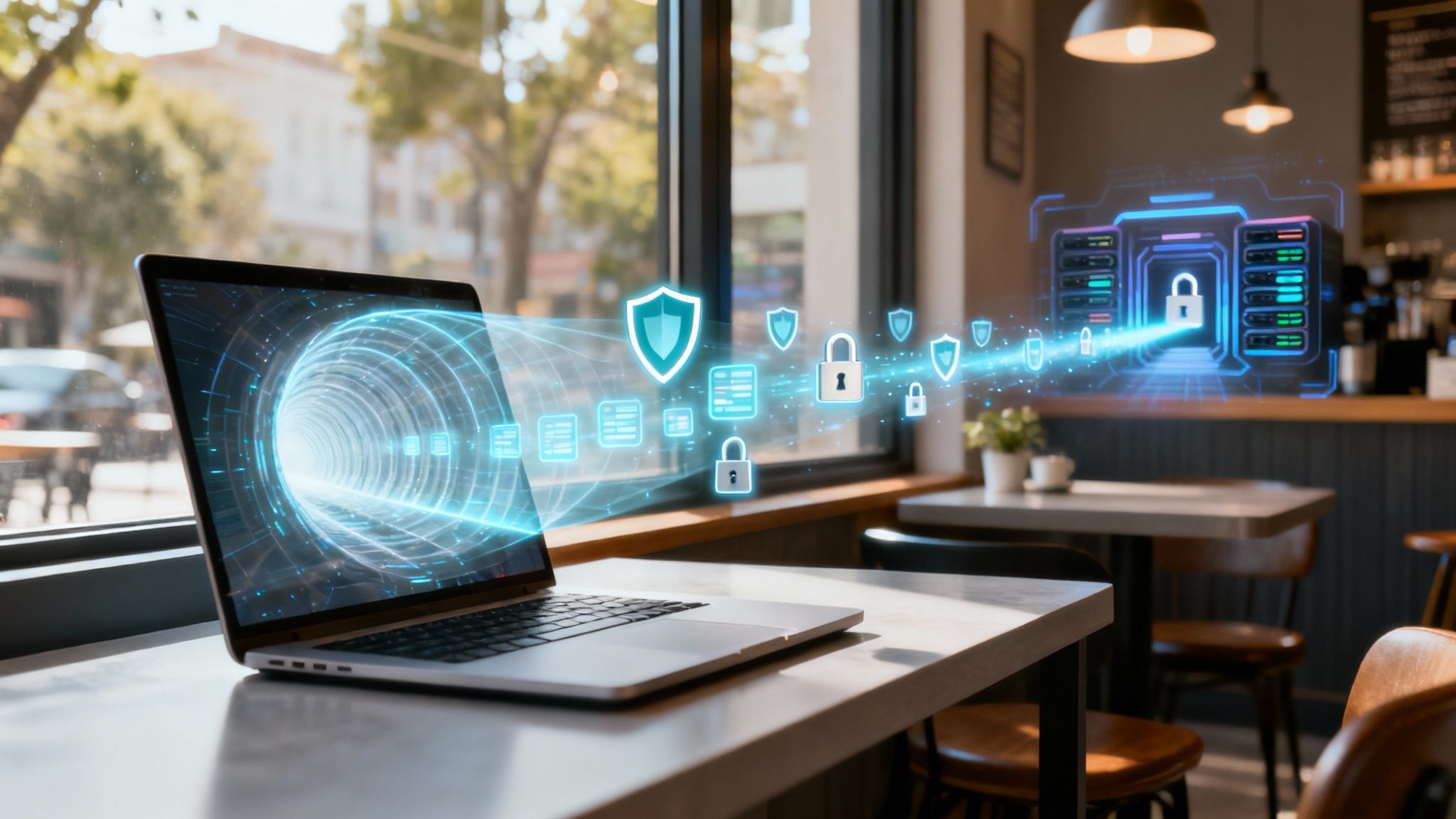
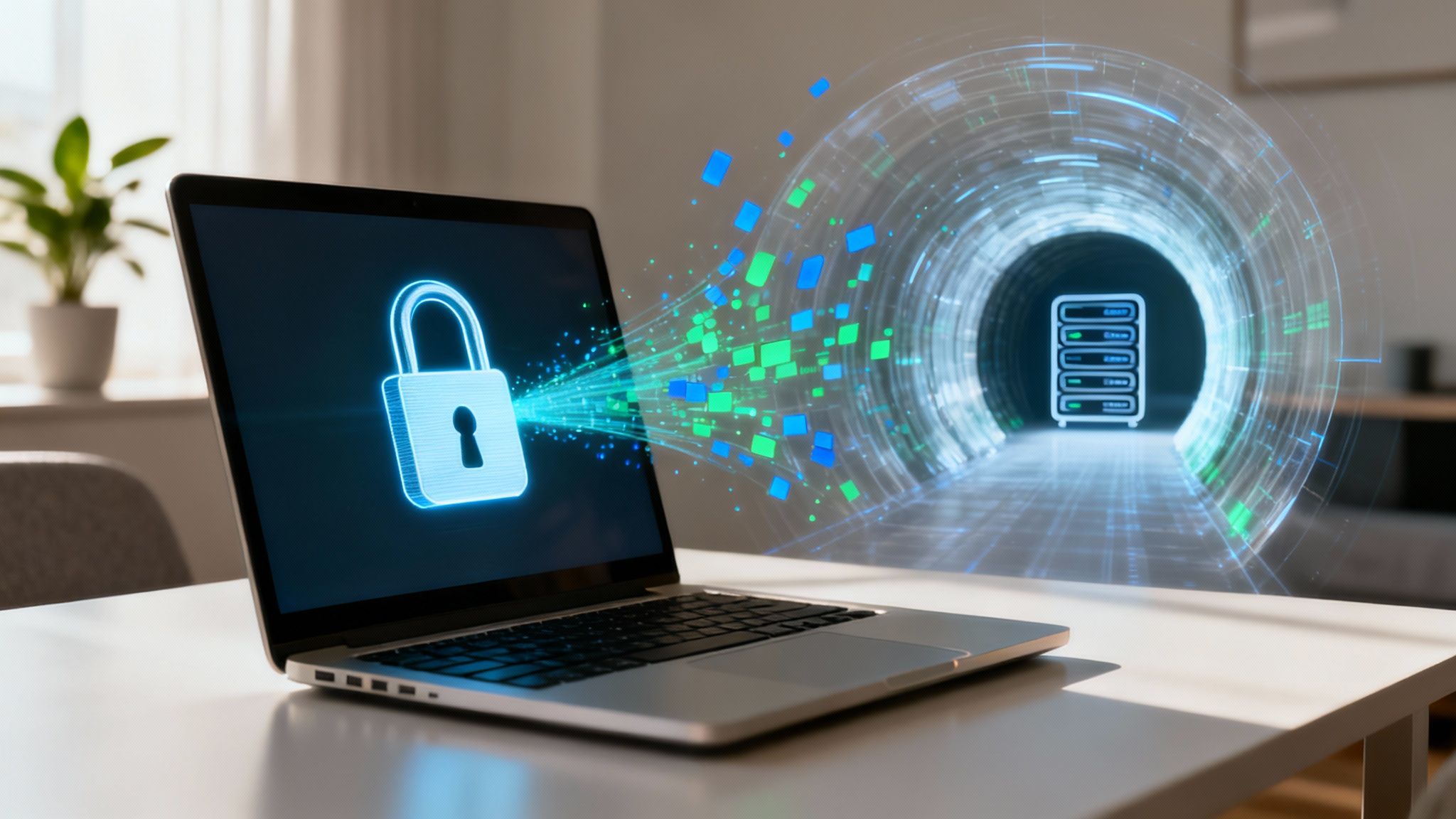
Let's get straight to the point. VPN is short for Virtual Private Network. The easiest way to think of it is like a secure, private tunnel for everything you do online. It takes your standard public internet connection and wraps it in a layer of powerful security, making your activity anonymous and shielding your data from anyone trying to peek.
So, What Exactly Is a VPN and Why Should I Care?
At its heart, a VPN is a service that creates a secure, encrypted connection between your device and the internet. Think about all the things you do online—checking your bank account, sending emails, scrolling through social media. Without a VPN, it's like you're sending postcards. Anyone who intercepts them, from your internet service provider (ISP) to a hacker lurking on that coffee shop Wi-Fi, can read what you're up to.
A VPN completely changes that dynamic.
It takes those digital postcards and seals them inside a steel lockbox before they even leave your computer or phone. This process is called encryption, and it essentially scrambles your data into a complex, unreadable code. This coded data then travels through the secure VPN tunnel to a remote server owned by your VPN provider.
The Magic of Anonymity
Once your encrypted data arrives at the VPN server, it's decrypted and then sent out to the open internet. But here's the clever part: to the rest of the web, your activity now looks like it's coming from the VPN server's location, not your house.
This simple but powerful swap hides your real IP address (your device's unique online fingerprint) and replaces it with one from the VPN server. This is the foundation for how you can protect your privacy online.
This redirection gives you two game-changing benefits:
- Privacy from Your ISP: Your internet provider can see that you're connected to a VPN, but they can't see what websites you're visiting or what you're doing. Your activity is completely hidden from them.
- Anonymity from Websites: The websites and apps you use will only see the VPN server's IP address, not yours. This helps conceal your physical location and stops them from tracking your browsing habits back to you personally.
To really nail this down, let’s quickly break down what a VPN does for you in a typical day.
What a VPN Does for You at a Glance
| Core Function | What It Means for You | Why It Matters |
|---|---|---|
| Data Encryption | Scrambles your internet traffic into unreadable code. | Prevents hackers, your ISP, and network spies from seeing your online activity, especially on public Wi-Fi. |
| IP Address Masking | Hides your real IP address and replaces it with one from the VPN server. | Keeps your physical location private and prevents websites and advertisers from tracking you across the web. |
| Secure Tunneling | Creates a private "tunnel" through the public internet for your data to travel. | Ensures all your data, from passwords to financial details, is protected from the moment it leaves your device. |
Ultimately, a VPN puts a crucial barrier between your personal information and the outside world, giving you a level of security that's just not possible on a standard connection.
A VPN is like a digital disguise. It doesn't just put a cloak over your activity; it changes where you appear to be. This gives you back a huge amount of control over your digital footprint, which is absolutely essential anytime you're using a network you don't own and trust, like at an airport or hotel.
How a VPN Actually Works Explained Simply
Think of your regular internet connection like a public highway. Every car (your data) is visible, and anyone watching—from your internet provider to potential snoops at a coffee shop—can see where you're coming from and where you're headed.
When you turn on a VPN, it’s like moving your car into a private, armored tunnel. Suddenly, you're invisible.
This magic trick starts with encryption. Before any data leaves your phone or computer, the VPN app scrambles it into a complex, unreadable code. This step alone makes your information worthless to anyone who might try to grab it. Your data is then sent through that secure tunnel.
The Journey Through the Tunnel
Inside this protected tunnel, your encrypted data travels straight to a remote server owned by your VPN provider. These servers are located all over the world—you could be in Ohio, but your data might pop out of a server in London.
Once your data reaches the VPN server, it's decrypted and sent on its way to the website or app you wanted to use.
This diagram shows you that simple, but powerful, process.
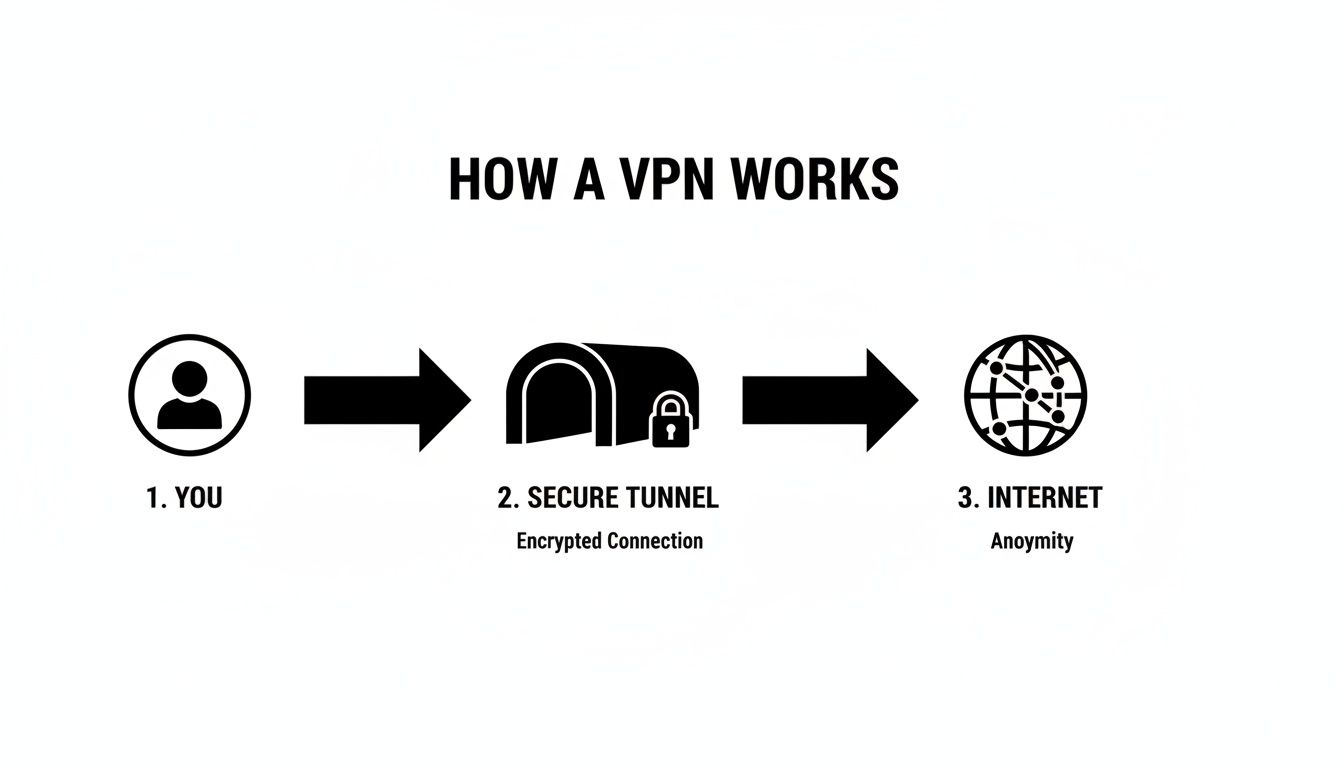
As you can see, the VPN server acts as a middleman, shielding you from the open internet. To every website and online service you visit, it looks like your connection is coming from the VPN server, not your home.
A VPN effectively swaps your digital location for its own. It hides your real IP address (your device's unique identifier) and replaces it with the IP address of the server. This is the secret sauce that delivers both privacy and the ability to browse as if you were in another city or country entirely.
This idea of routing data through remote systems isn't unique to VPNs. It's similar to how other services manage information for you. For instance, you can learn more about how cloud storage works to see a different take on sending data to be handled securely off-site.
In both cases, your information takes a detour through external servers to provide a service—whether it's storing your files or protecting your identity. This rerouting is what opens the door to a much safer and more private internet.
Everyday Reasons You Might Want a VPN
Knowing what the letters V-P-N stand for is one thing, but seeing how it actually helps in the real world is where it clicks. A VPN isn’t some complicated tool just for tech wizards; it's a practical solution for everyday moments when your privacy and security are on the line.
Let's look at some real-life situations where a VPN becomes indispensable.
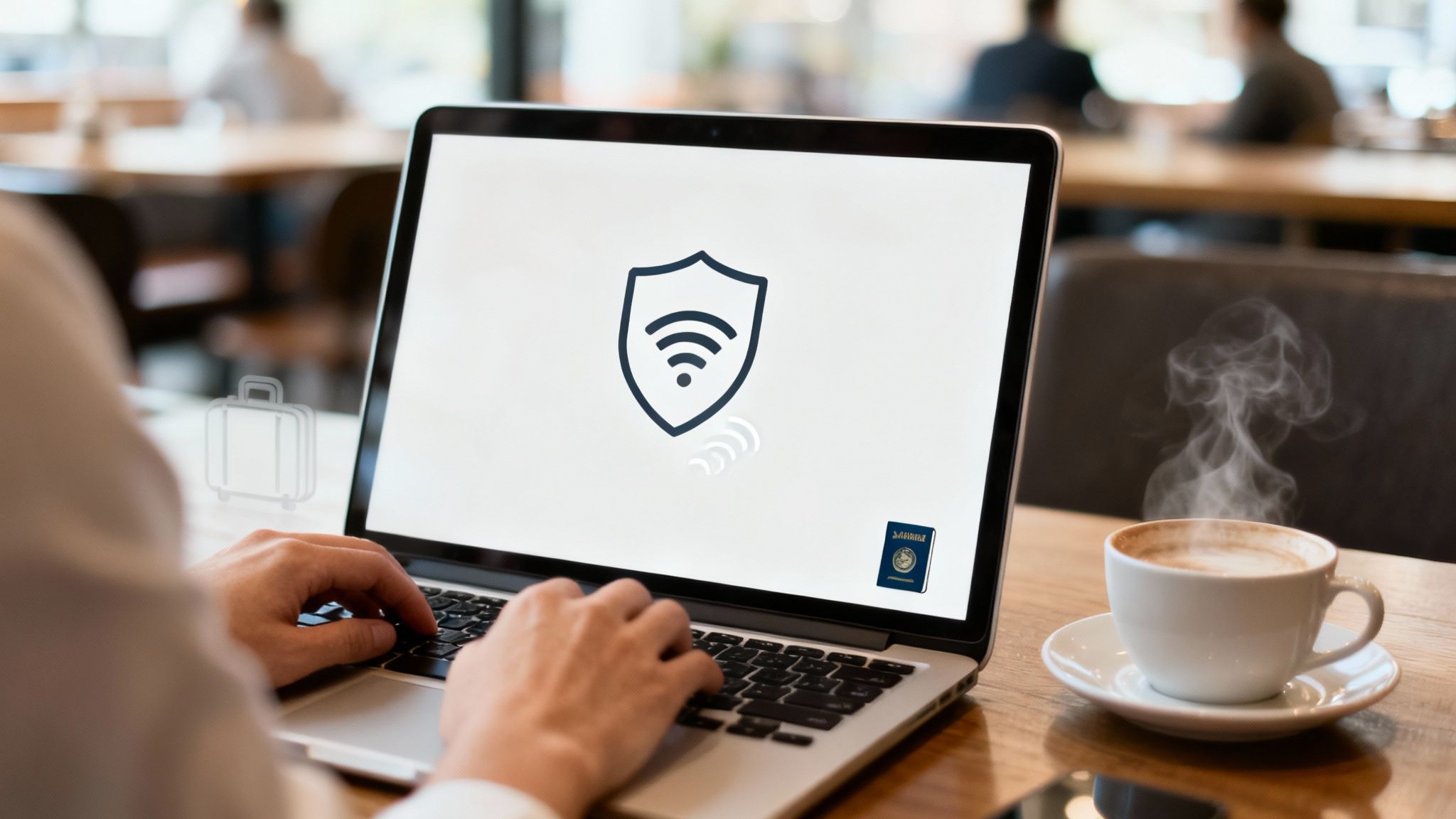
Think about the last time you were at a coffee shop, airport, or hotel. You probably connected to their free Wi-Fi without a second thought to check your email or maybe even your bank account. The problem is, these public networks are notoriously insecure—like having a conversation in a crowded room where anyone can listen in.
A VPN scrambles your entire connection, wrapping it in a layer of encryption that makes your activity unreadable to anyone trying to snoop. It's the digital equivalent of moving your private conversation into a soundproof room.
Securing Your Digital Life on the Go
This protection is a game-changer for anyone who regularly uses public hotspots. A VPN shuts down common threats like "man-in-the-middle" attacks, where a hacker sneakily positions themselves between you and the internet to steal your data.
How effective is it? Research shows VPNs can block up to 95% of these attacks on public Wi-Fi, a huge deal when you consider that nearly 70% of travelers depend on these networks. You can dig deeper into the data on VPN adoption over at ResearchAndMarkets.com.
This same security is vital for remote work. A VPN creates a secure, private tunnel directly to your company's network, keeping sensitive business information safe no matter where you log in from. While a VPN handles your connection, don't forget the rest of your setup. Our guide on how to secure your home network has more great tips.
Unlocking a World of Content
Beyond just security, a VPN has another powerful trick up its sleeve: getting around those frustrating "geo-restrictions." Ever been traveling abroad and tried to watch your favorite show, only to get that dreaded "not available in your region" error? A VPN is the perfect fix.
By connecting to a server back in your home country, you can make websites and streaming services think you’re right back on your couch. This simple action unlocks all your usual content, from news sites to streaming libraries, no matter where you are in the world.
So, when does a VPN really come in handy?
- Public Wi-Fi: Keeping your data safe at airports, hotels, cafes, and libraries.
- Streaming: Watching your home country's Netflix or Hulu library while on vacation.
- Remote Work: Securely accessing your office network from anywhere.
- Online Privacy: Stopping your own Internet Service Provider (ISP) from tracking your browsing habits.
The Pros and Cons of Using a VPN
While a VPN is a fantastic tool for taking back your online privacy, it's not a magic bullet. Like any technology, it comes with a mix of real benefits and a few trade-offs you should know about. Let's break down what you can realistically expect.
The biggest win, without a doubt, is privacy. A VPN wraps your internet connection in a layer of strong encryption, creating a private tunnel for your data. This is a game-changer on public Wi-Fi, turning a risky connection at a coffee shop or airport into a secure one.
VPNs at a Glance: Pros vs. Cons
To make it simple, I've put together a quick comparison. This table lays out the main benefits you'll get from a quality VPN against some of the potential downsides to keep in mind.
| Advantages of Using a VPN | Potential Disadvantages |
|---|---|
| Locks Down Your Data: Strong encryption keeps your passwords, bank details, and personal info safe from snoops. | Slight Speed Reduction: Routing your traffic through another server can sometimes slow your connection a little. |
| Keeps Your Browsing Private: Stops your Internet Service Provider (ISP) from tracking every site you visit. | Subscription Costs: The most reliable and secure VPNs aren't free; they require a monthly or annual fee. |
| Unlocks Geo-Restricted Content: Access your favorite streaming shows or news sites from back home when traveling. | Not All Services Are Equal: Free or shady VPNs might log your data, defeating the whole purpose of using one. |
| Hides Your IP Address: Prevents websites and advertisers from tracking your physical location and online habits. | Some Sites Block VPNs: A few streaming platforms or online services actively try to block known VPN servers. |
Ultimately, for most people, the security and privacy benefits far outweigh the minor inconveniences, especially if you choose a reputable, high-speed provider.
What a VPN Doesn't Do
It’s just as important to understand a VPN's limitations. Think of it as one crucial part of your overall online security toolkit, not the entire thing.
For example, your connection might be encrypted, but a VPN can't stop you from downloading a virus or clicking on a phishing link in a convincing-looking email. It’s a privacy tool, not an antivirus program.
A VPN secures your connection from your device, but it doesn't secure the device itself. You still need to practice smart online habits.
That's why combining a VPN with other security measures is so effective. For instance, you should absolutely learn how to use two-factor authentication to add another layer of armor to your important accounts. By stacking these tools, you build a much more robust defense against anyone trying to access your digital life.
Quick Tips for Choosing a Good VPN
Alright, so you get what a VPN is and why you might want one. But picking the right one? That can feel like navigating a maze. The market is flooded with providers all claiming to be the best, but you don't need a cybersecurity degree to make a smart choice.
Just focus on a handful of key features that really separate the good from the questionable.
The absolute number one thing to look for is a strict no-logs policy. This is non-negotiable. It means the VPN company doesn't track, collect, or share any data about what you do online. The best providers even bring in independent auditors to verify this promise, giving you solid proof that they're serious about your privacy.
This commitment to privacy is exactly why paying for a VPN is almost always the right move. Free services have to make money somehow, and it's often by selling your browsing data to advertisers or skimping on security—which completely defeats the purpose of using a VPN in the first place.
Your Quick Evaluation Checklist
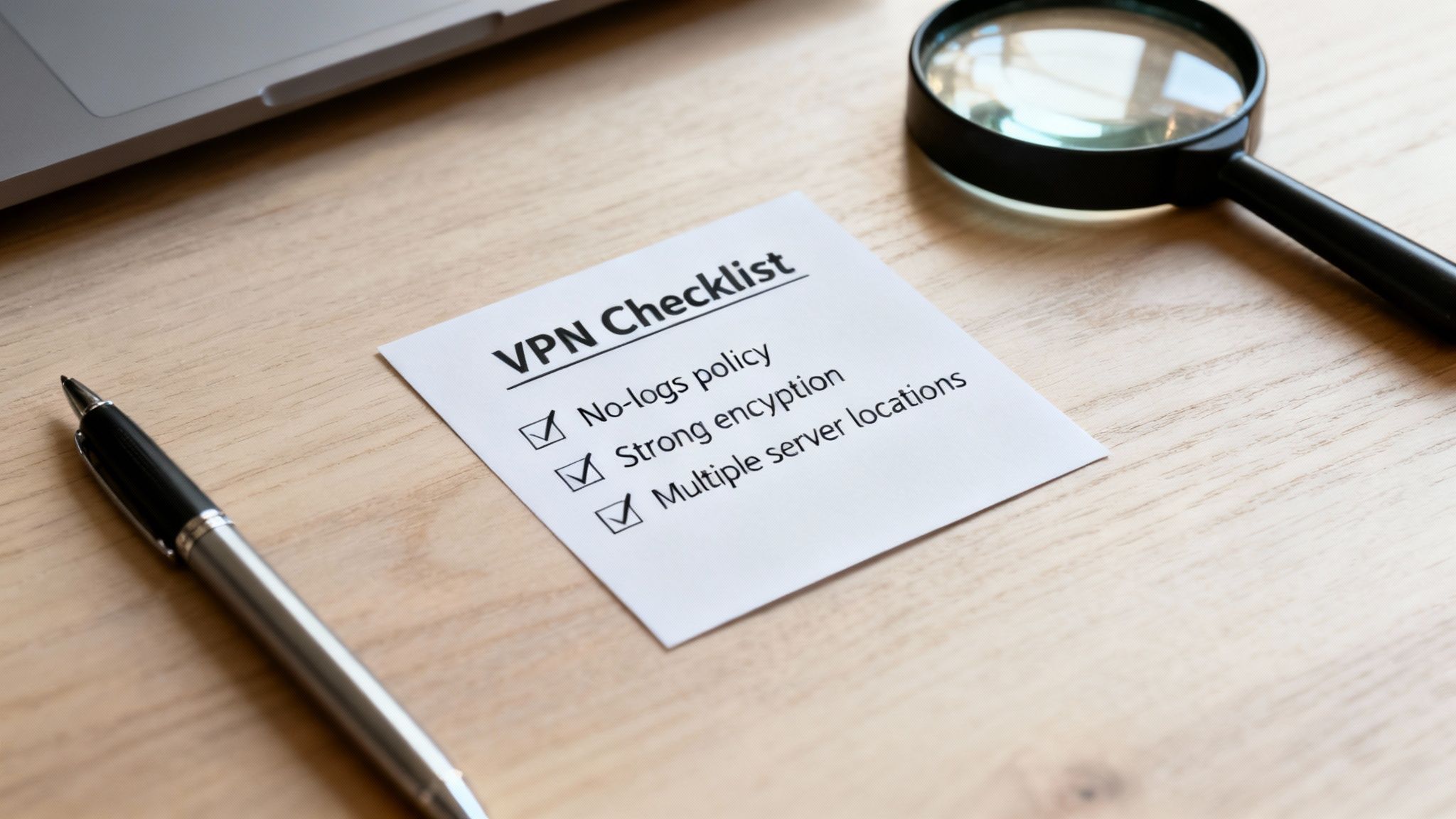
As you start comparing different services, keep this simple checklist in mind. Any VPN worth your time should have these features, period.
- Strong Encryption: The gold standard here is AES-256 encryption. It’s what banks and governments use to lock down their most sensitive information, so it's more than enough for your needs.
- A Proven No-Logs Policy: Again, they shouldn't keep any records of your browsing history, when you connect, or what your original IP address is.
- Global Server Network: The more servers a VPN has in different countries, the better your speeds will be. It also gives you more flexibility for getting around those pesky geo-restrictions on content.
- A Kill Switch: This is a crucial safety feature. If your VPN connection unexpectedly drops, the kill switch instantly cuts your internet access. This prevents your real IP address from being accidentally exposed.
Think of it this way: using a VPN is about consciously choosing to trust one secure company with your data instead of leaving it exposed to your internet provider, coffee shop Wi-Fi owners, and every website you visit.
The VPN market is huge—in the U.S. alone, there are over 136 providers expected to generate $3.6 billion by 2025. That intense competition is actually good for you, as it pushes the top companies to keep improving their security.
When you pair a reliable VPN with other good digital habits, like following the best practices for password security, you build a seriously strong defense for your online life.
Your VPN Questions Answered
Now that we’ve covered the basics, you probably still have a few practical questions rattling around. Let's tackle some of the most common ones I hear to make sure you have a clear picture of what a VPN does and, just as importantly, what it doesn't do.
Is Using a VPN Legal?
For most of us, the answer is a simple yes. Using a VPN is completely legal in places like the United States, Canada, and the UK. Think of it as a digital privacy tool, kind of like putting a shredder next to your desk for sensitive documents.
But here’s the thing: a VPN doesn’t give you a free pass to break the law. Illegal activities are still illegal, whether your connection is encrypted or not. A handful of countries with heavy internet censorship do restrict or ban VPNs, so if you're traveling, it’s always smart to check the local rules first.
Will a VPN Slow Down My Internet?
This is a big one, and the honest answer is: yes, a little bit. Since your internet traffic is taking an extra step—getting encrypted and routed through a remote server—a slight dip in speed is to be expected.
The key is choosing a quality VPN service. The best providers pour money into high-speed server networks and slick software, which keeps the speed drop so minimal you probably won't even notice it while streaming, browsing, or gaming. Free or cheap VPNs, on the other hand, are notorious for causing frustrating slowdowns.
Can a VPN Protect Me from Viruses?
This is a critical point to understand. A VPN is not an antivirus program. Its main job is to secure your internet connection—encrypting your data and hiding your IP address to protect your privacy. It’s like an armored car for your data as it travels online.
However, a VPN won't:
- Scan the files you download for malware.
- Stop you from landing on a shady website.
- Prevent you from clicking on a phishing link in an email.
For true digital safety, you need a layered approach. That means using your VPN alongside a good antivirus program and practicing smart, safe browsing habits.
Ready to explore the world of tech with confidence? At Simply Tech Today, we break down complex topics into simple, practical advice. Visit us to learn more.

Member discussion