
10 AI Tools for Note Taking: Find Your Best Fit
You probably don't need “the best AI note-taking app.” You need the one that fits the note problem you have. One reader is trying to leave meetings with clean action items instead of a messy transcript. Another needs research notes that stay tied to original sources. A student may care less about meeting bots and more about handwriting, lecture capture, and whether a professor even allows recording.
That's why this roundup looks at ai tools for note taking by job first, not by marketing claims. I'm comparing how these tools capture information, how they organize it afterward, whether answers stay grounded in source material, how collaboration works, how messy the pricing tiers and AI limits get, and how much setup friction you should expect before the tool becomes useful.
There's also the OPL to inspect. By OPL, I mean the operational and privacy layer behind the product: retention controls, recording consent, account permissions, export paths, and whether sensitive notes should live there at all. That layer matters as much as the summary quality if you're putting work meetings, class discussions, or client notes into an AI system.
A simple selection method works better than endless feature comparison. Pick your main note type, test one repeatable workflow, confirm the current plan limits and retention controls, and connect the tool to the calendar, document suite, or communication stack you already use. If you want one more perspective before choosing, this Productivity Radar ranked list is useful for manager-focused workflows.
1. Notion AI
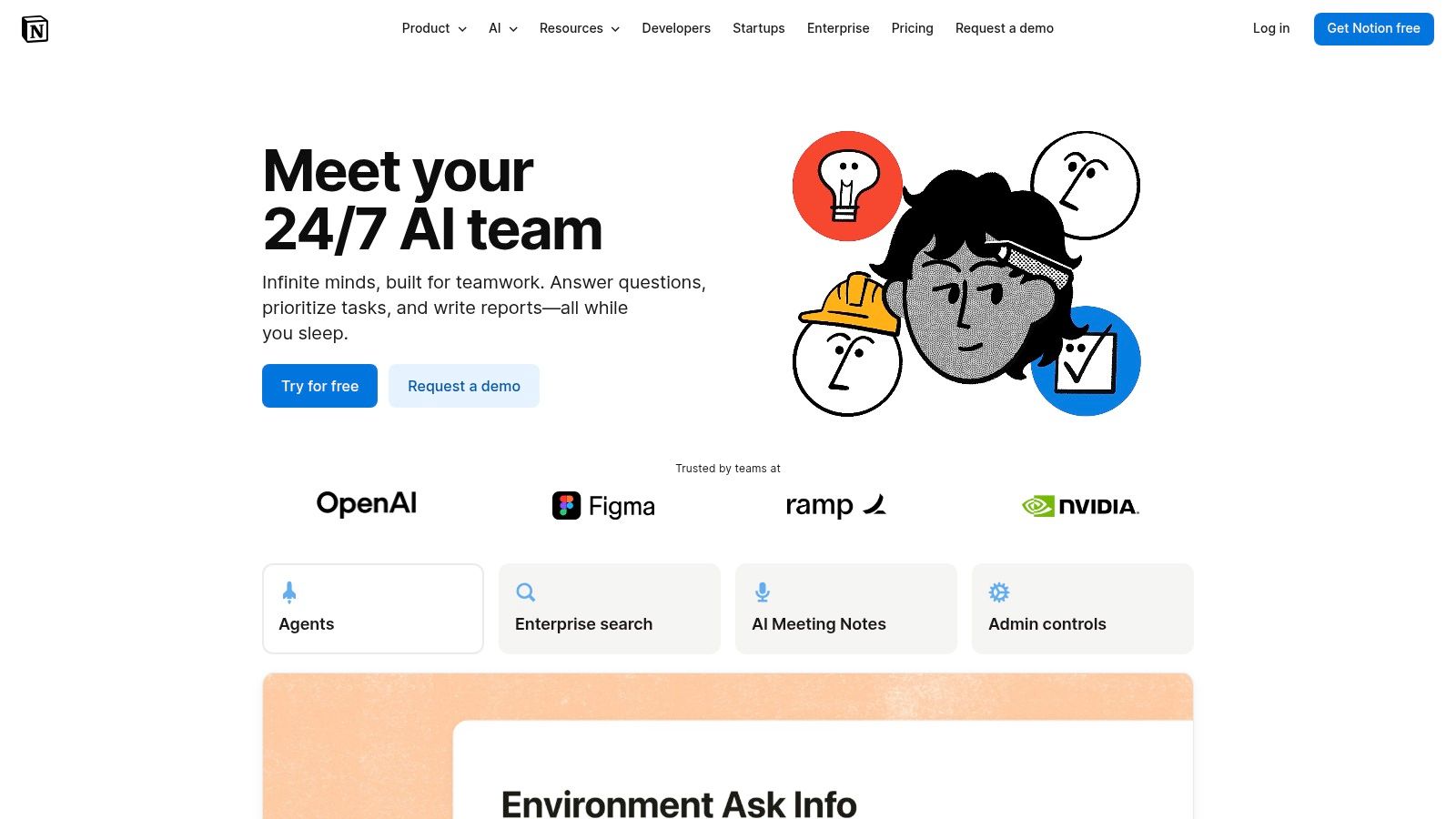
Notion AI makes the most sense when your notes aren't standalone files. They're part of a workspace with docs, project pages, team wikis, and databases. In that setup, AI isn't just there to polish text. It becomes a way to ask your workspace questions, turn messy meeting notes into follow-ups, and reduce the amount of manual cleanup people usually avoid.
The upside is obvious in daily work. If your team already lives in Notion, you don't need another capture silo. Meeting notes, summaries, decisions, and documentation stay close to the systems where people act on them.
Where it fits best
Notion AI is strongest for the structured workspace job. It's good when you want one place for meeting notes, planning docs, ongoing project memory, and lightweight knowledge management. It's less convincing if you just want fast voice capture or source-grounded academic research.
- Best fit: Teams already writing in Notion every day
- Works well for: Meeting follow-ups, doc cleanup, workspace Q&A, shared documentation
- Less ideal for: Handwriting, lecture-heavy study, or people who dislike database-style organization
What usually works is keeping AI use narrow at first. Start with one template for meeting notes and one template for weekly summaries. If you try to automate everything on day one, the workspace often turns into a complicated system that only one person understands.
Practical rule: Notion AI is worth paying for when Notion is already your destination, not just your inbox.
The main trade-off is pricing and usage complexity once you move beyond basic writing help. Agent features, meeting features, enterprise search, and any usage-based limits require a closer read than many buyers expect. If you're evaluating it for work, review how your team already uses docs first, then compare that with Tech Today's guide to how to use AI tools so you don't buy AI features before you have a workflow.
You can explore it on the Notion AI product page.
2. Microsoft OneNote + Copilot
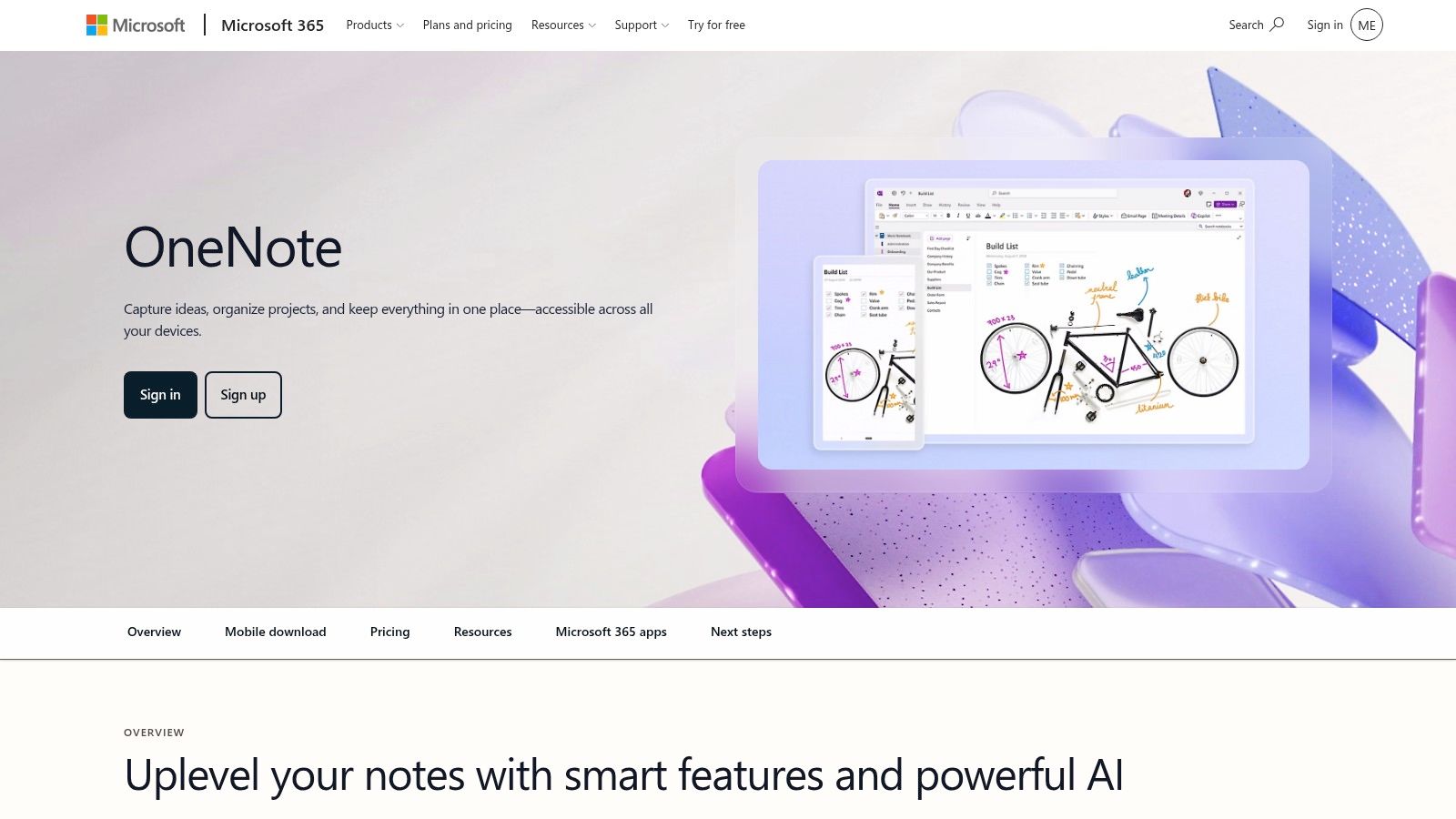
A common note-taking problem looks like this: project updates arrive in Teams, supporting files sit in SharePoint, action items live in Outlook, and the final notes still need to end up somewhere people will revisit. For that job, OneNote with Copilot makes sense because it stays inside the Microsoft stack instead of asking people to adopt a separate knowledge system.
The core experience is still classic OneNote. You get notebooks, sections, and pages, which many students and office teams can use with almost no retraining. Copilot adds summarization, drafting, study help, and question answering, but the value comes from context across Microsoft 365, not from flashy note design.
The practical trade-offs
This tool is strongest for Microsoft-first research and documentation workflows. It fits organizations that already care about tenant controls, identity management, and compliance settings, and it fits individuals who already have years of material stored in OneNote. In practice, setup and licensing decide whether it feels efficient or frustrating.
Here is the part buyers need to check early:
- Best fit: Microsoft-heavy workplaces, academic users, and anyone already organizing notes in OneNote
- Works well for: Meeting recaps, class notes, internal research, and pulling context from Microsoft 365 files
- Watch for: Copilot availability, plan differences, admin controls, and uneven feature access across accounts and devices
I would not choose OneNote + Copilot for someone trying to build a highly customized second-brain system from scratch. I would choose it for a team that wants AI help without moving its documents, permissions, and storage into another vendor.
Privacy and governance are part of the appeal here. Admins already handling Microsoft 365 often prefer OneNote with Copilot because user access, retention, and data location policies may already be defined. That does not remove review work. It just means the review usually happens inside a system the organization already runs.
The downside is real. Microsoft licensing changes often enough that "we have Copilot" does not always mean every user gets the same experience in OneNote. Some teams also expect more proactive AI note organization than OneNote currently delivers. It remains a strong notebook with AI assistance, not the most opinionated AI knowledge manager in this roundup.
See the product at Microsoft OneNote.
3. Google Gemini Notebook
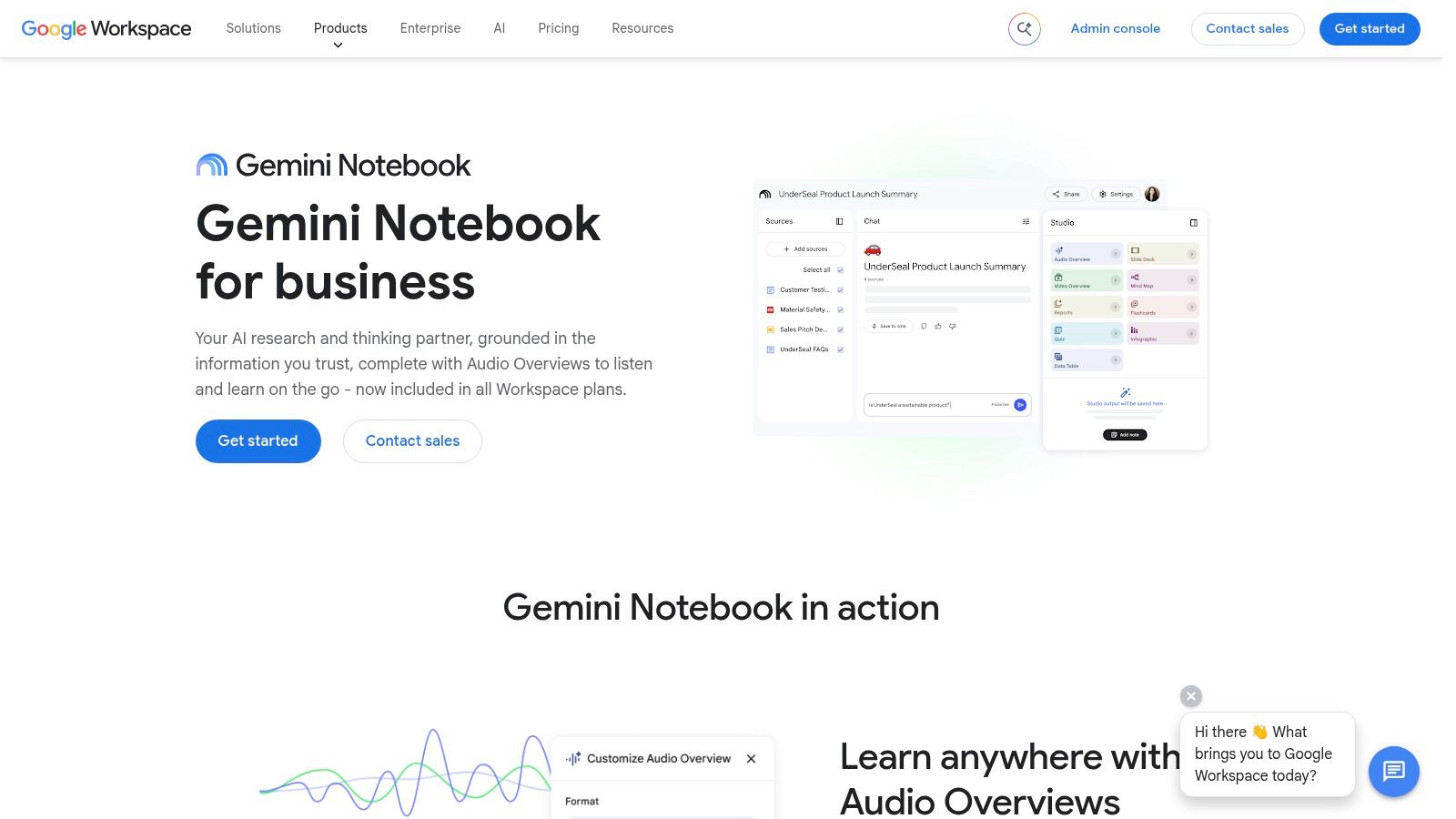
A common research mess looks like this: ten PDFs open, a few Google Docs, scattered highlights, and one bad summary from a general chatbot that cannot tell you where a claim came from. Google Gemini Notebook stands out because it keeps the conversation tied to the material you added.
That makes it a better fit for the Google research job than for broad, all-purpose note management.
Best for cited research notes
Gemini Notebook works well for source-based reading, study prep, and document synthesis inside a Google-centered workflow. Upload the files you use, then ask for a reading summary, comparison table, glossary, study guide, or brief. The useful part is not just the output. It is the ability to trace claims back to the underlying sources, which cuts down on the usual AI cleanup work.
I would choose it for a student comparing assigned readings, an analyst reviewing policy documents, or a team member building a briefing packet from internal material stored in Google's ecosystem. I would not choose it as the main workspace for someone who wants deep project management, heavy note formatting, or a highly structured second-brain system. It behaves more like a research notebook than a full knowledge base.
Its trade-offs are practical. Source grounding is the reason to use it, but the workflow depends on what you can upload, how your account is provisioned, and whether sharing rules match the way your team already works. Some users will also hit plan or usage limits faster than expected if they treat it like an unlimited research assistant.
Privacy deserves a real check here. If your notes include internal documents, client files, or coursework with restrictions, review account type, admin controls, and data handling before rolling it out widely. The setup is usually lighter than a custom knowledge system, but governance still matters.
Grounded answers with citations are what make this tool useful.
Before committing, test one notebook with your real mix of PDFs, Docs, Slides, and web sources. Then check the output quality, citation behavior, export options, and whether the notebook still feels trustworthy after a longer research session, not just a five-minute demo.
The official product page is Google Gemini Notebook.
4. Mem.ai
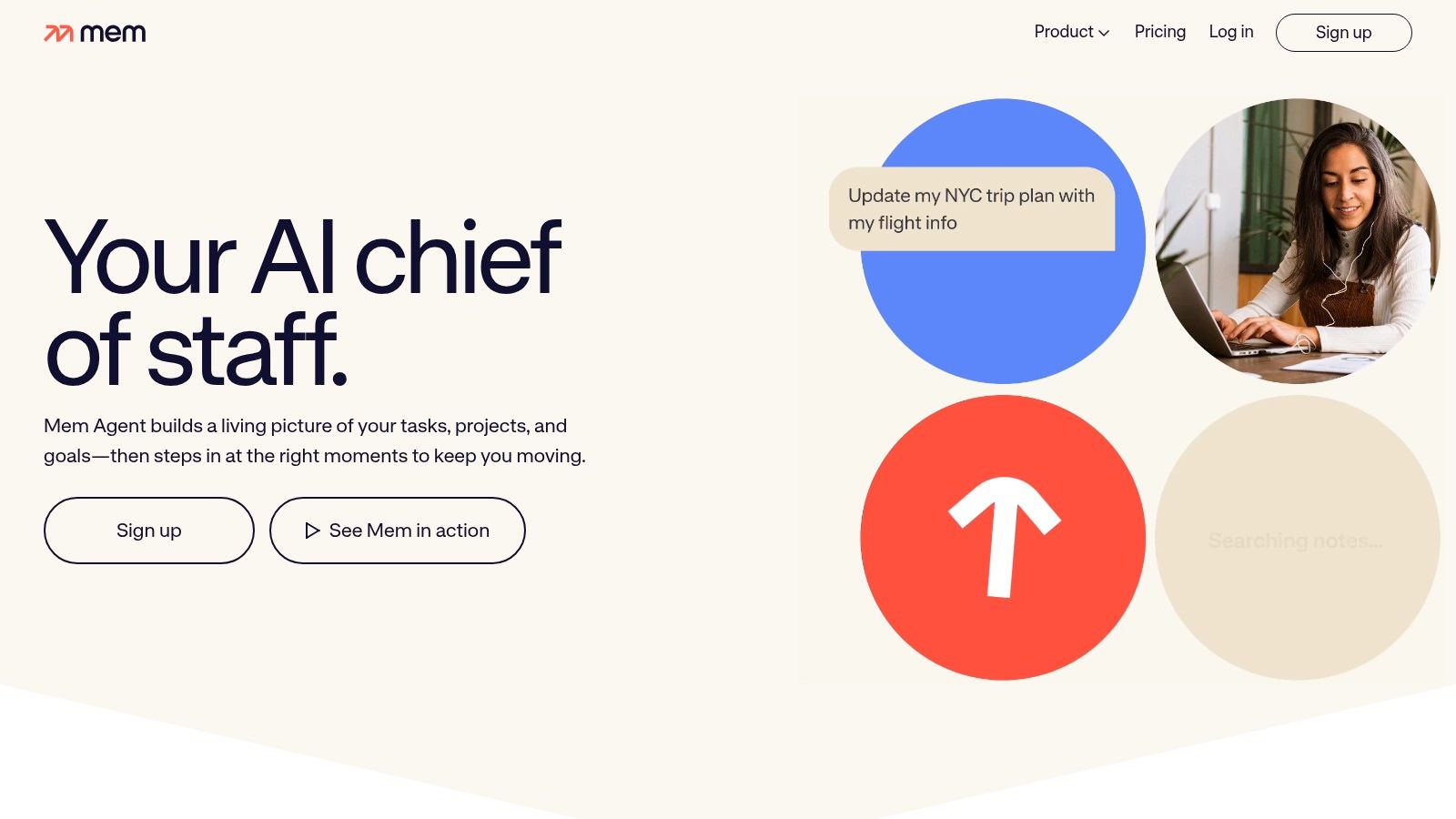
A common Mem.ai day looks like this: quick meeting notes in the morning, a half-formed idea after lunch, a decision from Slack, and a follow-up question you need to answer next week. Mem is built for that kind of messy capture. Instead of asking you to file everything perfectly, it tries to make later retrieval good enough that the filing matters less.
That puts Mem in the proactive knowledge management bucket in this roundup. It fits people who want an AI note tool to keep surfacing context across scattered work, especially founders, managers, researchers, and operators who create dozens of small notes rather than polished documents.
The upside shows up after a few weeks, not in the first ten minutes. Search, related-note suggestions, and AI summaries can make old notes usable again. In a real workflow, that is the value. Mem helps recover forgotten decisions, reconnects meeting residue to project notes, and reduces the amount of manual tagging some people never maintain anyway.
The trade-off is control. If you prefer a clearly structured workspace with folders, databases, or rigid notebooks, Mem can feel opaque. Important notes still need human judgment. I would not trust any AI-first note system, including this one, to decide on its own what should become a durable record versus a disposable scratch note.
Pricing and feature packaging matter here more than the homepage usually suggests. Mem has changed plans and premium positioning over time, so anyone considering it for a team should verify current AI limits, agent access, and what happens when usage grows. That uncertainty makes it harder to standardize than a simpler app with fixed note features.
Privacy also deserves a direct check. Mem is more appealing for personal knowledge management, lightweight team notes, and internal summaries than for highly regulated material. If your notes include client-sensitive information, legal review, or restricted research, confirm the current data handling terms and admin options before making it part of a company workflow.
For readers who decide they want more visible structure and fewer AI-dependent behaviors, this roundup of free note-taking apps with more traditional organization is a useful comparison point.
Mem is strongest for people who capture constantly, search often, and can tolerate some ambiguity in how the system organizes their knowledge. The official product page is Mem.ai.
5. Craft
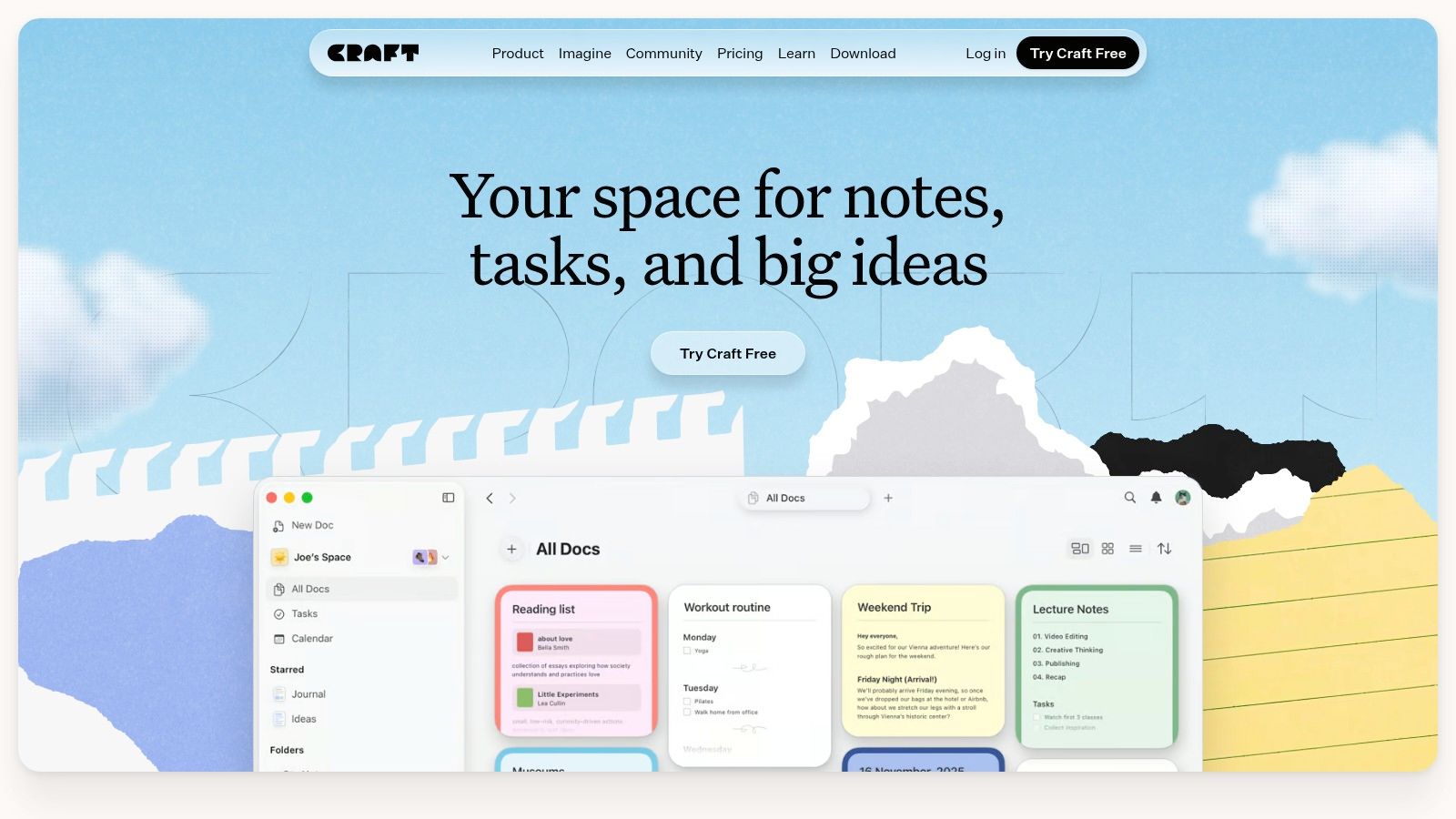
A common workflow looks like this. Notes start as rough fragments during a call or lecture, then someone has to turn them into a document another person can read. Craft is one of the few tools in this roundup that handles that handoff well.
Its strength is not raw capture speed or heavy knowledge modeling. Craft is better for the structured workspace job where presentation matters almost as much as storage. The editor is clean, the pages look finished without much effort, and shared documents usually need less cleanup than what you get from more utilitarian note apps. That matters for consultants, students, operators, and small teams who regularly turn notes into client updates, briefs, study guides, or internal docs.
The AI side is useful, but it is secondary to the writing experience. Summaries, rewrites, and drafting help are there, and the option to connect external models with your own API keys gives advanced users more control than many polished note apps allow. In practice, that flexibility comes with management overhead. You need to decide which model to connect, monitor cost outside the app if you bring your own key, and accept that the experience is better for document refinement than for agent-style automation.
Craft also sits in an interesting middle ground on privacy and workflow fit. It is more controlled and document-oriented than AI-first systems that auto-organize everything for you, but it is still an AI-enabled cloud tool, so sensitive material deserves the usual policy check before rollout. Teams should also verify current plan limits, collaboration features, and how AI credits are packaged, because heavy rewriting sessions can change the economics fast.
I recommend Craft to readers who want their notes to end up as polished deliverables, not just searchable archives. If your main job is meeting transcription, handwritten study, or proactive knowledge graphs, other tools in this list fit better. If the job is writing clear output from messy input, Craft earns its place here. The official product page is Craft.
6. Tana
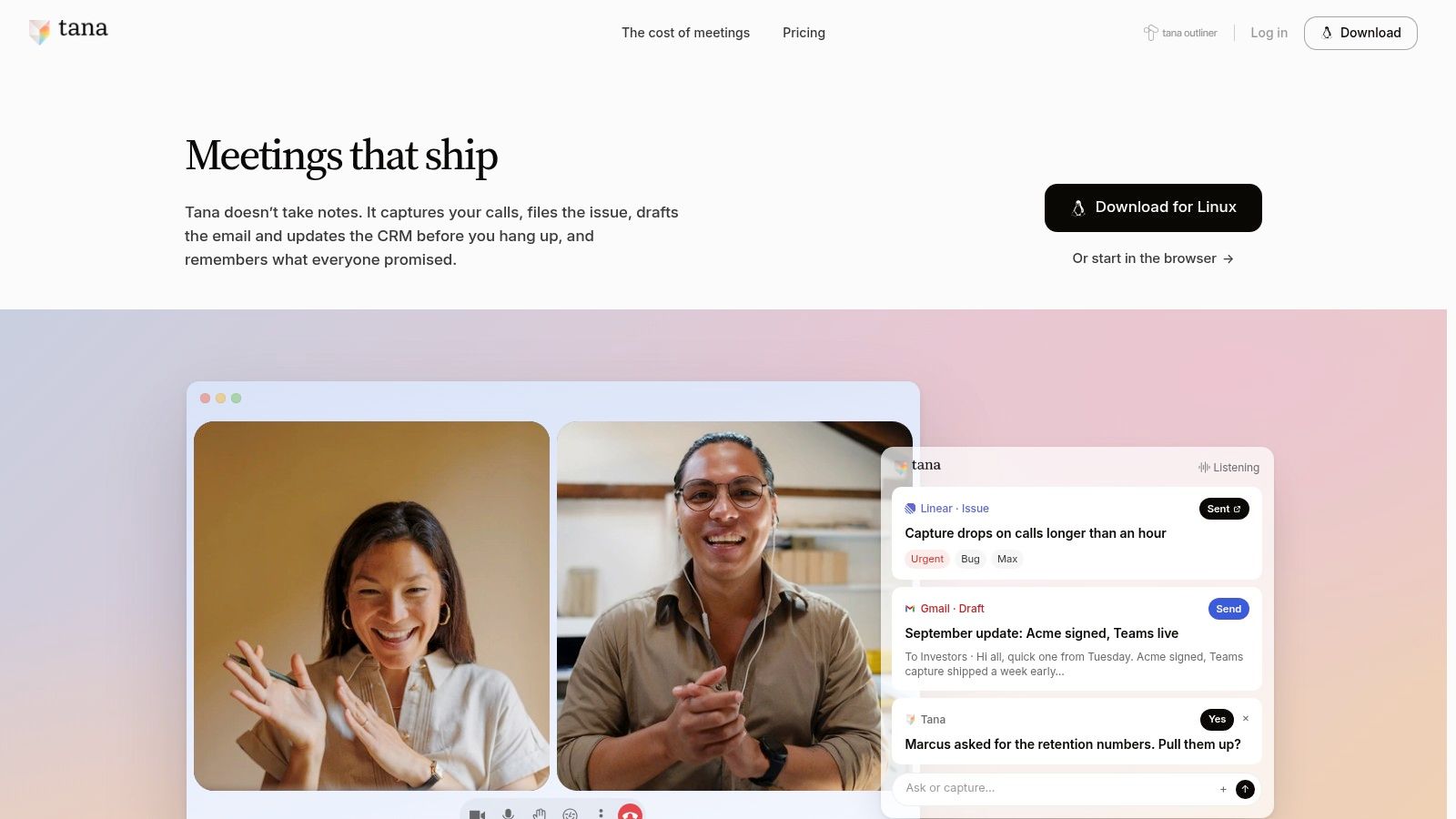
A founder captures a call note, tags a person, adds a decision, and turns two lines into follow-up tasks. In Tana, that note does not stay a note for long. It becomes part of a system.
That is the appeal. Tana is built for proactive knowledge management more than traditional note storage. If your real job is maintaining a living graph of people, projects, meetings, and commitments, Tana has a stronger fit than document-first apps. Supertags, fields, and structured nodes let you decide what a note is, how it should behave, and what AI can do with it later.
The upside is real. A meeting record can feed task lists, relationship notes, project views, and AI queries without constant copy-paste. The trade-off is just as real. You have to design the structure first, or at least commit to refining it over time. Users who want fast capture with minimal setup often bounce off Tana because the system asks them to make decisions early about tags, templates, and data shape.
I would put Tana in a different buying bucket from Microsoft or Google note tools. Those are easier to roll out inside an existing suite. Tana is for operators, researchers, founders, and heavy note-system builders who want notes to behave more like a database with natural-language access.
Privacy and cost deserve a hard look before adoption. Tana is a cloud product, so teams handling sensitive material should review workspace policies and data handling before rolling it out broadly. AI usage also needs monitoring. Once people start querying large note collections, generating structured outputs, and automating repeated workflows, credits and plan limits matter more than they do in a lighter writing app.
Tana is a strong choice for readers who want connected records, not just well-formatted pages. It is a weaker fit for handwritten study, quick meeting transcription, or casual personal notes. The product site is Tana.
7. GoodNotes 6
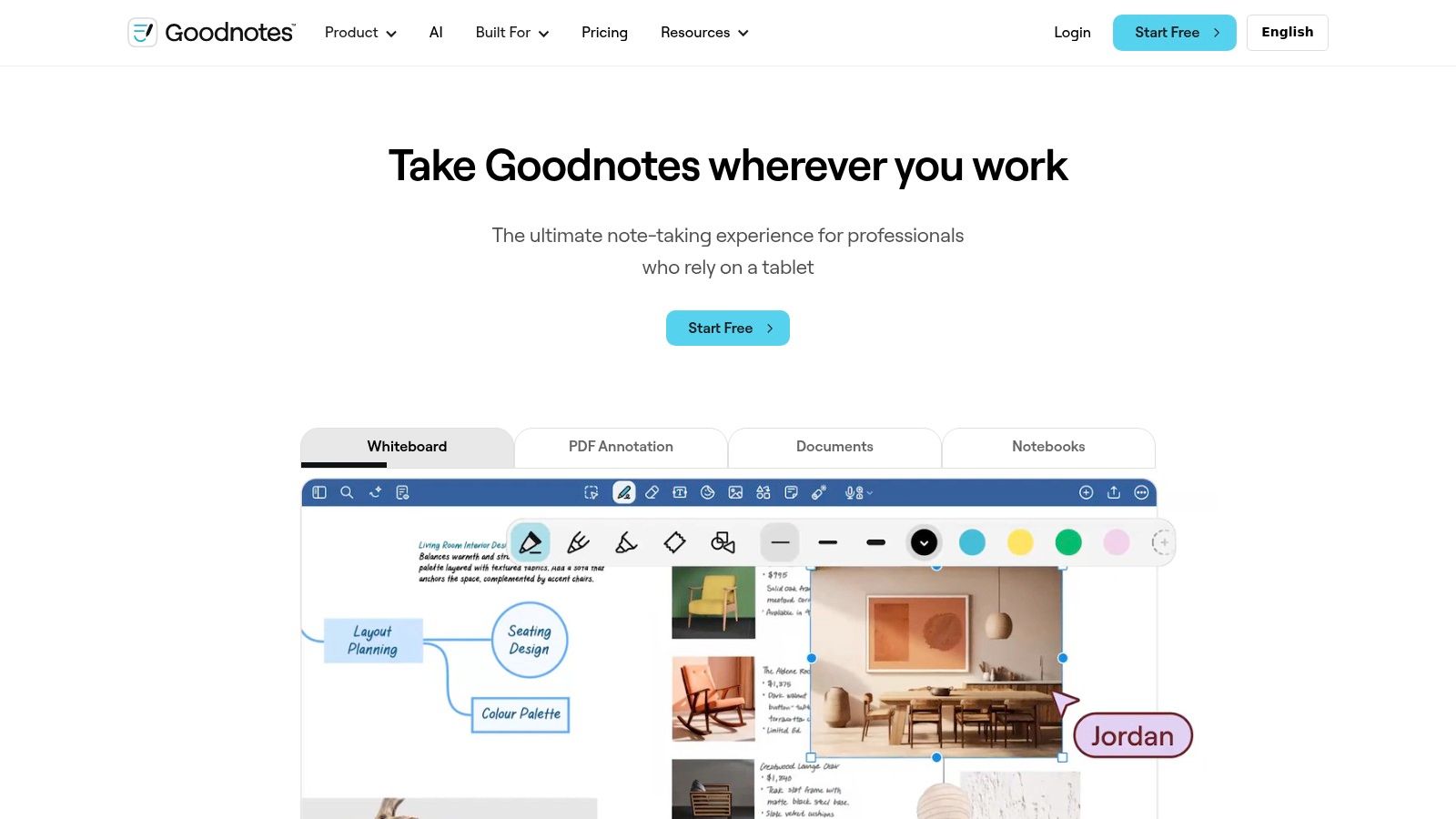
GoodNotes 6 wins on a simple point many AI roundups overlook. A lot of people think better with a pen. If that's you, a meeting bot or workspace wiki isn't a substitute for handwriting.
GoodNotes keeps the handwriting-first experience front and center, then adds AI around it. Search, recognition, spell help, notebook chat, and math-related support are valuable because they improve handwritten notes without forcing you to abandon the format.
Best for handwritten study
This is the clearest student pick when you want ink first and AI second. It's especially useful for lectures, diagrams, formulas, annotation-heavy PDFs, and revision workflows where typed summaries alone don't capture how you learn.
There's an important real-world limit with student use. MeetGeek's discussion of note-taking AI for students points out that accuracy can drop in noisy rooms or with poor audio, and that universities or professors may have their own recording rules, while accessibility features such as captions and multilingual support can help diverse learners (MeetGeek on AI note-taking for students).
That's why GoodNotes often works better than lecture-transcription tools for some students. You're not depending entirely on perfect audio. You're building your own notes in a format many people retain better, then using AI to search, tidy, and query them later. If handwriting recognition matters to you, Simply Tech Today's guide to best OCR software pairs well with this category.
The official site is GoodNotes.
8. Otter.ai
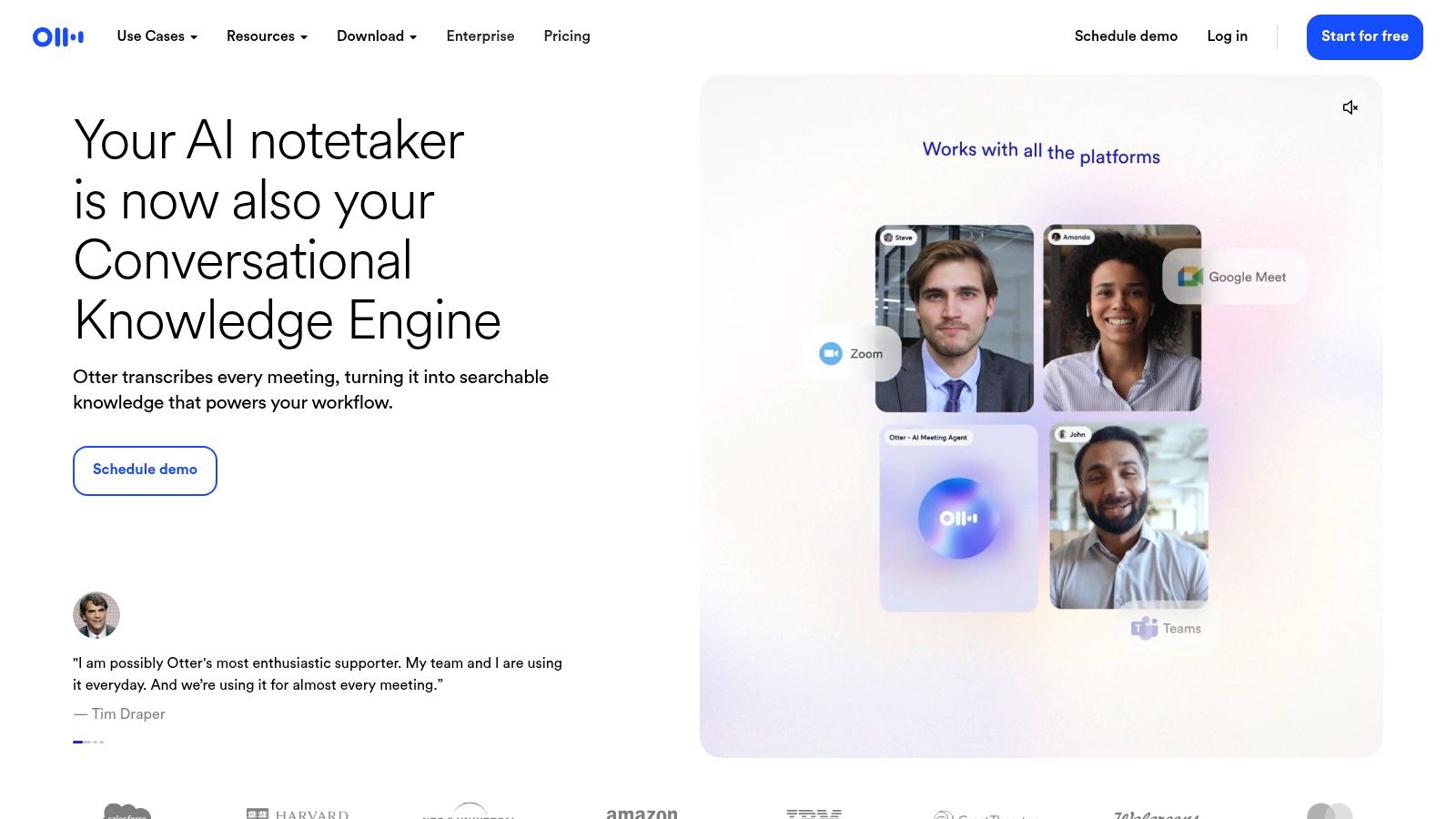
The meeting ends, everyone leaves with a different version of what was decided, and nobody wants to rewatch the call. Otter.ai exists for that exact job. It captures the conversation fast, turns it into searchable text, and gives you a usable summary before the next meeting starts.
Otter fits the meeting-capture category in this roundup better than the broader workspace tools above. I would use it when the main requirement is, "record the discussion, find the key moments later, and pull out next steps." I would not use it as the place where long-term knowledge should live. That usually means one extra step in the workflow. Capture in Otter, then move decisions into your task manager, CRM, or team docs.
Its strengths show up in real use. Joining meetings is easy, transcripts are usually good enough to scan instead of replaying audio, and speaker-separated notes help when several people need to verify what was said. The weak spot is refinement. Otter can summarize, but those summaries still need review if the meeting was messy, full of jargon, or sensitive enough that wording matters.
Privacy and admin choices matter more here than in a personal notes app. Before rolling it out, check consent rules, who can access transcripts, how long recordings are retained, and which AI features sit behind paid plans or usage limits. Teams often discover that the transcription itself is not the hard part. Access control is.
One practical pattern works well. Let Otter handle capture, use it to confirm quotes and action items, then archive only the parts worth keeping elsewhere. If your process also depends on visual walkthroughs, a separate screen recording tutorial for training and process documentation pairs well with audio transcripts because spoken explanations often make more sense when the on-screen steps are preserved too.
The official site is Otter.ai.
9. Fireflies.ai
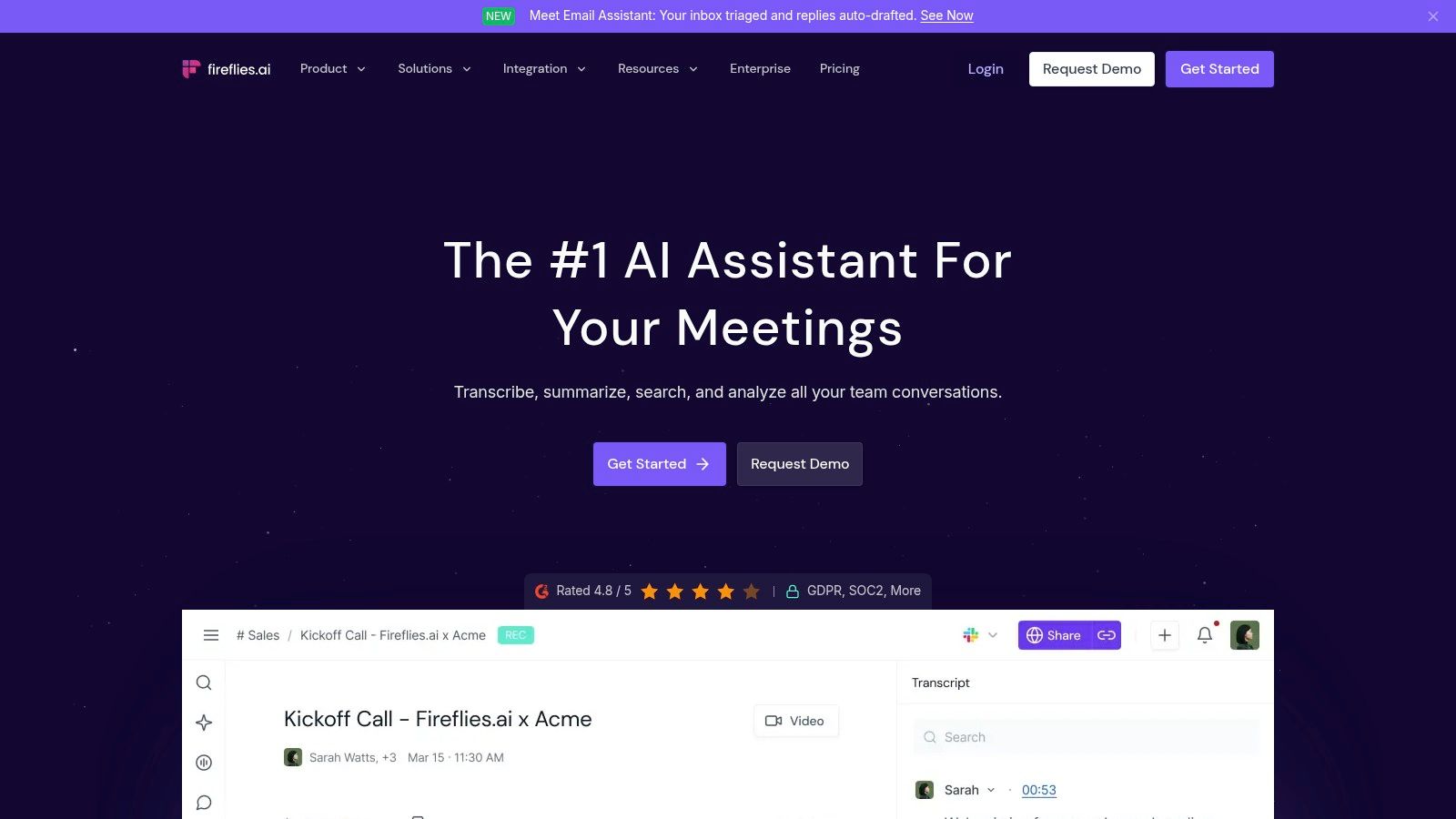
Fireflies.ai is also a meeting tool, but it leans harder into structured post-meeting workflows. If Otter feels like a general-purpose transcript-and-summary assistant, Fireflies feels more like call intelligence that happens to be useful for notes.
That difference matters if your meetings follow repeatable patterns. Sales discovery, recruiting interviews, product check-ins, and customer calls often benefit from consistent summary formats and searchable archives across many conversations.
Better when meeting types repeat
Fireflies is strongest when you want templates and consistent extraction. Its AI Skills approach helps teams turn similar calls into similarly organized notes, which is useful if several people need to review the same kinds of conversations later.
There's also a trust angle to this category. Laxis reports that 75% of professionals now use an AI note-taker in work meetings, while 50% of non-users cite privacy and security as their main concern (Laxis meeting note-taking report). Fireflies buyers should take that seriously and inspect admin controls, retention choices, and who can search transcripts.
If the transcript lives forever and everyone can search it, you don't just have a note-taking tool. You have a governance problem.
The friction point is AI credit complexity on advanced features. Heavy teams can burn through usage faster than they expect, especially when they start leaning on more structured analysis. If your meetings already run on video platforms all day, it also helps to compare this category with your broader stack, including your current video conferencing software.
You can review the platform at Fireflies.ai.
10. AudioPen
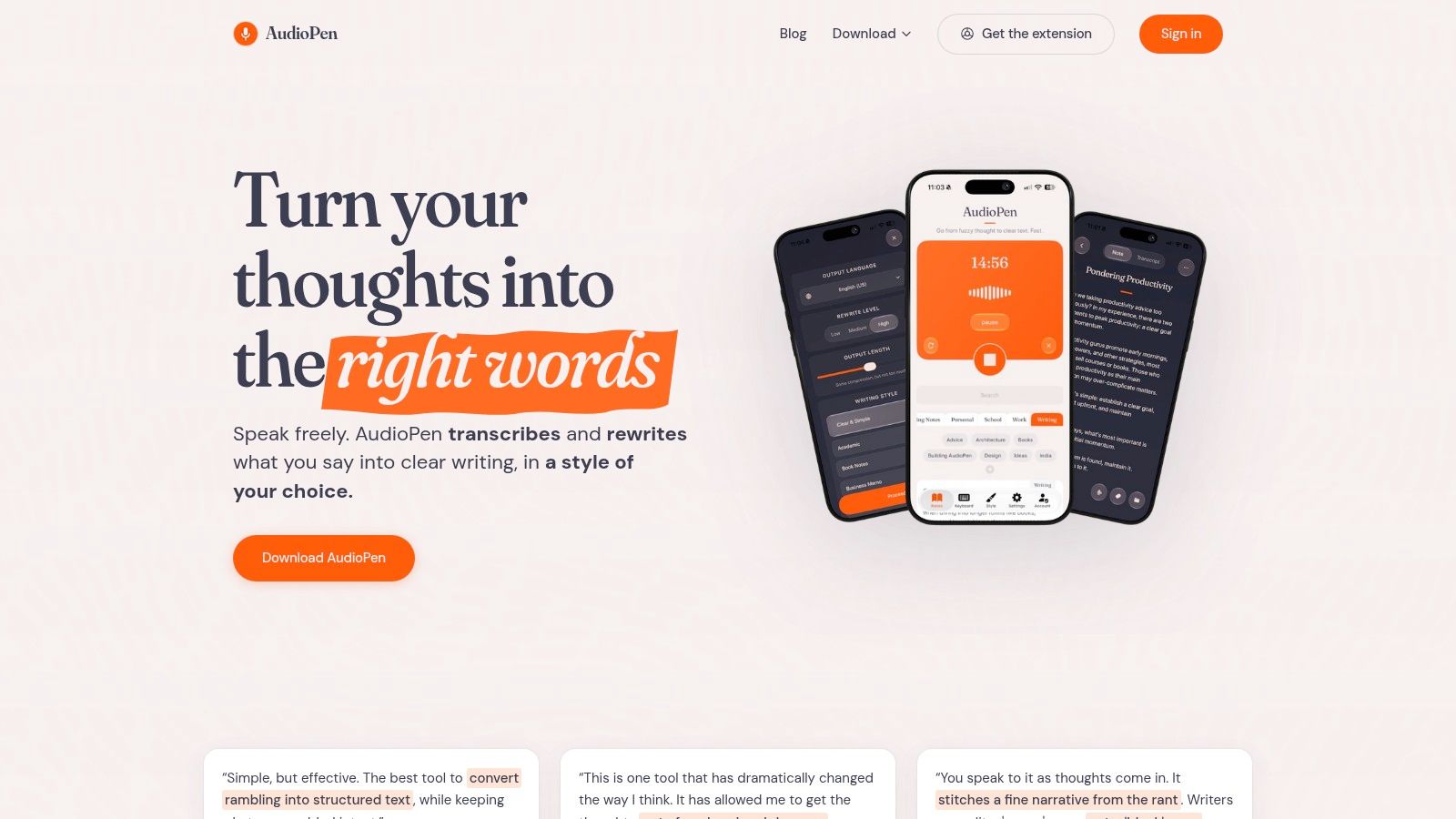
A useful note often starts 30 seconds after the idea shows up. You are walking, driving, leaving a meeting, or halfway through a thought you will not bother typing. AudioPen is built for that moment.
Its job is narrow and clear. Record a voice note, then get back cleaned-up text that reads more like a drafted note than a raw transcript. In practice, that makes it better for founder brain dumps, daily reflections, article ideas, and post-call takeaways than for research libraries or shared team documentation.
The distinction matters. In a roundup organized by note-taking job, AudioPen sits in the voice capture lane, not the structured workspace or meeting archive lane. It helps at the front of the workflow. It does not replace the place where notes are sorted, linked, reviewed, and reused.
What stands out is the rewrite behavior. Plain transcription tools keep every detour, filler phrase, and abandoned sentence. AudioPen tries to turn spoken mess into readable output you can paste into Notion, OneNote, Google Docs, or your task manager with only light editing. That saves time if your real bottleneck is getting ideas out of your head before they disappear.
There are trade-offs. Cleanup can smooth over phrasing you wanted to keep, so it is less reliable for exact wording, quotes, or compliance-sensitive records. It is also a solo capture tool more than a collaboration system. If your priority is admin controls, team retention settings, or searchable conversation history across many participants, this is the wrong category.
Setup is light. Workflow discipline is the harder part. AudioPen works best if you already know where finished notes go next and how often you will review them. Otherwise, it becomes another inbox of half-used thoughts.
Use AudioPen if voice is your fastest input and you want cleaner notes without building a whole system inside the app. Skip it if you need durable knowledge management, handwritten study, or formal meeting records.
The official site is AudioPen.
Top 10 AI Note‑Taking Tools: Head-to-Head Comparison
| Product | Core features | Unique (✨) | Quality (★) | Value (💰) | Target (👥) |
|---|---|---|---|---|---|
| Notion AI | Inline writing help, workspace-grounded chat, AI meeting notes, enterprise search | ✨ Agents + native Notion integration | ★★★★ | 💰 Mid→High, best value on Business/Enterprise plans | 👥 Teams & existing Notion users |
| Microsoft OneNote + Copilot | Summaries, outlines, Copilot Notebooks, M365 context pull | ✨ Deep Microsoft 365 integration & enterprise controls | ★★★★ | 💰 Depends on Microsoft 365 / Copilot licensing | 👥 Microsoft 365 users & enterprises |
| Google Gemini Notebook | Source-grounded Q&A with citations; uploads (Docs/PDFs/YouTube) | ✨ Inline citations & research-focused briefs | ★★★★ | 💰 Free→Premium, usage limits on paid Google AI plans | 👥 Students, researchers, knowledge workers |
| Mem.ai | Conversational search, meeting briefs, proactive Mem Agent | ✨ Memory-driven suggestions & proactive assistance | ★★★☆ | 💰 Tiered; advanced agent features are premium | 👥 Individuals wanting proactive personal assistants |
| Craft (Craft AI Assistant) | AI summaries/rewrites, collaboration, publishing | ✨ MCP (BYO AI keys) + monthly AI credits | ★★★★ | 💰 Credit-based; paid plans for heavier collaboration | 👥 Apple users & creatives who value polish |
| Tana | Outliner + structured DB, AI chat, custom agents & automation | ✨ Structured fields/supertags + custom agent workflows | ★★★★ | 💰 Premium for custom agents & higher limits | 👥 Power users, planners, workflow builders |
| GoodNotes 6 (GoodNotes AI) | Handwriting recognition/search, Math Assist, "Ask" chat | ✨ Best-in-class ink experience + Apple Pencil support | ★★★★ | 💰 App purchase + subscription/credits for AI features | 👥 Students & handwriting-first Apple users |
| Otter.ai | Live transcription, speaker ID, automatic summaries & action items | ✨ Real-time captions + collaborative editing | ★★★★ | 💰 Free→Business; EDU discounts & team controls | 👥 Teams, educators, meeting-heavy workflows |
| Fireflies.ai | Transcripts, AI-generated summaries, cross-meeting search | ✨ Call-specific AI Skills templates & analytics | ★★★☆ | 💰 Free tier limited; advanced features consume credits | 👥 Sales, recruiting, product teams needing call insights |
| AudioPen | Fast voice-to-text, auto-rewrite, SuperSummaries & voice typing | ✨ System-wide voice typing + style-aware rewrites | ★★★ | 💰 Prime/premium for long recordings & advanced tools | 👥 Mobile-first note-takers, journaling & on-the-go capture |
Choose the Workflow You Will Actually Maintain
There isn't a universal winner in ai tools for note taking because the note itself isn't the same job in every case. If the destination workspace and organization model matter most, start with Notion AI, OneNote with Copilot, Craft, or Tana. They differ a lot in philosophy, but all four work best when notes need to live inside a broader system for documents, collaboration, or structured records.
If your main need is source-grounded research and study, Google Gemini Notebook is the best fit in this list. If handwriting is essential, GoodNotes 6 belongs at the top of your shortlist. If you mostly need searchable meeting capture and structured follow-ups, Otter.ai and Fireflies.ai are the more natural choices. If your real problem is “I have ideas faster than I can type them,” AudioPen is the simplest answer.
Before you adopt anything, test one recurring workflow instead of sampling ten features. Turn one real meeting into assigned follow-ups. Build one cited study brief from a set of files. Capture one week of voice notes and see whether you review them later. That kind of test tells you more than any feature grid.
There are also practical checks that many people skip until they hit friction. Verify current pricing tiers, AI credit rules, export options, account access requirements, recording consent requirements, retention settings, and whether the material you plan to upload is appropriate for that service in the first place. The strongest AI summary in the world won't save a weak workflow or a risky privacy decision.
Adoption has clearly moved past novelty. A separate market projection says the category could grow from USD 623.50 million in 2025 to about USD 3,476.74 million by 2035, with vendors increasingly competing on integration depth, searchability, and summary quality rather than basic recording alone (Precedence Research market outlook). That's a useful reminder to compare workflow fit more than AI branding.
The compact workflow I recommend is simple. Capture information in the easiest form for the moment. Review it for transcription mistakes or weak summaries. Organize the durable version in the place you'll still use next month. Then connect the resulting task, decision, or insight to the system where you already manage work or study.
If you want a lightweight second opinion on simpler tools before paying for AI features, this guide to compare free note taking apps is a helpful contrast. And if you already read Simply Tech Today, this category fits the site's practical style well because the question isn't “Which app has AI?” It's “Which workflow will you still trust and maintain after the novelty wears off?”
If you like practical tech guidance without a lot of jargon, Simply Tech Today covers the kinds of workflows behind tools like these, including AI use, note-taking apps, and setup questions that matter after the download. It's a useful place to keep reading if you want clearer comparisons, privacy-aware advice, and straightforward ways to make these tools useful day to day.

Member discussion